

Table of Contents
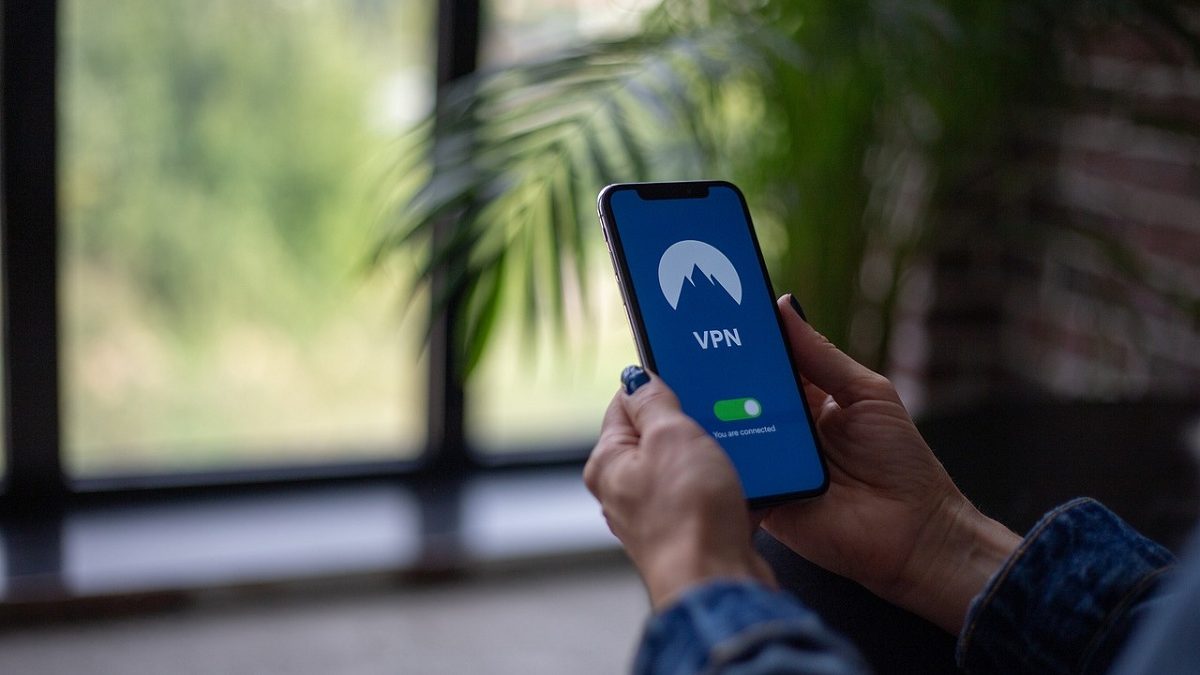
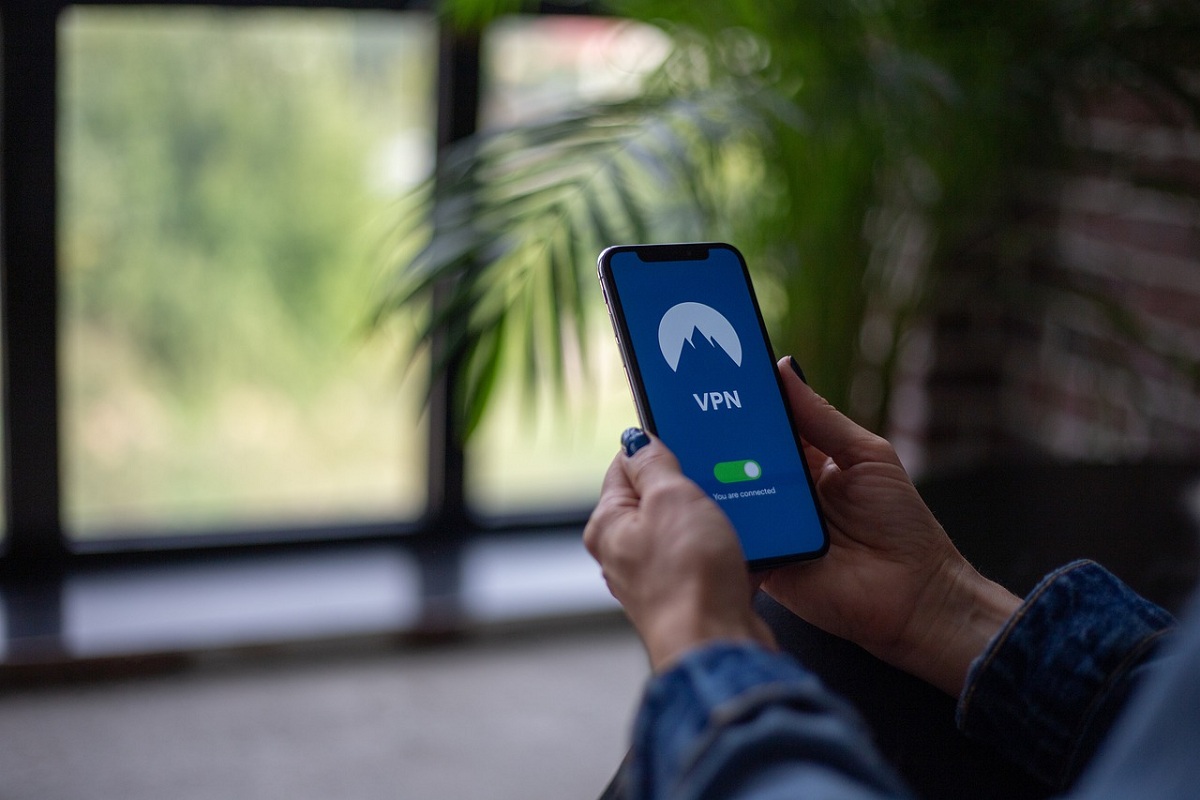
Protect IOS devices through VPN
This article is part of our Mobile Phones & Smartphones resource section.
Cyber criminals have been inflecting iPhone users for long time now and it is no surprise that numerous IOS apps are also exposed to malicious online security threats such as malware, spyware, viruses, and ransomware. Some of these malware hides themselves in some of the apps present on store and although app store does delete these malwares infested applications but still your IOS device has to be properly secure to make sure your important date cannot be hacked.
An iPhone is a powerful smartphone, but protecting it requires attention to both device security and online privacy. Users should learn to recognize warning signs that an iPhone might be at risk, keep important information protected with suitable iPhone backup software, and regularly install available app updates; our guide to updating apps on Android and iOS provides an example of the process. If storage becomes limited while maintaining apps and backups, you can also free up space on your iPhone.
A lot of companies are regularly spending a lot of the capital in researching ways to combat the malicious software by creating newer soft wares or updating their current software with latest updates. VPN companies provides individual users a platform (layers of protection) to secure their IOS devices.
VPN has following security features
- Encryption of data
- Ad blocker
- Hiding of IP address and Location
- Dedicated servers
- Firewall
- Intrusion protection system
- Privacy system
Security and privacy considerations apply across different generations of Apple’s phones. Users comparing newer models can explore the iPhone 14, iPhone 15, and iPhone 16, while owners of earlier devices can review some useful facts about the iPhone 12 or compare the iPhone 11, iPhone 11 Pro, and iPhone 11 Pro Max. For other models, see our Apple iPhone 15 review and iPhone SE 3rd Generation review.
Threats
As mentioned above malware is one the threat that is disrupting the digital world but in some countries governmental spying of their citizens also poses threat to IOS users. Countries with strong surveillance infrastructure such as UK, USA, UAE and most of Europe do not care about individual’s privacy and freedom.
Spyware or spy eyes trace all the activity you perform online or spy on the information that you have on your device and steals them causing you pain and sometimes financial troubles. Ransomware are even bigger threat as they not only steal your data but encrypts them and ask for ransom money in exchange for the decryption key.
Most of these malware disguises themselves as legit websites or hide themselves in the IOS application to enter into your device. A lot of big shots such as CEO of twitter was hacked along with celebrities and football stars were the victim of such criminal activity and later their personal photos, videos, and messages were exposed to public creating a lot of controversies and mayhem on social media.
Protecting personal information also means preparing for situations where files become inaccessible or accidentally deleted. Users can investigate iPhone data recovery software or read our AceThinker iPhone Data Recovery review for another recovery option. If an iPhone becomes inaccessible for a different reason, see how to access an iPhone when you forgot the password, review additional tips to unlock an iPhone, or learn how to unlock an iPhone passcode without a computer.
How a VPN can help protect the IOS device?
VPN’s data encryption technology properly encrypts all the traffic coming in or leaving your device and these encryptions are hard to hack CASVPN offers military-grade 256-bit AES encryption technology which is the best out there and used by big firms as well to secure personal data such as passwords, credit card information or ideas.
VPN has a Malware security system that probes any Virus, spyware, Trojan horses and ransomware to enter your IOS device. They do it at their server end as their servers sniff the danger and dump them out of their system protecting your device all the way. CASVPN uses the NAT Firewall security system that creates a barricade between the trustworthy internal network and corrupted external network i.e. Internet.
CASVPN offers dedicated servers in more than 50 countries and 150 cities all over the world that can help an IOS user to hide their IP address with that of the remote server the choose from their list of servers. This practice keeps you safe from spyware, government spying, and from hackers which in return keep your device safe and secured.
Security tools are only one part of maintaining a reliable iPhone. If the device repeatedly restarts, follow our guide to fix an iPhone stuck in a boot loop, or see how to fix an iPhone stuck in recovery mode when it cannot start normally. Users who manage their phone through a computer can also explore the best iTunes alternatives for iPhone data management or learn about mirroring an iPhone to a PC. Beyond security and troubleshooting, there are also many ways to learn new skills using an iPhone.
Location privacy deserves particular attention because smartphones can use GPS and other services to determine a device’s position. Users can explore apps that can track an iPhone online or learn about methods to track an iPhone location by number. For family devices, parents can also learn how to block apps on a child’s iOS device and explore appropriate ways to track a child’s iPhone. Users interested in Apple’s compact phone lineup can also read our earlier iPhone SE review. Location-monitoring features should always be used responsibly and with appropriate authorization.
When setting up a new iPhone or switching from Android, securing the device is only one part of the migration process. You may also need to move conversations and other personal information. Explore these methods to transfer WhatsApp from Android to iPhone, learn how to transfer WhatsApp from Android to iPhone without resetting, or follow our guide to transfer WhatsApp messages to a new iPhone 13. If you later move in the opposite direction, our guide to Backuptrans iPhone WhatsApp to Android Transfer covers another migration option.
Other iPhone information may require separate management when changing devices. Follow our guide on how to transfer messages from Android to iPhone, and learn how to forward a text message on iPhone once your conversations are available. Physical protection is also worth considering alongside digital security: owners of Apple’s larger premium model can read our guide to choosing the perfect iPhone 15 Pro Max cover, while newer Pro users can learn why an iPhone 16 Pro case can be useful.
How to set up a VPN on the IOS device?
In order to get CASVPN on your mobile just click on this link and rest is explained on the website. https://www.casvpn.com/apps. If you still have any queries, contact the support team https://www.casvpn.com/support and they will guide you on how to download the CASVPN app. They do charge a lot but given the volatile situation of the digital world, it is best to get the extra protection to safe yourself from the criminal mastermind.
