
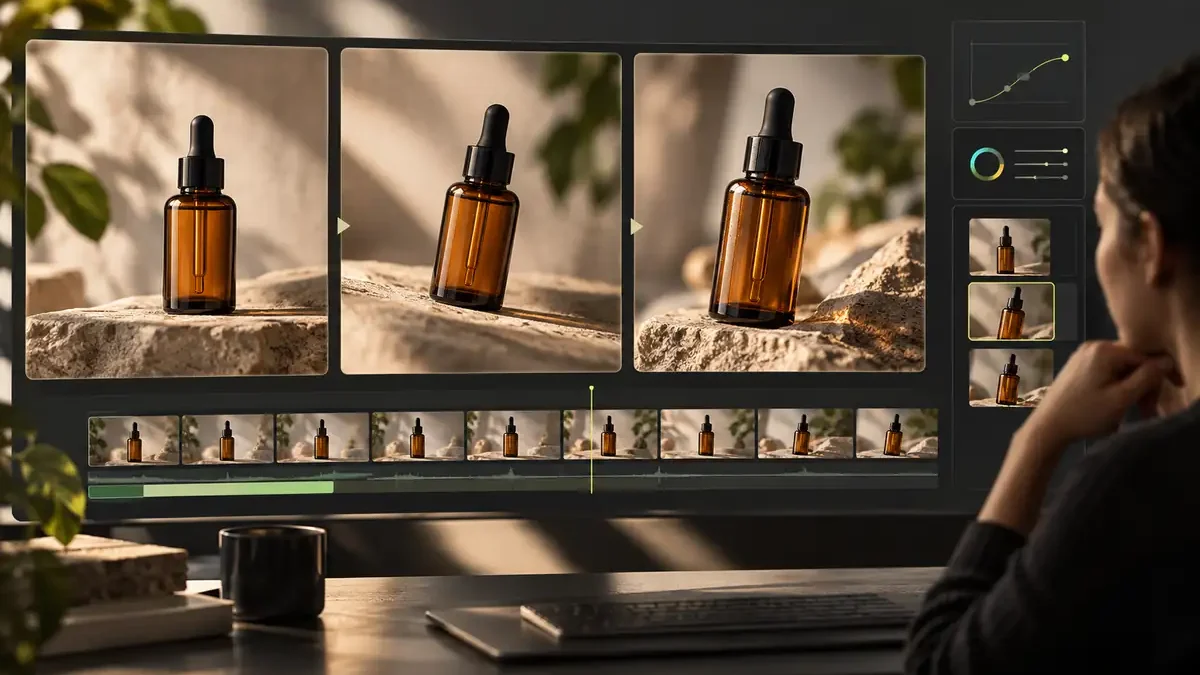

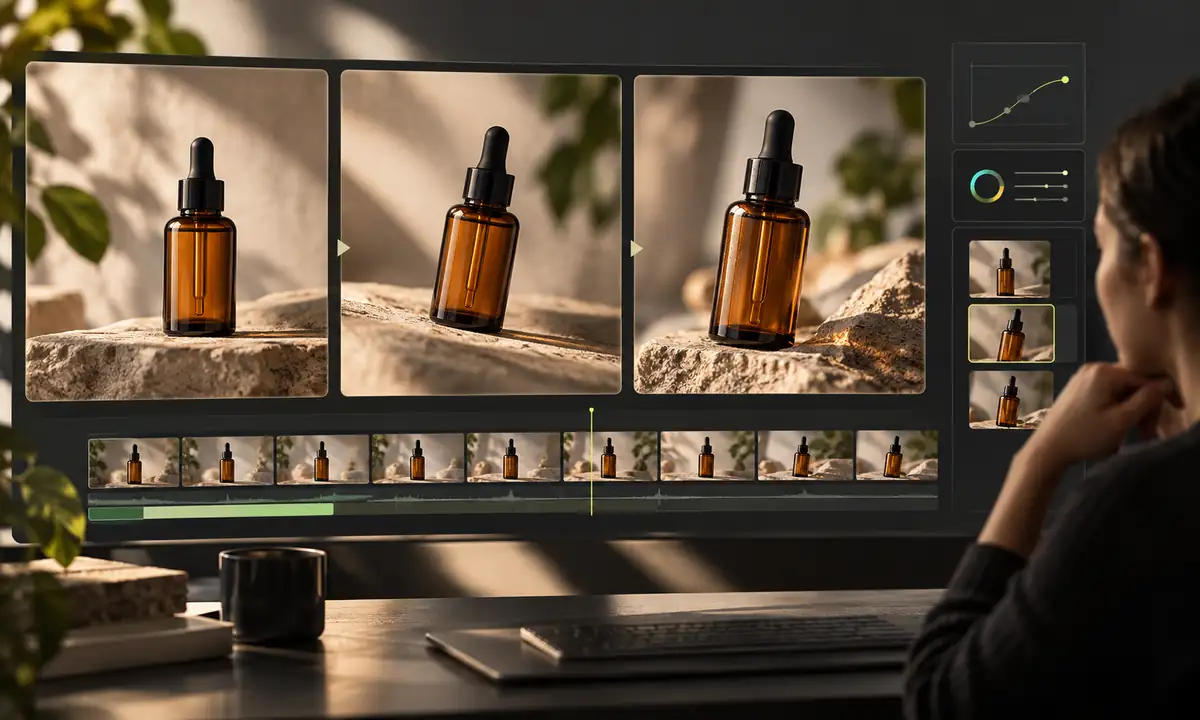
AI video generation has changed how creators approach short-form visual content. Instead of building every sequence manually, creators can use artificial intelligence to turn text descriptions, reference images, and other inputs into moving scenes. The technology can be useful for social media content, product visuals, concept development, advertising, and creative experimentation.
AI video is one part of the wider field of generative AI. For an overview of how these systems create text, images, audio, and video, see our complete guide to generative AI.
However, generating a clip is only the beginning. A video may look impressive at first glance and still contain problems that become obvious when viewed frame by frame. Faces can change subtly, clothing details may shift, logos can become distorted, and objects may lose their original shape as the camera moves.
For that reason, creating consistent AI-generated video requires more than writing a good prompt. It also requires a simple quality-control process that helps determine whether a clip is ready to use or needs another generation.
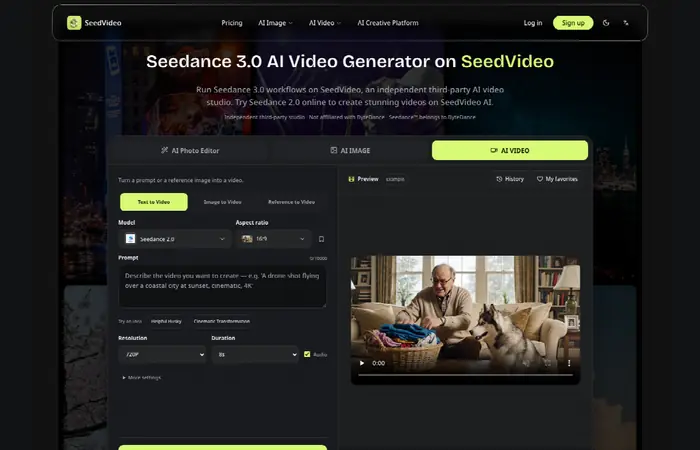
Table of Contents
Start With a Clear Reference
Reference material gives an AI video system a visual starting point. A well-defined image can establish the appearance of a person, product, environment, or object before motion is introduced.
The reference should be clear and suitable for the intended shot. Important visual details should not be hidden by poor lighting, excessive cropping, or complicated backgrounds. When a product is involved, its shape, proportions, colors, and distinctive features should be easy to identify.
A strong reference does not guarantee a perfect result, but it gives the generation process a more stable foundation. It also makes the finished clip easier to compare against the original.
If you need to develop a visual concept before generating motion, text-to-image AI can help you explore possible reference images. Our Stable Diffusion image-generation guide covers another way to create and refine still visuals. Whichever method you use, check that the reference accurately shows the subject you want to preserve in the video.
Keep Identity and Appearance Consistent
Consistency is one of the biggest challenges in AI-generated video. A person may look correct in the opening frame but gradually develop different facial features. Similarly, a product can change shape or gain details that were not present in the source material.
One useful approach is to compare the generated footage directly with the reference image. Look at recognizable characteristics rather than judging the clip only by its overall appearance.
For people, this can include facial structure, eyes, hairline, clothing, and accessories. For products, examine the silhouette, labels, colors, materials, and distinctive design elements.
Small changes may be acceptable when they do not affect recognition. Major changes, however, can make the subject appear to be a different person or product altogether.
Pay Attention to the Opening Seconds
Short-form videos have very little time to establish what the viewer is looking at. If the subject is difficult to recognize during the opening moments, the rest of the clip may not have much opportunity to recover.
Start by watching the video from beginning to end without repeatedly scrubbing through individual frames. Consider whether the main subject is immediately understandable and whether the composition works in the final format where the video will be published.
This is especially important for social media content, where videos may be viewed in different crops and aspect ratios. A composition that looks good in an editing window can become confusing when converted to a vertical or square format.
Use Simple Camera Movement
AI-generated video can produce impressive camera movement, but adding too many movements to a short sequence can create visual problems.
A simple push-in, pan, tracking movement, or controlled orbit is often easier to maintain than several camera movements combined together. When the camera direction is clear, the system has fewer competing instructions to interpret.
The same principle applies to subject movement. A short clip generally benefits from a clearly defined action rather than several unrelated actions happening at once.
For example, a product can rotate slowly while the camera moves slightly closer. A person can turn toward the camera while the camera remains relatively stable. Keeping the action understandable makes inconsistencies easier to identify and correct.
Watch for Details That Change During Motion
Static images are relatively easy to inspect because every detail remains in one position. Video introduces another challenge: details must remain believable as the subject moves.
Clothing edges, jewelry, fingers, hair, product labels, and other small elements can change unexpectedly between frames. A logo might become distorted, a sleeve may merge with the background, or an object may appear to gain an extra component.
These problems are sometimes difficult to notice when watching the clip quickly. Slowing down the footage or checking important frames individually can reveal issues that are hidden during normal playback.
The goal is not to eliminate every tiny variation. Instead, focus on changes that affect the identity, meaning, or usability of the visual.
Improve Results by Simplifying Prompts
A complicated prompt is not necessarily a better prompt. When generating a short sequence, it can be more effective to describe the essential subject, action, environment, and camera movement clearly.
For example, instead of describing several actions and camera changes in one instruction, separate the requirements into logical components:
- Who or what is the main subject?
- What should the subject do?
- Where should the action take place?
- How should the camera move?
- Which visual characteristics must remain unchanged?
This approach gives the generation process a clearer objective and makes unsuccessful results easier to troubleshoot.
The same attention to subject, setting, and visual detail applies when preparing still images. Our guides to DALL-E and AI image generation and Midjourney prompting and image creation offer useful context for developing visual ideas before turning them into short clips.
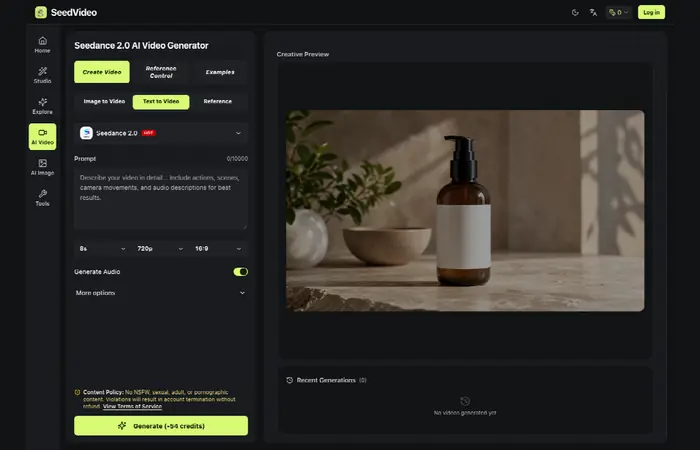
AI video platforms such as Seedance 3.0 can be used as part of this broader creative process, particularly when creators want to experiment with text and reference-based video generation. The important consideration is not simply producing a clip, but checking whether the generated footage matches the original creative intention.
Create a Simple Quality-Control Checklist
A repeatable checklist can make AI video production more efficient, particularly when several people are reviewing content.
A practical checklist might include:
- Check the opening: Is the main subject immediately recognizable?
- Compare the reference: Does the person or product still look like the original?
- Inspect important details: Do clothing, logos, labels, and accessories remain consistent?
- Review movement: Is the subject’s action clear and believable?
- Check the camera: Does the camera follow one understandable movement?
- View the final crop: Does the composition still work in the format where it will be published?
Using the same process for every generation helps reduce subjective disagreements. Instead of simply saying that a clip “looks strange,” a reviewer can identify the specific problem and determine what should change in the next attempt.
Human Review Still Matters
AI can accelerate video creation, but human review remains an important part of the process. A generated clip can satisfy a technical prompt while still failing to communicate the intended message.
Editors and creators should consider factors such as brand consistency, visual clarity, audience expectations, and whether the footage accurately represents the subject. Sensitive content and commercial material may also require additional review before publication.
The best workflow is therefore not about replacing human judgment. It is about using AI to handle more of the production process while giving people a structured way to evaluate the results.
Building Better AI Video Workflows
Consistent AI-generated video usually comes from a combination of good references, focused prompts, controlled movement, and careful review. Generating multiple versions can be useful, but repeatedly creating clips without identifying the reason for failure can waste time.
When a generation does not work, identify one or two specific problems before trying again. If the camera movement is too complicated, simplify it. If the subject changes appearance, strengthen the reference. If the opening frame is unclear, adjust the composition.
This creates a feedback loop in which every new generation has a defined purpose.
As AI video technology continues to develop, creators will have access to increasingly sophisticated ways of producing motion from relatively simple inputs. Yet the fundamentals remain straightforward: establish a clear visual reference, define the intended movement, keep important details consistent, and inspect the finished footage before publishing.
The strongest AI video workflow is not necessarily the one that generates the most clips. It is the one that consistently turns a clear creative idea into footage that remains understandable, coherent, and useful from the first frame to the last.
