

This Article is a part of
Generative AI Guide
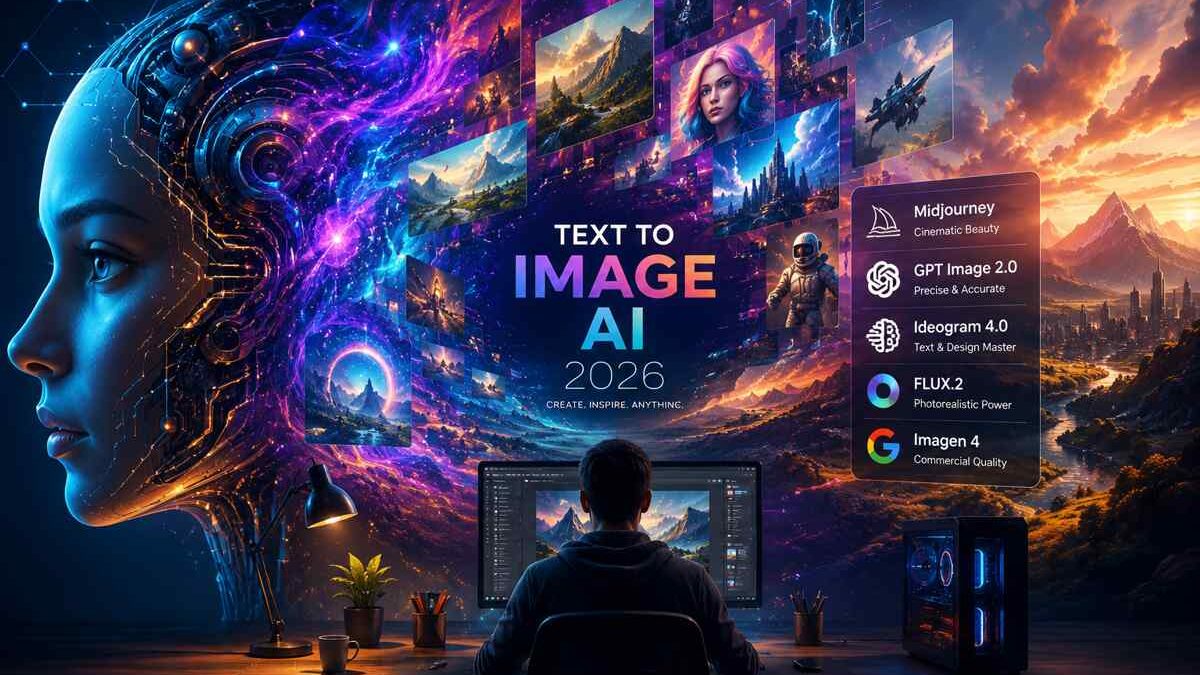
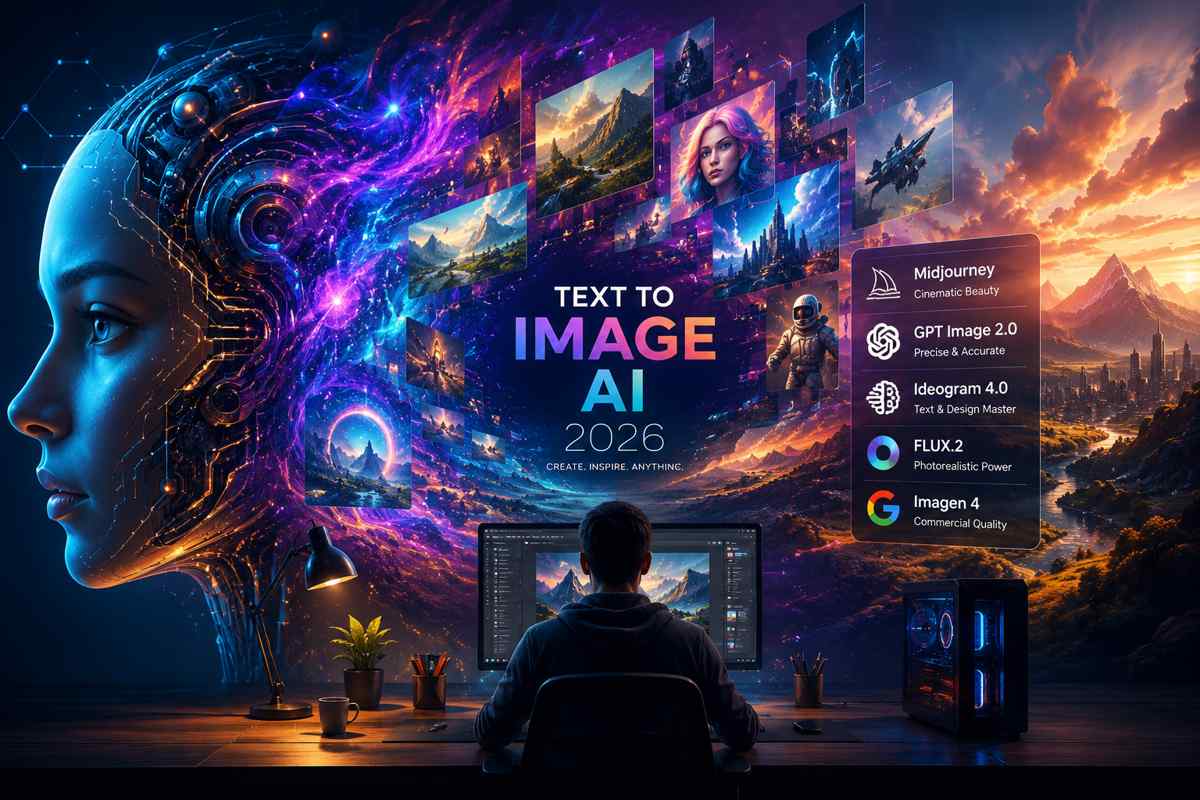
Text to Image AI in 2026
Image generation AI is so last year. As of 2026, it‘s now a usable creative stack for marketers, designers, content teams, ecommerce brands and solo creators seeking speed over quality. The question is no longer which model can generate an image, but which model to use for a given task given the budget and legal implications.
That is, this shift modifies how you would need to assess the place. A useful guide is no longer just “which AI image generator looks best,” but “which model is best for aesthetics, prompt precision, typography, local deployment, or commercial work.” That is the real question behind today’s text-to-image search intent.
Table of Contents
The 2026 Generative Landscape
The text-to-image market in 2026 is less consolidated than it was 12 months ago. Power users are no longer clearly divided among the finished art styles (Midjourney style, Visual Style; GPT Image 2.0 mode, Prompt adherence/editing; FLUX, Photo-realism/Open weight; Ideogram, heavy-text builds).
This matters because different models solve different problems. A campaign concept image, a product mockup, a poster with readable typography, and a batch of branded catalog visuals are not the same task. The best workflow today often involves more than one generator, with each model handling the part it does best.
At a technical level, the broader field has moved beyond classic diffusion alone. The 2026 landscape increasingly includes diffusion, autoregressive methods, and flow-matching approaches, with performance gains showing up in realism, text rendering, editing, and layout control.
These advancements are part of a much larger shift happening across artificial intelligence. To understand how image models, language models, multimodal systems, and creative AI tools connect together, explore our complete Generative AI guide covering the technology, applications, and future of generative systems.
Midjourney vs GPT Image 2.0
If you want the most simplified high-level distinction, consider Midjourney as the “beautiful by default” choice and GPT Image 2.0 the “precise according to prompt” choice that trade-off still manifests clearly in today‘s reviews & comparisons: Midjourney generally beats out visually cinematic output, with GPT Image 2.0 excelling at straight text and guided detail input.
Midjourney continues to be one of the strongest choices for creators who prioritize artistic quality, cinematic visuals, and polished image generation. If you want a deeper breakdown of its features, prompting techniques, pricing, and creative workflow, explore our complete
Midjourney AI image generator guide.
Midjourney’s commercial policy is straightforward: users own the images they create, even after canceling a subscription, but businesses with more than $1,000,000 in annual gross revenue need a Pro or Mega plan for commercial use. That makes it appealing for creators and smaller teams, though larger agencies need to check their plan carefully before client delivery.
GPT Image 2.0 is being marketed as the newer image direction of OpenAI, with four simple instructions with strong instruction-following and in-image text superior to older generations. Third-party testing and commentary in 2026 repeatedly describe it as the more literal tool when the brief includes complex constraints, editing, or precise composition. In practice, that makes it especially useful for marketing visuals, ad creatives, and content that needs structured detail.
Best Models for Specific Jobs
Because not every generator is supposed to work for anything, perhaps 2026 should be the year where the model is chosen according to the output type, rather than trying to design a single instrument for all situations. That‘s particularly critical if you work in design, SEO content, and/or e-commerce, where both speed and quality counts.
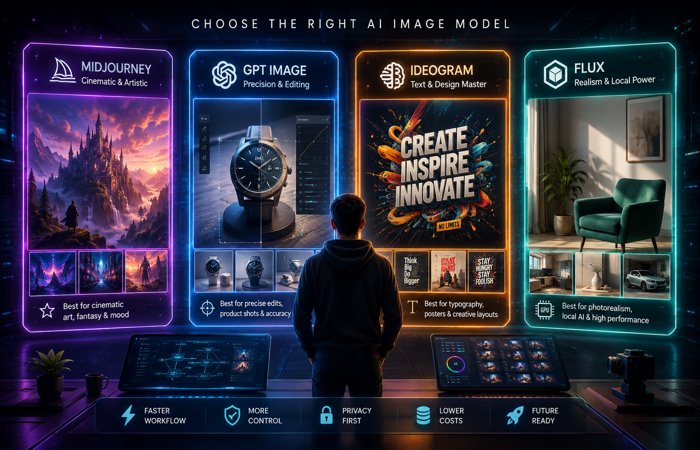
For any graphic-work heavy on type, the specialist is undoubtedly Ideogram. The reviewer finds Ideogram 4.0, current 2026 coverage, to be an open-weight typeface with graphically strong text, layout facilities, and built-in high-resolution output, suitable for the type of sponsor-oriented posters, social-media graphics, logos, and branded communication that require perfect grammar and spelling and accurate placement. This is one of the most diverse tools for practical design use.
In the area of photo-realistic product photography, FLUX most frequently considered to be one of the top applications. In current official and secondary coverage, FLUX.2 includes both open-weight and paid/license-dependent routes, which means users need to check the exact model license before using it in client work. That licensing split is important because “open weights” does not always mean unrestricted commercial use.
Unlike many closed AI image platforms, Stable Diffusion AI image generation gives creators more control through open-weight models, local installation, custom workflows, and advanced image customization.
The Specialist Shortlist
Certain models have a lead in tight fields as they were specifically targeted for a certain type of output. For this reason a lot more teams now tend to have more than one generator in line as opposed to “squeezing” everything through the same one.
A simple specialist shortlist looks like this:
- Midjourney: might be ideal for high-end beauty, cinematic mood, cool concept art.
- GPT Image 2.0: Excellent for prompt accuracy, text-heavy prompts, editing, and detailed instructions..
- Ideogram 4.0: Best for typography, poster layouts, and readable design text.
- FLUX.2: Best for photorealism, flexible deployment, and open-weight workflows, depending on the license used.
- Imagen 4: Strong option for product-focused commercial imagery, especially where clean visual presentation matters.
Note: Among the earliest mainstream text-to-image systems, DALL·E by OpenAI became an important milestone that influenced the development of today’s AI image generation platforms.
That list is not about “best overall.” It is about reducing waste. If your task is a banner with readable text, using a model that struggles with typography is just extra revision time.
Local Hosting and VRAM
One of the biggest shifts in 2026 has been an increased interest in local image generation. For agencies, internal teams, and privacy focused workers, it could mean lower costs over time, more personal control, and reduced subscription reliance.
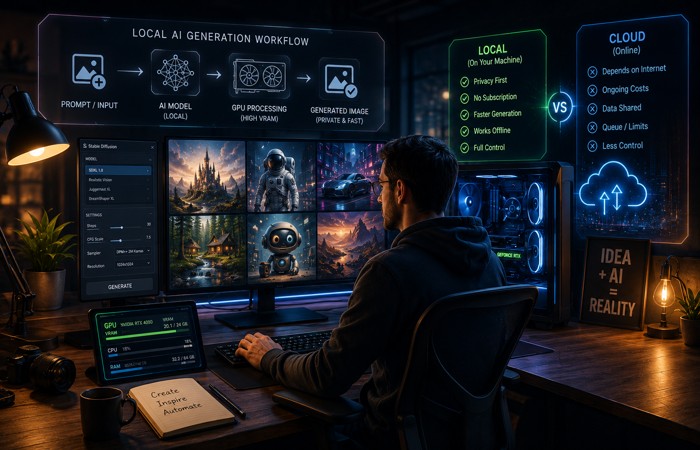
It‘s hardware Local deployment is attractive because it can reduce marginal cost per image, but it requires enough VRAM and a workflow that suits your machine. Coverage around FLUX.2 and related open-weight releases shows that some versions are designed for lower hardware barriers, while others are much more demanding and require high-end GPUs or quantized variants.
For practical planning, the right question is not “can I run it locally?” but “how many images do I need before the hardware pays for itself?” For high-volume use, local generation can make sense. For casual use, cloud subscriptions are usually easier.
Commercial Rights and Copyright
This is the section most competitors still underplay, and it is one of the most important. In commercial work, the platform’s license, the model’s license, and copyright ownership are not the same thing.
Midjourney says you own the images you create, subject to some exceptions, and it explicitly allows commercial use under the right plan. FLUX licensing is more complex because different FLUX.2 models have different usage terms, and some open-weight versions are still non-commercial or require paid licensing. GPT Image 2.0 is also discussed in 2026 coverage as commercially usable under OpenAI’s terms, but users still remain responsible for third-party rights issues such as trademark, copyright, and portrait rights.
That means a practical workflow should include a rights check before publication. If you are creating assets for clients, ads, or products, you should verify whether the model is covered for commercial use, whether attribution or subscription tier conditions apply, and whether the final image could create IP problems. In other words, the creative side is only half the job.
However, creating impressive AI outputs is only one part of adoption. Businesses still face challenges when moving from experimentation to production. Learn more about the last mile of GenAI and how organizations bridge the gap between AI prototypes and real-world implementation.
Pricing and ROI
Pricing in text-to-image AI is no longer just a subscription question. You now have three common cost models: monthly plans, API usage, and self-hosted hardware.
Subscriptions are easy to budget, especially for solo creators and small teams. APIs are better for automation and batch work. Local hardware can win at scale, but only after the upfront cost is amortized over enough output. That is why the “free forever” framing is misleading; local generation is not free, it is capital expenditure spread over time.
In plain English: if you‘re generating a few dozen images a month, subscription is probably going to be sufficient. If thousands are generated for campaigns, product listings or multiple design variants, local or API workflows can be more economical. Point of balance is a function of GPU price, electric price, maintenance and which model used.
How to Choose
The right tool will be selected on the basis of what you actually do not what is hyped. Then for the images to fuel the mood boards, point it to Midjourney. If you want strict prompt obedience or detailed edits, use GPT Image 2.0. If you need readable text, use Ideogram. If you want local control or flexible open-weight deployment, look at FLUX.2 with the correct license.geekycuriosity.
Agencies might find a hybrid stack the most intelligent route. Typical is one model for brainstorm, one for precise execution, and yet a third for bulk creation. That cuts iteration time and allows each to do what it does best.
This multi-model approach is not limited to image generation. Similar AI combinations are transforming digital interaction through language models, speech synthesis, and virtual assistants. See how LLMs and voice cloning power today’s AI companions by combining different generative technologies into more human-like experiences.
This is particularly valuable for e-commerce and content creators. You can create your concept art, product images, marketing images, and text creatives via holdout and separate passes rather than trying to make one model do everything at once.
FAQs
Q1: Am I allowed to commercially use AI generated images in 2026?
A: Yes you can, but it depends upon on the license and platform. Midjourney allows commercial use under its paid plans, FLUX licensing varies by model, and GPT Image 2.0 is described in 2026 coverage as commercially usable under OpenAI’s terms, while you still remain responsible for third-party rights issues.
Q2: Which is the optimal AI images creator for text?
A: Ideogram best of all the specialist options for clear typographical and poster style layout.
Available coverage of Ideogram 4.0 at the time of writing emphasizes its advanced text rendering, control of layout and high resolution output.
Q3: Is Midjourney still worth it in 2026?
A: Yes, if you want the most polished looking results, in filmic style, attractively, with the least effort. It is still one of the best possibilities for beautiful concept production, even if there may be others that are better at text generation or getting the prompt just right.
Q4: Can I run FLUX locally?
A: Yes, but the license and hardware that are required will be dependent on which FLUX.2 you go with. (Some releases are non-commercial/open-weight, with license restrictions on use, so the terms of the specific model should be checked if you intend to use it for clients.)
Final Take
In 2026, text to image AI isn‘t about choosing the best artist. It‘s about finding the best workflow for your use-case, your budget and your legal requirements. The strongest strategy is usually a multi-model one: use Midjourney for aesthetics, GPT Image 2.0 for precision, Ideogram for text-heavy design, and FLUX for local or high-fidelity production when the license allows it.
That is the real story of the market now. The winners are not just the best models, but the teams that know when to use each one.
