
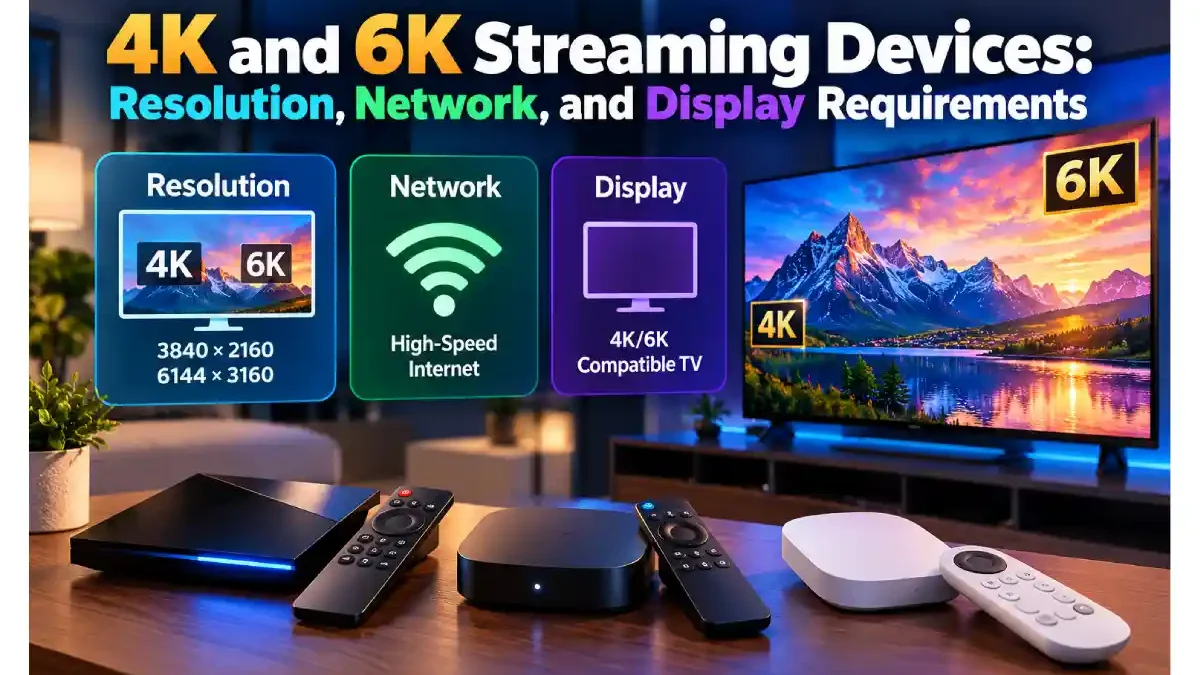

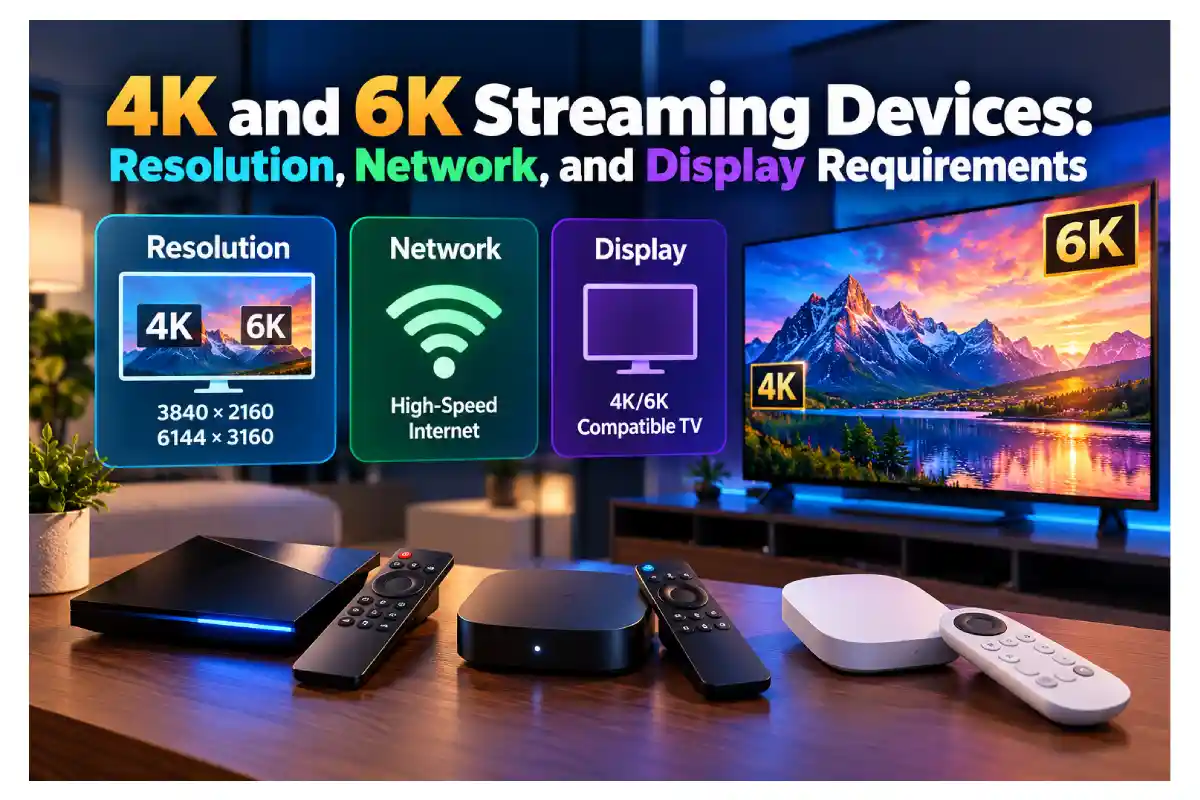
4K and 6K Streaming Devices
High-resolution streaming has changed the way people experience movies, sports, documentaries, and other digital entertainment at home. Modern streaming devices can support advanced video formats, but the final viewing experience depends on several factors working together. The television, internet connection, content source, and device hardware all influence the picture that appears on the screen.
Understanding these requirements is especially important when comparing a 4K television with a streaming box capable of decoding higher-resolution video. Although manufacturers may advertise impressive resolution figures, those specifications do not automatically guarantee that every application or video will play at the maximum supported quality. Compatibility between the device and the rest of the entertainment setup remains essential.
The SuperBox S8 Ultra is one example of a modern streaming device designed with high-resolution playback and flexible connectivity in mind. Exploring how resolution, networking, storage, and display capabilities interact can help buyers understand what a streaming box can realistically deliver and which features deserve attention before making a purchase.
Network-connected entertainment devices are also part of a wider digital security environment. Understanding the importance of cybersecurity can help users make informed decisions about protecting their connected devices, personal information, and home networks.
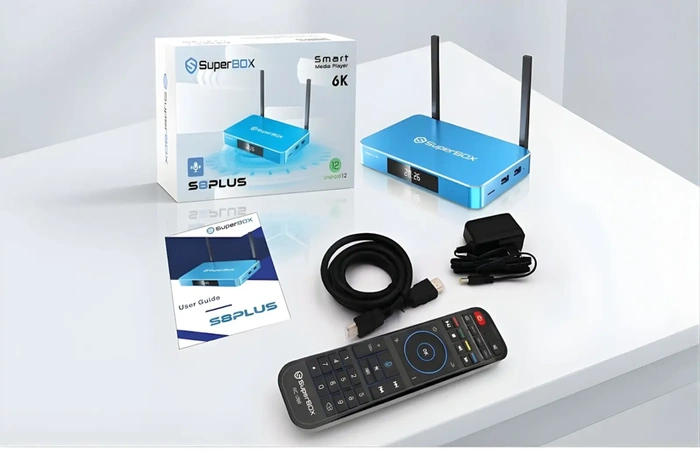
Table of Contents
Understanding the Difference Between 4K and 6K Resolution
Resolution describes the number of pixels used to create an image on a display. A standard 4K UHD image contains approximately 3,840 horizontal pixels and 2,160 vertical pixels, producing more than eight million pixels across the screen. This additional detail can make fine textures, small objects, and distant scenery appear clearer when the original content and display support 4K playback.
Six-kilopixel video generally refers to content with a horizontal resolution around 6,000 pixels, although the precise dimensions depend on the format. A device advertised as supporting 6K decoding may be able to process compatible video at that resolution, but this does not mean it can display native 6K output on a 4K television. The screen’s resolution, the device’s output settings, and the video source all determine the result viewers actually see.
Matching Streaming Resolution With Your Television
A television must support the intended output resolution to display content at its native level of detail. If a streaming box sends a 4K signal to a compatible 4K television, the screen can display the image using its available pixels. When the source has a different resolution, the device or television may scale the image to fit the display, depending on the equipment and settings.
For people researching 4k streaming box requirements, it is important to check more than the maximum resolution printed on the product page. The television should support the required resolution and refresh rate, while the HDMI connection and device output must be compatible with the intended format. Supported video codecs, application capabilities, and the quality of the original content also affect whether the expected viewing experience can be achieved.
Examining the Hardware Behind High-Resolution
Video decoding is the process through which a device interprets compressed video data and prepares it for playback. Modern streaming devices support different codecs, which determine how video information is compressed and decoded. H.265, also known as HEVC, is one format used to deliver high-quality video with efficient compression, although compatibility varies across applications, content sources, and devices.
The SuperBox S8 Ultra lists a quad-core ARM Cortex-A53 processor, Mali-G31 MP2 graphics, 4GB of DDR memory, and 128GB of eMMC storage. Its published specifications also include H.265 video decoding up to 6K at 60 frames per second. These figures describe the device’s stated capabilities rather than a guarantee that every video will play at 6K. Actual results depend on the source format, software support, network conditions, output configuration, and connected display.
Exploring the SuperBox S8 Ultra for Home Viewing
The SuperBox S8 Ultra is designed for households looking for a streaming box with substantial internal storage and a range of modern viewing features. Its 128GB storage configuration provides room for compatible applications and supported locally stored content, while its Android 12.0 operating system supplies the software environment. The device also includes dual-band Wi-Fi 6 support, Gigabit Ethernet, Bluetooth 5.2, and a backlit remote control.
Additional advertised functions include Picture-in-Picture, Multi-View, built-in recording for supported programming, parental controls, and a redesigned interface. These features address everyday convenience as well as technical performance. However, their availability can depend on the selected application and content source. Buyers should consider whether they will use these functions regularly and verify the current product specifications before deciding that a higher-capacity model is the right fit.
Checking Internet Speed and Network Stability
High-resolution streaming requires a network connection capable of delivering enough data consistently. The necessary bandwidth varies with the streaming service, video codec, frame rate, compression settings, and playback quality. A connection that works well for ordinary HD video may struggle with some higher-bitrate content, especially when several devices are using the same network at once.
Internet speed is only part of the picture. Wi-Fi interference, router placement, signal strength, congestion, and the performance of the streaming service can also affect playback. A device supporting Wi-Fi 6 can benefit from a compatible router and suitable network conditions, but the technology cannot eliminate every cause of buffering. Testing the connection near the television and reducing unnecessary network congestion may help improve consistency.
Maintaining a reliable home network also involves following basic security practices, especially when multiple connected devices share the same router. These cybersecurity tips for businesses offer additional guidance on protecting connected systems and reducing common security risks.
Comparing Wi-Fi and Wired Ethernet Connections

Wi-Fi offers convenient installation because a streaming box can connect to a compatible router without a physical network cable. This can be useful when the television is mounted on a wall or positioned far from the router. Performance depends on the distance between devices, obstacles such as walls, interference from nearby networks, and the router’s capabilities. A strong wireless connection can work well for high-resolution streaming when the rest of the setup is suitable.
Ethernet provides a wired alternative for households that want to connect the streaming box directly to the router. The superbox s8 plus lists 1000Mbps Gigabit Ethernet, allowing it to use a compatible Gigabit network connection. The wired option may help reduce wireless-related inconsistencies, although it cannot compensate for insufficient internet service or problems originating from the content provider. Choosing between Wi-Fi and Ethernet should depend on the home layout, network quality, and available connections.
Users who want additional privacy when connecting devices to the internet may also want to understand how virtual private networks work. This simple guide to VPNs explains the role VPNs can play in internet privacy, while firewalls in network security help explain how network traffic can be filtered according to security rules.
Understanding Frame Rates and Display Compatibility
Resolution is not the only specification that affects how a video looks. Frame rate describes how many individual frames are displayed each second, with common formats including 24, 30, and 60 frames per second. A compatible higher-frame-rate source can make motion appear smoother, which may be particularly noticeable in sports, fast-moving scenes, and certain types of video. The source, application, device, and television must all support the intended format for the complete playback chain to work correctly.
Display settings can also affect the final image. A television may support 4K resolution but have different limits for refresh rates, HDR formats, or particular HDMI inputs. Users should check the manufacturer’s display specifications and select compatible output settings on their streaming device. It is also important to remember that higher resolution does not automatically make every video look better: source quality, compression, color reproduction, and viewing distance all influence perceived detail.
Considering Storage and Additional Viewing Features
Internal storage matters when users install applications or use features that save supported content locally. The SuperBox S8 Ultra’s 128GB capacity provides more space than models with smaller storage configurations, but the available space will be lower after the operating system and pre-installed applications occupy part of it. Storage requirements depend on how the device is used, particularly when compatible recording functions or local media files are involved.
Other viewing features can influence the overall experience even though they do not directly increase resolution. Picture-in-Picture may keep one supported source visible while another is displayed, and Multi-View can provide a way to follow compatible sources on the same screen. Recording may allow supported programming to be saved for later viewing. These functions are useful only when the application, content source, available storage, and service terms permit them, so buyers should verify compatibility before relying on them.
Beyond connection speed, users should consider how their connected devices and personal information are protected. Learning how to secure data can help households understand important data-protection practices. It is also useful to explore the biggest breakthroughs in internet security and established approaches to preventing data breaches when evaluating broader online security concerns.
Frequently Asked Questions About 4K and 6K Streaming
Does a 6K Streaming Box Automatically Display 6K Video?
No. A device that supports 6K video decoding can process compatible content at that resolution, but native display output also depends on the television and the device’s supported output modes. A 4K television cannot display a native 6K image because its physical panel has fewer pixels. The video source, application, connection, and display must all support the intended playback format.
What Internet Speed Is Needed for 4K Streaming?
The required speed depends on the streaming service, video bitrate, compression method, and network activity in the household. Users should consult their chosen service’s current recommendations rather than assuming that one speed guarantees perfect playback. A stable connection, suitable router, and reduced network congestion can be just as important as the advertised internet speed.
Is Wi-Fi 6 Necessary for a 4K Streaming Box?
Wi-Fi 6 is not essential for every 4K streaming setup. Earlier wireless standards may be sufficient when the connection is stable and provides adequate bandwidth for the content being watched. Wi-Fi 6 can offer benefits when paired with compatible networking equipment, but actual performance depends on the router, connected devices, signal conditions, and internet service.
Can the SuperBox S8 Ultra Work With a 4K Television?
The SuperBox S8 Ultra supports 4K playback and lists H.265 decoding up to 6K at 60 frames per second. To achieve the intended viewing result, the television, HDMI connection, output settings, application, and video source must support the relevant format. Checking these requirements before setup helps ensure that the device is configured appropriately for the available display.
