

This article is part of our Laptops & Portable Computers resource section
Best Gaming Laptops And Tablets
Video game enthusiasts prioritize superior computers and tablets capable of running video games effectively. Video games take up a lot of space on your laptop’s hard drive and use a lot of memory to work correctly. Without investing in the best gaming laptop or tablet on the market, gamers may experience poor response times and refresh rates, which will affect their gameplay.
Many video game players also play games professionally on a part- or full-time basis. Pro gamers may teach people how to play video games, stream their gameplay, or run tests on video games. Whether you’re an amateur gamer or a pro, if you’re in the market for a new gaming laptop or tablet, you’ll want to familiarize yourself with the top gaming laptops and tablets currently on the market and their features. You can explore this guide to gaming laptops to learn more about the available options and the features that matter when choosing a device.
Before making a purchase, consider whether a laptop or desktop better suits your gaming setup. A laptop offers portability, while a desktop usually provides more room for upgrades and cooling. This comparison of PCs and laptops can help you decide which type of computer fits your needs. Your budget, preferred games, and where you intend to play should all influence your decision.
Table of Contents
Central Processing Unit (CPU)
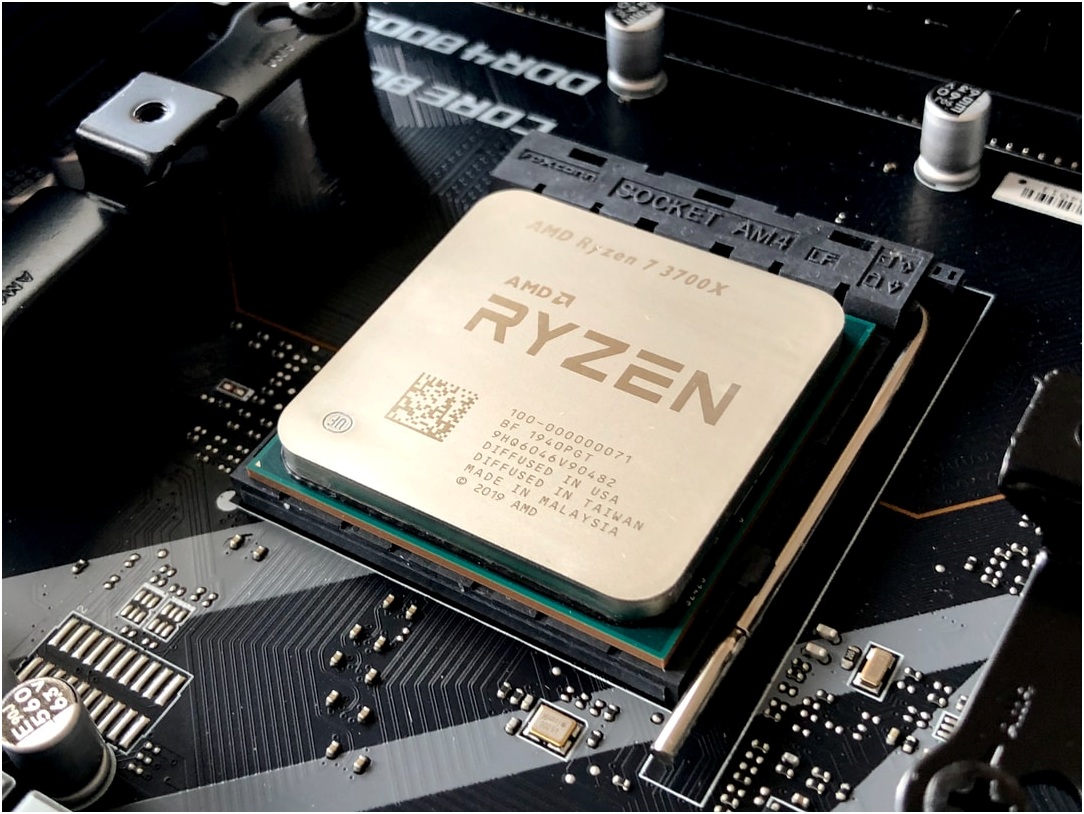
The best gaming laptops have a high-end CPU capable of performing billions of calculations per second. Laptop processors measure the number of computations they can perform per second in gigahertz (GHz). A processor with 2.2GHz will complete 2,200,000,000 calculations per second, while a processor with 1.8GHz will complete 1,800,000,000 calculations per second. Electronics that can perform more calculations every second have faster response times. Look for laptops and tablets with the leading CPUs on the market. Superior gaming laptops currently use the Intel Core i7-10750H, Intel Core i9-10980HK, Intel Core i9-10900K, or Intel Core i7-9750H processors. Some of the leading tablets on the market, such as the iPad Pro, Amazon Fire 7, and Microsoft Surface Pro 7, use the A12Z Bionic, Quad-core, or Dual-core i3, i5, or i7 processor.
When comparing models, remember that a powerful processor is only one part of the equation. The cooling system, graphics card, and power limits also affect performance during long gaming sessions. If you’re comparing the cost of a gaming laptop with a desktop that offers similar performance, this article explains why gaming laptops are often more expensive than desktops.
Graphics Processing Unit (GPU)
Your device’s graphics card, also known as the GPU, determines what you see on your monitor during gameplay. Video games need excellent graphics cards with high frame rates per second (FPS), which refers to the number of times the images refresh per second. A higher FPS prevents gamers from missing visual prompts. Missing visual prompts can cost gamers rewards or cause them to lose the game, so high FPS rates are crucial for optimum gameplay. Graphics cards with excellent ray tracing capabilities project superior images, ensuring gamers have the best gaming experience.
Some of the leading laptop graphics cards on the market include the NVIDIA GeForce RTX 2070 Super Max-Q 8GB GDDR6, NVIDIA GeForce RTX 2080 Super Max-Q 8GB GDDR6, NVIDIA GeForce RTX 2080 Super 8GB GDDR6, and NVIDIA GeForce GTX 1660 Ti 6GB.
The right GPU depends on the games you play and the resolution you want to use. Competitive players may prioritize high frame rates, while visually demanding games can benefit from more graphics memory and stronger rendering performance. Check independent benchmarks for the specific laptop model, as graphics cards with similar names can perform differently depending on their power limits and cooling.
Display
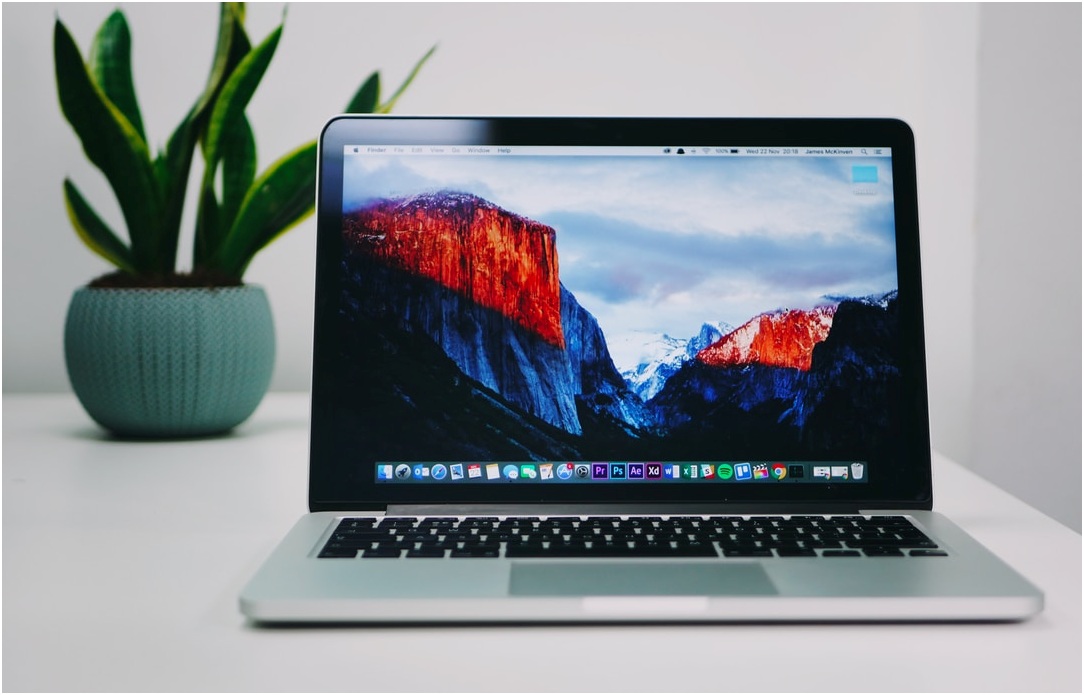
Gamers need a large visual display, ensuring they can see the game clearly and won’t miss details due to limited screen size. The top gaming laptops typically have 15.6-inch or 17.3-inch screens. A gaming tablet has a smaller screen size, ranging from 7 inches to 12.3 inches.
Pixel numbers are also crucial. Monitors with higher pixel counts convey more detail in the visual images than monitors with lower pixel counts. Most gaming computers have 1080p, which is also referred to as high definition.
Monitors with higher refresh rates will also outperform displays with lower refresh rates. The refresh rate is measured using hertz (Hz). Your monitor will refresh the display one time per second for every Hz. This means a monitor with 120Hz will refresh twice as often as a monitor with 60Hz. The top gaming laptops range from 60Hz to 300Hz. Experts recommend serious gamers choose laptops with at least 120Hz.
When choosing a display, consider its brightness, color reproduction, response time, and resolution alongside the refresh rate. A higher-resolution screen can produce sharper images, but it also places more demands on the GPU. Match the display to the graphics hardware so you can enjoy smooth gameplay without paying for features you are unlikely to use.
Memory
Random-access memory (RAM) allows your computer or tablet to hold on to information it needs to perform tasks. Laptops and tablets with insufficient RAM can’t complete calculations and give the system instructions. Your device could freeze, which will disrupt your gameplay. The standard measurement for RAM is a gigabyte (GB). Popular gaming laptops typically have at least 16GB of RAM, while some gaming laptops have 32GB. Popular gaming tablets may have as little as eight GB of RAM.
The amount of RAM you need depends on the games you play and whether you run other applications at the same time. Streaming, recording gameplay, and keeping several programs open can increase memory use. Also check whether the laptop allows RAM upgrades, because some models have memory soldered directly to the motherboard.
Battery Life

The advantage of playing games on a laptop or tablet is portability. These devices can be taken to different locations, enabling you to play in tournaments, demonstrate gameplay at conventions, or play games with other gamers. Poor battery life will undermine the advantages of portability.
Gaming laptops often use substantial power when running demanding games, so advertised battery life may differ considerably from actual gaming time. Check independent battery tests and consider how often you’ll play away from a power outlet. Weight, charger size, and cooling noise are also worth considering if you plan to carry your laptop regularly.
Finding a Gaming Laptop That Fits Your Budget
A higher price does not automatically mean a laptop is the right choice for every gamer. Compare the processor, graphics card, RAM, storage, screen, and cooling performance against the games you want to play. If you are working with a limited budget, review these five best gaming laptops to compare options, and consider these five cheap gaming laptops if affordability is your main concern. Check the exact specifications of each model before buying, because configurations and availability can vary.
You should also consider storage capacity. Modern games can require substantial disk space, so an SSD with enough capacity can make installation and loading more convenient. If you already own a laptop and want to improve its everyday responsiveness, these tips on how to speed up your MacBook’s performance may also be useful for general laptop maintenance.
When you’re shopping for a new gaming laptop or tablet, look for devices that have powerful processors, high refresh rates, excellent graphics cards, and large displays with excellent resolution. It would help if you also looked for devices with plenty of memory and good battery life. Compare the full specifications and real-world performance rather than choosing based on price or brand alone.
