
This article is part of our Gaming Fundamentals & Guides resource section
Selecting the right monitor can be a pivotal factor in your gaming experience. A top-notch screen not only boosts visual quality but also reduces eye fatigue, making long gaming marathons more comfortable. Whether you’re an occasional player or an esports competitor, choosing the right screen is essential. This piece will navigate you through the array of choices out there, evaluating the best gaming monitors of 2026 in terms of features, performance, and worth.
Your monitor is only one part of a complete gaming experience. If you’re comparing different ways to access games, understanding cloud gaming can also help you decide whether to invest in powerful local hardware or use a compatible streaming service.
Table of Contents
Best Monitors for Console Gaming
ASUS ROG Strix XG438Q
Console gamers aren’t left out of the high-performance monitor market. The ASUS ROG Strix XG438Q is a 43-inch giant tailored for console gaming. Boasting a 4K display and a 120Hz refresh rate, it’s ideal for cutting-edge consoles such as the PlayStation 5 and Xbox Series X. Additionally, it incorporates FreeSync 2 HDR to enhance brightness and contrast.
If you’re still deciding which console to pair with a large gaming display, this overview of the best flagship gaming consoles can help you compare the major options.
Asus ROG Swift PG42UQ
This 41.5-inch screen provides a 4K display and a 138Hz refresh rate, making it well-suited for advanced consoles like the PlayStation 5 and Xbox Series X. It’s also G-Sync compatible, guaranteeing a seamless gaming session.
If you’re a gamer who also dabbles in online casinos, a monitor of this caliber could significantly improve your overall experience. Imagine playing at one of the top 10 online casinos on a large, high-resolution screen. The vibrant graphics and smooth gameplay could make your online casino sessions as immersive as your gaming adventures.
Best Budget Monitors
ASUS VG279Q
For those seeking affordability, the ASUS VG279Q stands out. This 27-inch display features a 144Hz refresh rate and a 1ms response time. It delivers fluid gameplay without costing a fortune. Its IPS panel guarantees vibrant colors and broad viewing angles. This makes it a flexible choice for different types of games.
A balanced gaming setup also depends on the graphics hardware driving the display. Before choosing a monitor, consider how different graphics cards perform by exploring this guide to the best GPUs for gaming.
Acer Nitro XV273K
If you’re budget-conscious but still crave a high-quality gaming experience, the Acer Nitro XV273K is a reliable option. This 27-inch screen provides 4K resolution and a 144Hz refresh rate without emptying your wallet. It also supports both FreeSync and G-Sync, making it versatile for different gaming setups.
Budget-conscious players may also want to compare the cost of the rest of their equipment. These five cheap gaming laptops provide another starting point for building a gaming setup without spending too much.
Best Monitors for Competitive Gaming
BenQ ZOWIE XL2546K
For dedicated gamers, the BenQ ZOWIE XL2546K is engineered for competitive play. It boasts a rapid 240Hz refresh rate and a 1ms response time, reducing motion blur and input lag for an edge in quick-action games. The monitor also incorporates DyAc technology to lessen eye fatigue during prolonged play.
Competitive gaming also requires responsive input devices. A suitable gaming mouse can complement a high-refresh-rate monitor by helping players make precise movements and react quickly.
BenQ Mobiuz EX240
For those who want performance without a hefty price tag, the BenQ Mobiuz EX240 is worth a look. This 24-inch model offers 1080p resolution, a 165Hz refresh rate, and 1ms response times. It also supports HDR10 and delivers vivid visuals with low latency, making it an excellent choice for competitive gaming.
The keyboard is another important part of a competitive setup. You can compare different gaming keyboards to find features such as mechanical switches, customizable keys, and layouts suited to your preferences.
Best Ultrawide Monitors
Samsung Odyssey G9
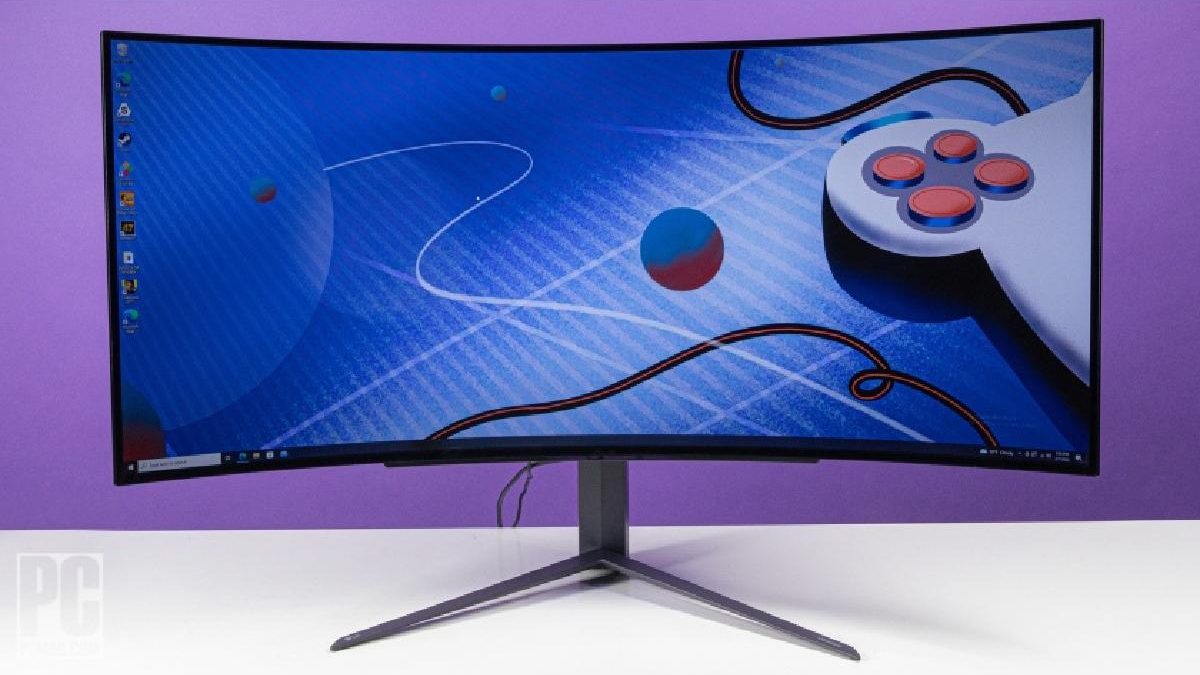
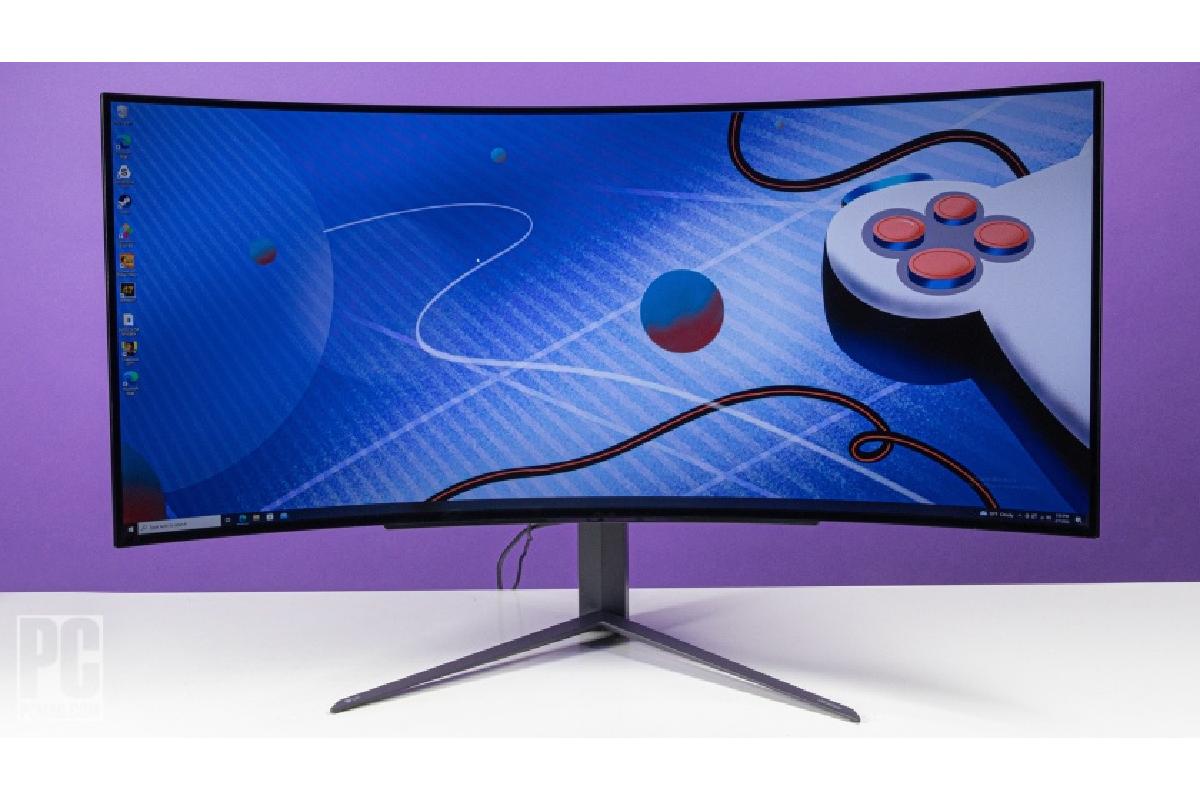
For a fully immersive gaming session, the Samsung Odyssey G9 stands out as the best ultrawide monitor. Its 49-inch curved display engulfs you in your game, providing a viewing angle that standard monitors can’t match. Along with a 240Hz refresh rate and a 1ms response time, it delivers smooth gameplay in addition to its expansive screen.
Players considering a complete desktop setup can also explore the best computer setups for gaming to understand how the monitor, computer, and peripherals work together.
Best 4K Monitors
LG 27GN950-B
For gamers who crave high-resolution visuals, the LG 27GN950-B is a top choice in the 4K category. Featuring a 27-inch screen with UHD resolution and a 144Hz refresh rate, this monitor offers both crystal-clear visuals and seamless gameplay. It also comes with NVIDIA G-Sync technology for a gaming experience free from screen tearing.
The processor also contributes to overall system performance, particularly when paired with a suitable graphics card. If you’re considering a more affordable Intel-based build, this guide examines whether an Intel Core i5 is good for gaming.
Best Monitors for Versatility
Dell Alienware AW3420DW
The Dell Alienware AW3420DW is the most versatile monitor on our list. This monitor is perfect for your games, your movies, your paperwork, and your content creation tasks. This 34-inch ultrawide display features a 3440×1440 resolution and a 120Hz refresh rate. Its IPS panel ensures top-notch color fidelity, making it ideal for tasks requiring accurate color representation.
Gamers who prefer portable systems instead of desktop computers can compare different gaming laptops before deciding which type of setup suits their needs.
Best Monitors for Eye Comfort
ASUS TUF Gaming VG289Q
Long gaming sessions can be tough on the eyes, but the ASUS TUF Gaming VG289Q aims to alleviate that. This 28-inch 4K monitor comes with ASUS Eye Care technology, including a blue light filter and flicker-free backlighting to reduce eye strain.
Comfort also depends on the way the entire gaming space is arranged. These ergonomic and functional solutions for gaming setups can help you create a more comfortable environment for extended sessions.
Best Overall Monitor
Alienware 34 QD-OLED
The Alienware 34 QD-OLED stands out as the best overall gaming monitor in 2023. With its 34-inch OLED screen, this monitor delivers vivid hues and deep blacks, making every game visually stunning. With a 175Hz refresh rate and 1ms response time, it guarantees lag-free, fluid gameplay.
If you are interested in a gaming setup that includes virtual reality, this guide to a PC gaming setup for VR offers another perspective on choosing compatible hardware.
Elevate Your Gaming and Online Casino Experience
Choosing the right monitor can be a game-changer, whether you’re into competitive gaming, console adventures, or even online casino experiences. Modern monitors come packed with features like rapid refresh rates and eye-popping 4K resolution to elevate your digital escapades.
For competitive gamers, the BenQ ZOWIE XL2546K is a top pick, boasting a high refresh rate and low response time. Tom’s Hardware praises its ‘DyAc’ technology for reducing eye strain during extended gaming sessions.
Console gamers have luxurious options like the ASUS ROG Strix XG438Q and Asus ROG Swift PG42UQ, both offering large screens and 4K resolution.
PC Gamer highlights the ASUS ROG Strix XG438Q for its compatibility with next-gen consoles like the PlayStation 5 and Xbox Series X.
For those who enjoy online casinos, a high-quality monitor can make games like blackjack and slots more visually stunning and engaging.
When shopping for a complete gaming setup, it is worth comparing laptops and accessories together. This guide to gaming laptops and headphones to grab this Cyber Monday offers ideas for pairing a portable gaming system with suitable audio equipment.
Players who want a broader comparison of portable systems can also look at these five best gaming laptops, particularly when portability is a priority.
Older buying guides can still provide useful context when comparing different portable devices. This roundup of 2021’s best gaming laptops and tablets offers another reference point for evaluating gaming hardware.
Power delivery is another factor that should not be overlooked when assembling a desktop gaming system. This guide to the best power supplies for gaming explains why choosing an appropriate power supply matters.
For a wider look at display options beyond the specific models covered here, explore this guide to gaming monitors.
A good gaming setup should also include peripherals that suit the player’s preferences. Before choosing a keyboard, this guide to purchasing a gaming keyboard can help you consider the features that matter.
Laptop buyers should also understand the differences between portable and desktop hardware. This article explains why gaming laptops are often more expensive than desktops.
If you prefer to assemble a desktop instead, this guide on how to build a PC for gaming covers the main components involved in putting a system together.
Choosing gaming equipment can be easier when you compare the whole setup rather than selecting each component in isolation. These five tips for choosing the best gaming equipment offer a useful starting point.
So, whether you’re aiming for a competitive edge or simply want to relish your gaming and online casino sessions, investing in a top-tier monitor is a choice you won’t regret.