
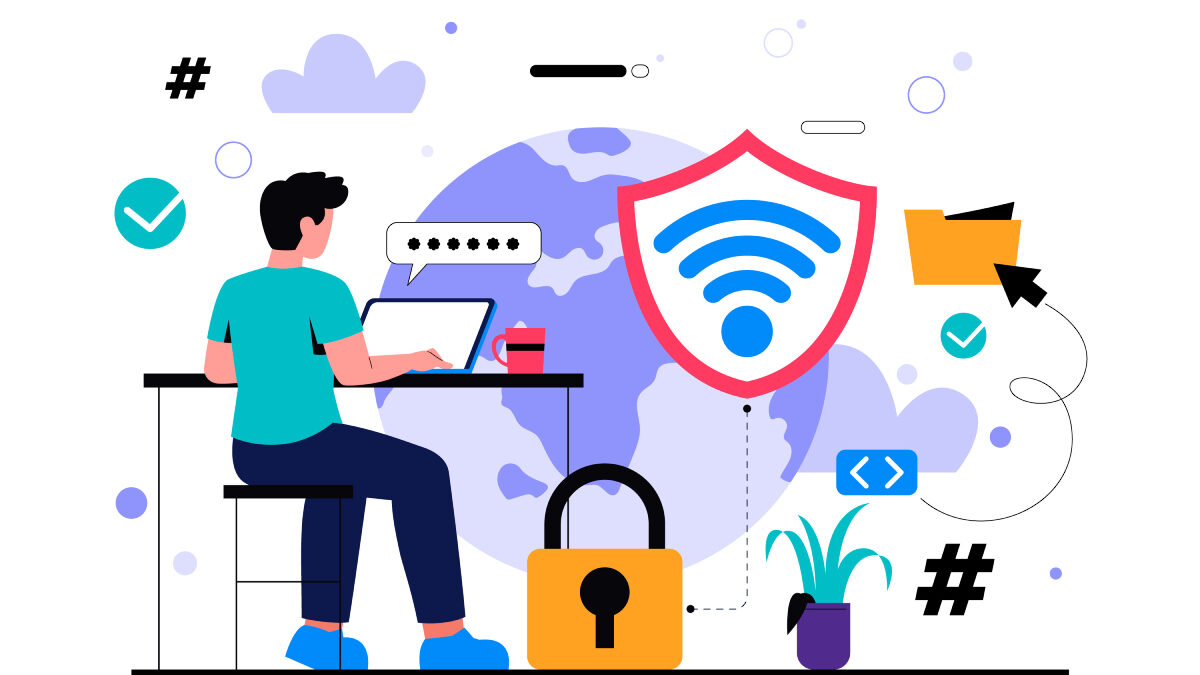

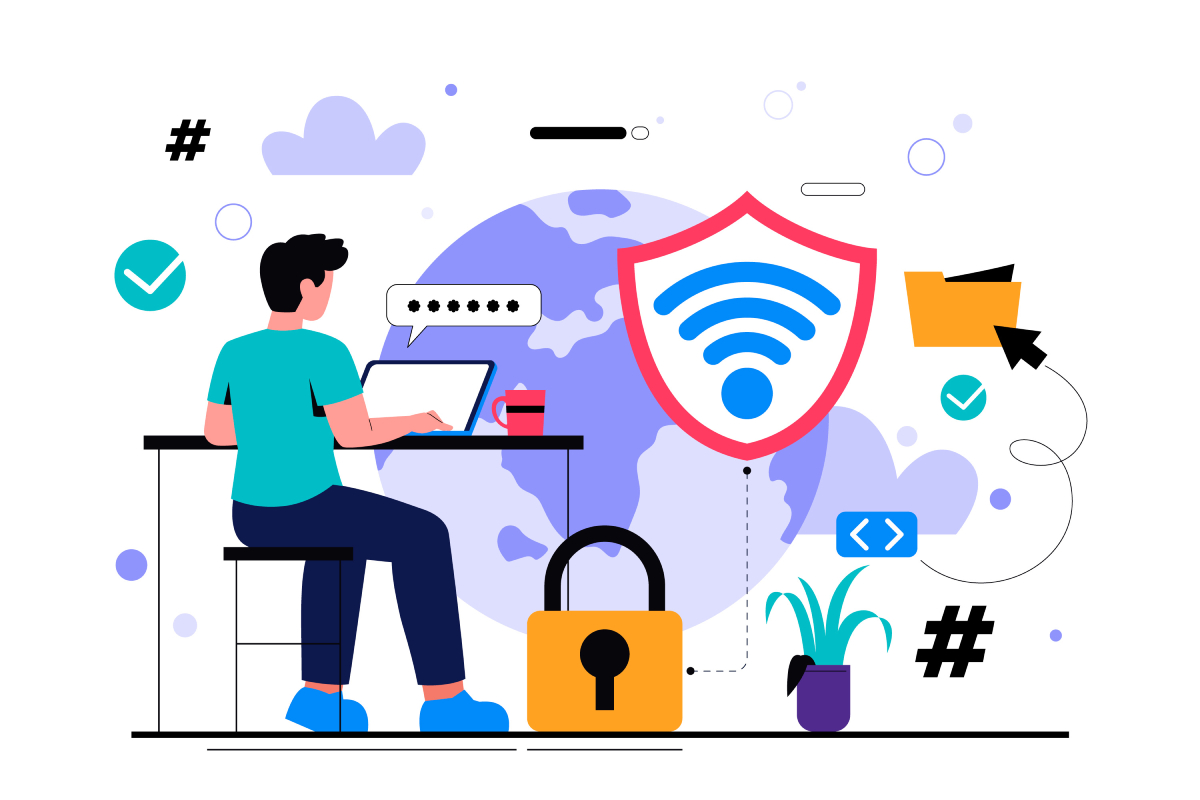
Whenever you use your web browser, social media, or do some online shopping, you are making a digital trail. This invisible footprint holds highly sensitive data about your behaviors, locations, likes, financial situations, etc. Without appropriate measures most third parties will be able to effortlessly collect, analyze and use this information.
Knowing how internet privacy protection works is an important step for every connected device user. Your data is a huge commodity for advertisers, ISPs, and cybercriminals. Even though certain organizations are using this data to present targeted advertisements, others might be interested in it for identity theft and financial fraud.
You don’t only need to know what you should do to be safe online, but you also need the right tools. Secure browsing habits alone will drastically cut the risks of encountering hidden dangers and this guide is your starting point – introducing the key tactics and programs that will help protect your private data so you can confidently surf the internet.
Table of Contents
Understanding Online Threats
Before building your defense, you need to be aware of what dangers the internet holds. Cyber threats are very dynamic, always finding new ways to target users who have weak security measures.
Data Breaches and Identity Theft
Every year, hackers leak millions of user data in data breaches. They break into company databases to get names, passwords, and credit card info. Fraudsters then use these details for identity theft, for example, writing checks with another person’s name or taking money from their bank account. You may want to check out the Federal Trade Commission (FTC) for more information on these crimes.
Surveillance and Tracking
Both state and commercial entities track internet users’ movements. ISPs may record your browsing history and sell it to advertisers. In addition, social media websites use tracking codes that allow them to follow your activity across different sites, which helps them to build detailed user profiles.
Malware, Phishing, and Ransomware
Your computer or mobile device can fall victim to malware in various ways. For example, a phishing email may deceive you into giving away your credentials by pretending to be a bank. If you are aware of different approaches attackers use to get your information such as pharming, you will be safer. Ransomware means your computer files may get encrypted and you will have to pay a ransom to get the keys.
Essential Tools for Internet Privacy Protection with VPNOverview
Before you select the right tools for your protection, you can always turn to the VPNOverview cybersecurity experts for advice. The experts at VPNOverview give honest ratings and how-to instructions so that you can find your best form of defense and stay safe while browsing every day. Creating a super secure kit means layering different programs that complement each other and even lock down the places where the other ones do not reach.
Virtual Private Networks (VPNs)
Connecting your device to a Virtual Private Network means establishing an encrypted connection between you and the internet where no one other than you can see the data. This encryption hides from your ISP, network administrators, as well as hackers your web traffic images. On top of that, VPNs change your real IP address in a way that the location of your physical self will have to stay unknown to the websites.
First, check that the VPN you are considering has a strict no-log policy. This means that the company does not keep any records of what you do online. The excellent services recommended by VPNOverview have capabilities such as AES-256 encryption and an automatic kill switch that blocks your internet access if the VPN connection drops.
Secure Browsers and Search Engines
Beyond a standard web browser most likely losing not one but several opportunities for data collection, the truth is that they prioritize it so much over your security. Changing for a browser with a focus on privacy will reduce your background tracking and fingerprinting. Also, replacing commonly used search engines with private ones will mean that your search history is your secret only.
Password Managers and Ad Blockers
When you use the same password on different platforms you are leaving yourself wide open to a security breach going after your account takeover. A password manager automatically creates a random, long string of characters as your new password and saves it in an encrypted database. All you need to remember is only one master password. Ad blockers and anti-tracking extensions give you additional help to protect your internet privacy by blocking malicious scripts and filling windows with all sorts of advertisements that may get your attention but are remarkably intrusive.
Best Practices for Secure Browsing
Different software programs will make your online privacy protection stronger if they are surrounded by the right online habits. If you make these a part of your everyday practices, you will be laying down a solid foundation for your internet privacy protection strategy.
- Generate strong and unique passwords every time: Never include personal data such as a date of birth or the name of a pet in your passwords. The National Institute of Standards and Technology (NIST) suggests passphrases that are long and difficult for computers to decipher.
- Activate Two-Factor Authentication (2FA): The second form of verification, which could be a code sent to your phone or an authenticator app, will make it impossible for just anyone to get inside your account without your permission even if they do get hold of your password.
- Do not connect to public Wi-Fi carelessly: We all love the idea of connecting to a free Wi-Fi network at a coffee shop or airport but remember that open networks are notoriously loaded with security holes. Make certain that you always turn your VPN on before you connect to Wi-Fi that is open to the public so your data can be encrypted.
- Check and adjust social media settings: Decide who should be allowed to look at your profile and posts. Sharing too much publicly can even lead to doxxing and losing control over one’s private life may be the result.
- Install updates regularly: Patching security flaws is what software developers do often so keep your operating system, browser, and all applications always automatically updated.
Advanced Tips for Enhanced Privacy
Installing top-tier security features can help users looking for ultimate Internet privacy to eliminate the last traces of digital footprints.
Encrypted Messaging Apps
Without encryption SMS messages can even be read by the mobile operator. So, if you exchange private data via SMS, then you are taking a big risk. It is better to use messaging apps that will by default encrypt messages end to end so only the one who sends and the one who receives will be able to read the message. Electronic Frontier Foundation (EFF) and other bigger organizations consider it a human right for people to have default end-to-end encryption.
Anonymity Networks
People who want complete anonymity on the Internet usually resort to the most suitable networks for that purpose. One such network is Tor.Tor redirects your internet traffic through a chain of several computers operated by volunteers worldwide, thereby making it very difficult for anyone to figure out your true location or the sites you visit. However, one of the drawbacks of this is that the speed of the internet will be considerably slower.
Disk Encryption
What would you do if someone entered your home and took your laptop or mobile phone? Merely securing the device with a password may not be enough to stop a thief from accessing your files. With full disk encryption, your hard disk will be just a jumbled mess for the criminal. Without the right encryption key, the thief won’t be able to decipher your personal files, images or stored passwords.
Privacy Tool Comparison
| Security Tool | Primary Function | Skill Level Required | Best For |
| Password Manager | Generates and stores unique passwords securely | Beginner | Preventing account takeovers and credential stuffing |
| VPN | Encrypts internet traffic and hides IP address | Beginner | Securing public Wi-Fi and masking online activity |
| Ad/Tracker Blocker | Stops background tracking scripts | Beginner | Faster browsing and reduced targeted advertising |
| Encrypted Messaging | Secures communications end-to-end | Intermediate | Keeping personal conversations private |
| Tor Network | Provides high-level anonymity | Advanced | Whistleblowers and circumventing heavy censorship |
The Future of Online Privacy
While technology is the main driver and enabler of privacy incursion, it is also the one that can be used to curb such intrusions. Indeed, one of the fears attached to the use of Artificial Intelligence is that it will potentially simplify the work of cybercriminals whose attacks are getting increasingly more sophisticated and automated in ways that human operators find hard to mimic. Phishing e-mails produced by AI do not only look like genuine human language but are so well simulated that it is highly likely that a human will be fooled for the first time.
On the regulatory side, governments are under pressure to do something about data security coming from the public. Data protection regulations like the General Data Protection Regulation (GDPR) in Europe are forcing companies to disclose their data collection practices. In the future, data security will be a continuous work requiring both vigilance and the willingness to adopt new privacy tools and legal standards.
Take Charge of Your Digital Life
You do not need to be a computer expert to enjoy a high level of internet privacy protection. That is, what you need to do is be proactive in your decisions and have the right tools at your disposal. As long as you know what the threats are, can make use of good VPNs, and have secure browsing behaviors, you are well on your way to becoming digital invisible/vulnerable.
First, a security posture check-up should be your starting point. Followed by changing your most vulnerable passwords, putting an ad-blocker you trust, and then last but not least look at your social media privacy settings. What you are doing when taking these steps is giving yourself the permission to be safe on the web. Your personal data will stay right where it is supposed to be – in your own hands.
