
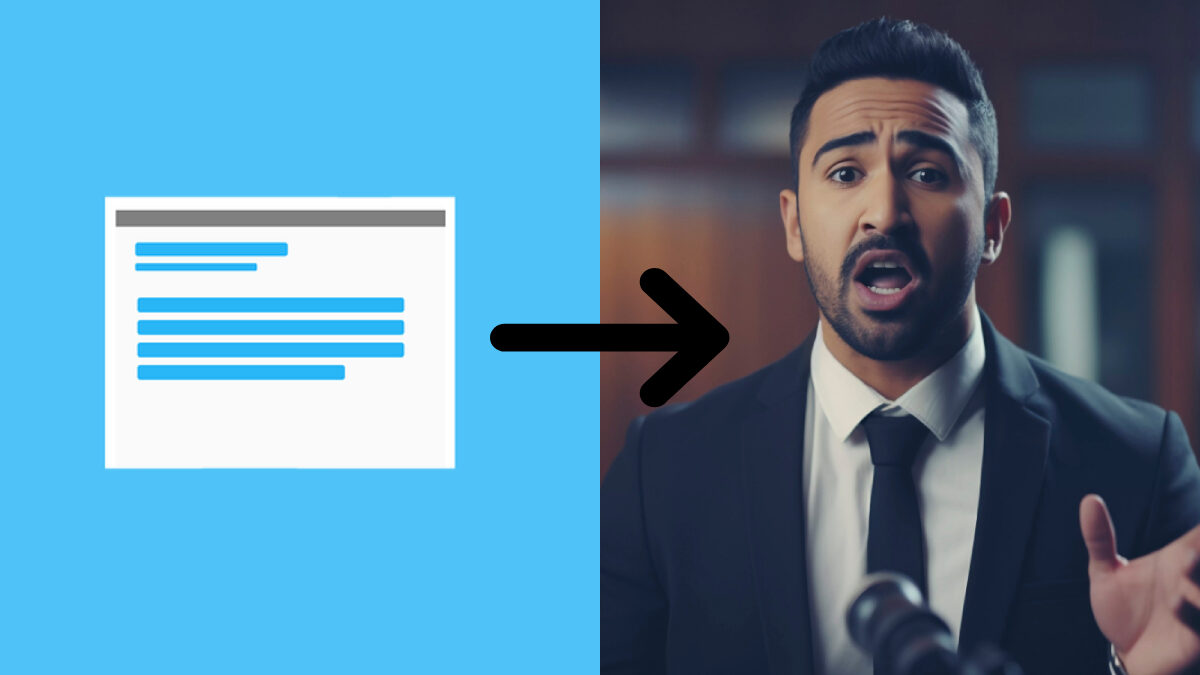

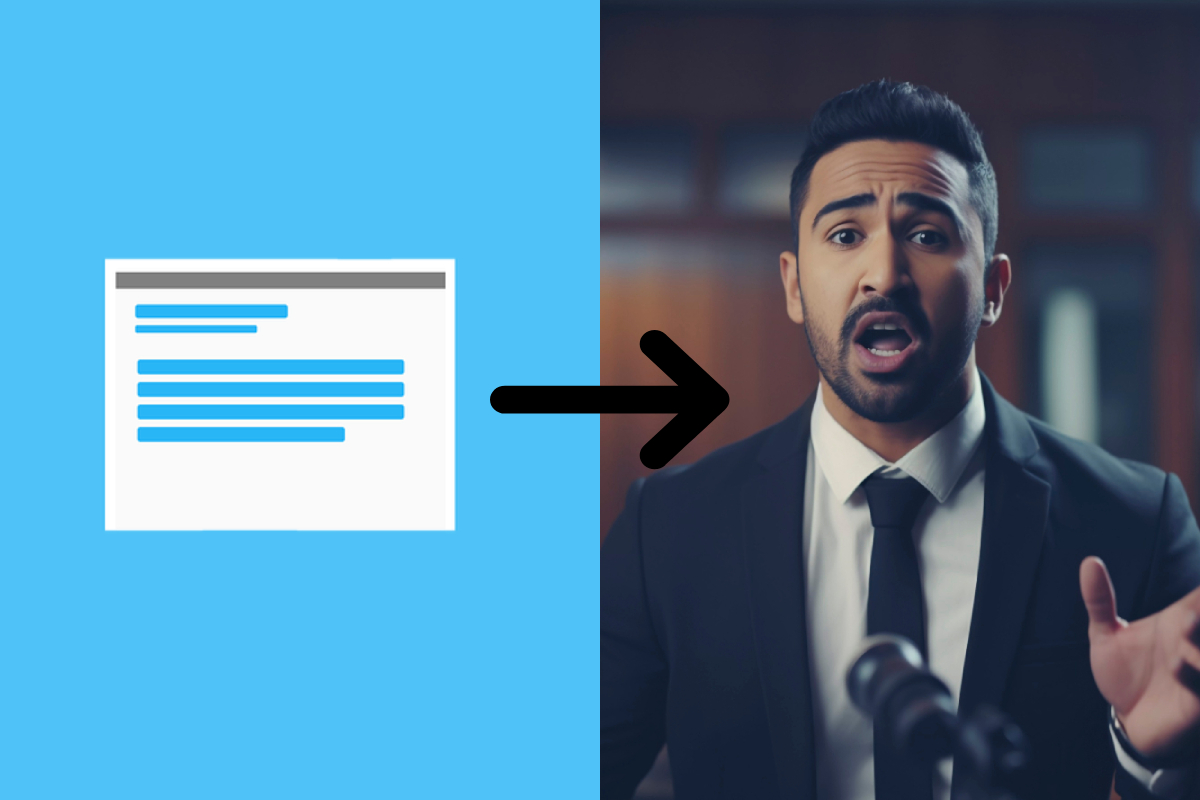
Turn Text Into a Talking AI Video
Video has become one of the most effective ways to communicate ideas, whether you’re creating marketing campaigns, employee training, educational content, product demonstrations, or social media posts. However, traditional video production often requires expensive equipment, presenters, editing software, and significant amounts of time.
Artificial intelligence has transformed this process by making it possible to generate professional talking videos directly from text. Instead of hiring actors or recording yourself on camera, you can simply write a script, choose an AI presenter, and let the platform produce a polished video in just a few minutes.
As AI video technology continues to improve, businesses, educators, and content creators are discovering that creating high-quality videos is no longer limited to professional production teams. With the right platform, almost anyone can turn written content into engaging videos quickly and efficiently.
Table of Contents
What Is a Talking AI Video?
A talking AI video uses artificial intelligence to create a realistic digital presenter that delivers your script naturally. The AI avatar appears on screen speaking the words you provide, complete with synchronized lip movements, facial expressions, and natural-sounding voice narration. Unlike animated characters or robotic text-to-speech systems of the past, modern AI avatars are designed to look and sound much more human. Many platforms also offer multiple presenters, languages, voices, and presentation styles, allowing users to choose the best option for their audience. The result is a professional-looking video without the need for cameras, microphones, lighting equipment, or editing expertise.
Common Uses for AI Talking Videos
The flexibility of AI-generated videos makes them suitable for a wide range of industries and applications. Businesses use AI presenters for:
- Employee onboarding
- Compliance training
- Internal communications
- Customer support
- Product demonstrations
Marketing teams also create promotional videos, advertisements, and personalized sales presentations, while educators can develop online lessons, tutorials, and instructional materials that can be updated whenever information changes. Content creators also benefit by turning blog articles, reports, or presentations into engaging videos without needing professional production equipment. This wide range of applications continues to drive the rapid adoption of AI video technology across multiple sectors.
Step 1: Prepare Your Script
Every successful AI video begins with a well-written script. Because the AI presenter speaks exactly what you provide, your script should be clear, conversational, and easy to follow. Short sentences generally work better than long paragraphs, helping the video sound more natural.
It’s also helpful to organize your content into logical sections. Whether you’re explaining a product, teaching a lesson, or sharing company news, breaking information into smaller segments makes it easier for viewers to stay engaged. Before generating the video, read your script aloud to ensure it flows smoothly and sounds natural when spoken.
Step 2: Choose an AI Avatar
Once your script is ready, the next step is selecting the presenter. Most AI video platforms offer a wide selection of digital presenters with different appearances, styles, and speaking voices. Some are designed for corporate communication, while others may be better suited for educational content, marketing, or customer support.
Many platforms also allow businesses to create custom avatars based on real people. This enables organizations to maintain consistent branding while reducing the need for repeated video recordings. Choosing the right presenter helps establish the tone of the video and creates a stronger connection with the audience.
Step 3: Select a Voice and Language
Voice quality has a major impact on the viewing experience. Modern AI video platforms provide hundreds or even thousands of realistic voices across numerous languages and accents. Users can often adjust speaking speed, pronunciation, and tone to match the style of the content.
For organizations with international audiences, multilingual support makes it easy to create localized versions of the same video without recording multiple presenters. This flexibility allows businesses to communicate with global audiences while maintaining consistent messaging across every language.
Step 4: Add Visual Elements
Although the AI presenter is the main focus, supporting visuals make videos much more engaging. Most AI video platforms allow users to include images, charts, logos, icons, animations, screen recordings, or presentation slides alongside the presenter. These visual elements help explain complex ideas while keeping viewers interested throughout the video. Templates also simplify the design process by providing professionally designed layouts that require very little customization. Rather than building every video from scratch, users can simply choose a template that matches their goals and branding.
Step 5: Generate the Video
After selecting your presenter, voice, visuals, and layout, the platform generates the finished video automatically. Instead of spending hours editing footage, synchronizing audio, and adjusting transitions, the AI performs these tasks within minutes. Many platforms allow users to preview the video before exporting it, making it easy to correct wording, adjust pacing, or replace visuals if necessary. Because edits usually involve changing only the script, updating a video later is significantly easier than traditional video production.
Creating Videos with AI STUDIOS by Deepbrain AI
Platforms such as AI STUDIOS by Deepbrain AI simplify the entire text-to-video process by combining script generation, AI avatars, realistic voice synthesis, multilingual support, and video editing within a single workspace. Users can simply paste their text, choose from a large selection of AI presenters, or even create their own custom avatar using a short video recording, then generate a professional talking video in minutes. The platform also supports interactive AI humans, allowing organizations to build conversational AI avatars for customer service, training, and business communication alongside traditional talking videos.
Advantages Over Traditional Video Production
Traditional video production often involves multiple stages, including scripting, filming, editing, lighting setup, audio recording, and post-production. AI dramatically reduces both the time and cost associated with these activities. There is no need to schedule presenters, book filming locations, or repeat recordings because of minor mistakes. Instead, users simply revise the script and generate an updated version.
This makes AI particularly valuable for organizations that frequently update training materials, product information, or internal communications. The ability to produce videos quickly also allows businesses to respond faster to changing customer needs and market conditions.
Best Practices for Better Results
Although AI simplifies production, thoughtful planning still produces the strongest videos. Focus on writing conversational scripts that sound natural when spoken. Keep videos concise and avoid overwhelming viewers with too much information at once. Use supporting visuals to reinforce key points rather than relying solely on narration. High-quality graphics, screenshots, and diagrams improve understanding while making videos more visually appealing. Finally, preview each video before publishing to ensure pronunciation, pacing, and visual elements work together effectively.
