

Table of Contents
What Even Is CNC Turning?
Let’s not start with textbook definitions.
Think of it like this:
You’ve got a solid piece of metal—say aluminum. You spin it really fast. Then a cutting tool shapes it into something precise… like a bolt, shaft, or even a part for a drone.
That’s CNC turning.
But here’s the part most people skip—the software behind it. That’s where things actually get interesting.
The Real Workflow (Not Just “Machine Cuts Metal”)
A lot of articles jump straight to machines.
But in reality? The process starts on a computer.
Always.
Here’s how it actually flows:
- You design the part (CAD software)
- You generate toolpaths (CAM software)
- The machine reads instructions (G-code)
- Then—and only then—the CNC lathe starts cutting
So yeah… it’s not just manufacturing. It’s digital first, physical second.
Step 1: Designing the Part (CAD)
This is where everything begins.
You use software to create a 3D model of your part. Exact dimensions. Exact geometry.
Popular tools?
- Fusion 360 (great all-in-one option)
- SolidWorks (industry favorite, especially in engineering)
- AutoCAD (more traditional, still widely used)
Example:
Let’s say you’re designing a simple metal shaft:
- Length: 120 mm
- Diameter: 20 mm
- Threaded end
You build that digitally first. No guesswork later.
Step 2: Turning Design into Instructions (CAM)
Now comes the part most beginners underestimate.
Design ≠ manufacturing.
You need to tell the machine how to cut.
That’s where CAM software steps in.
It decides:
- Tool paths
- Cutting speed
- Depth of cuts
- Tool changes
Tools people actually use:
- Fusion 360 CAM (again, super popular)
- Mastercam (powerful, used in production shops)
- Edgecam (great for turning-specific workflows)
And honestly? This step can make or break your part.
Bad toolpath = wasted material. Simple.
Step 3: G-Code (The Machine Language)
Now things get a bit technical—but stay with me.
The software generates something called G-code.
It’s basically instructions like:
- Move here
- Cut this depth
- Rotate at this speed
Example snippet (simplified):
G02 X10 Z-60
Looks weird. But to the machine? Crystal clear.
Step 4: The CNC Lathe Does Its Thing
Now we finally get to the physical part.
The material spins. The cutting tool moves. The shape forms.
And the crazy part?
It repeats this process with insane precision.
We’re talking tolerances like ±0.01 mm in some cases.
That’s thinner than a human hair.
Why CNC Turning Is Still So Popular
Honestly? Speed and consistency.
Once everything is set up:
- You can produce 100+ identical parts
- Minimal human error
- Less material waste
Compared to manual machining… it’s not even close.
What Kind of Parts Are Made?
Short answer: a lot.
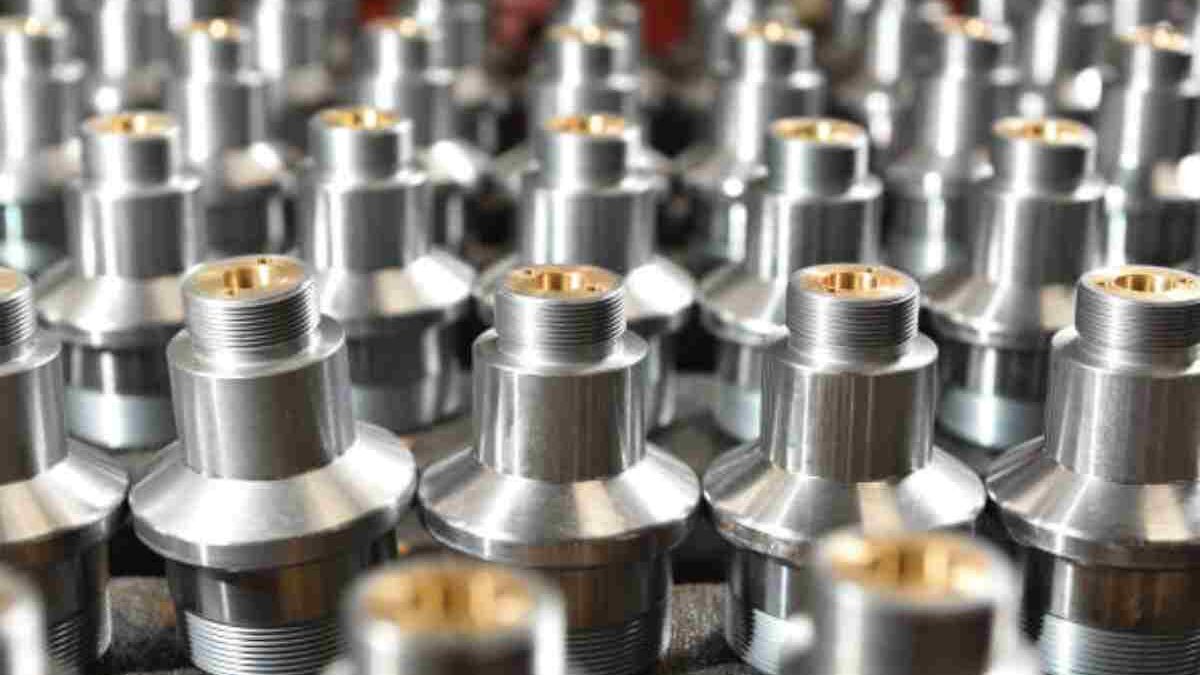
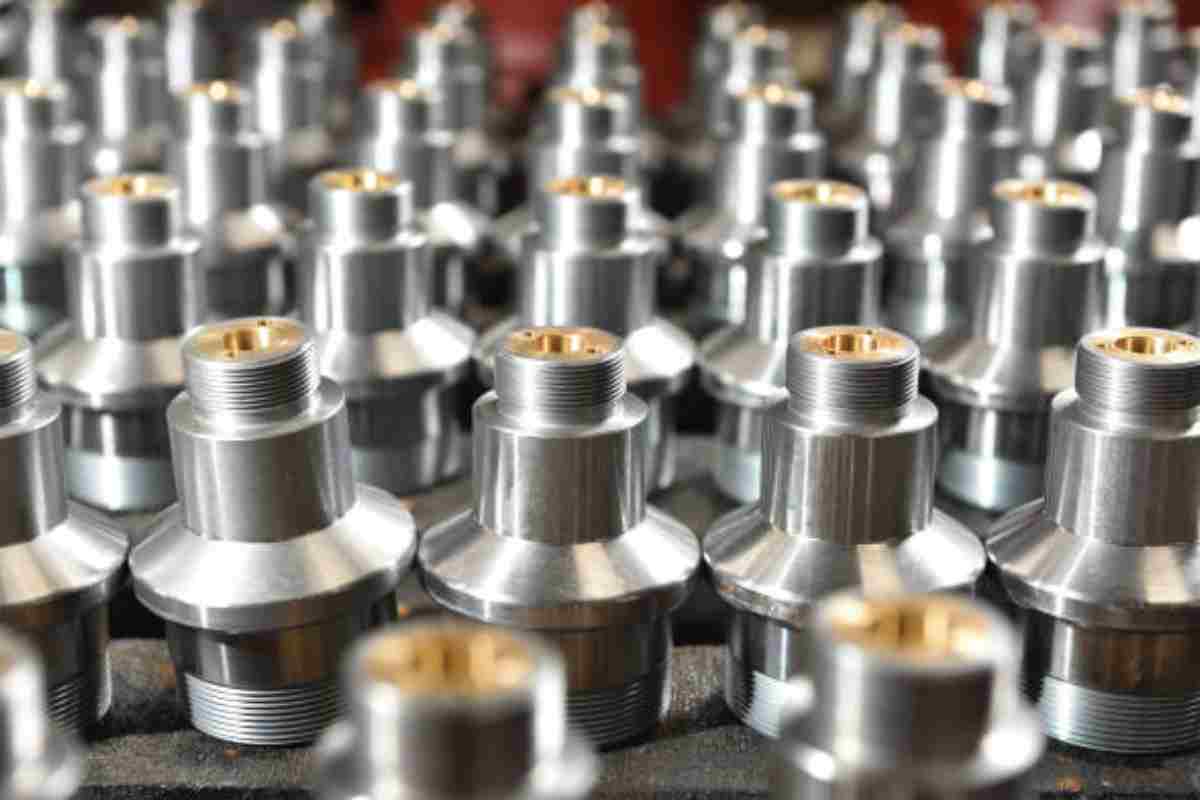
Anything cylindrical or round-ish usually fits.
Examples:
- Automotive shafts
- Aerospace components
- Screws and fasteners
- Camera lens housings
- Even parts inside your laptop
Yeah—this ties back to tech more than you think.
Materials Used (Quick Breakdown)
Different jobs, different materials.
- Aluminum → lightweight, easy to machine
- Steel → strong, durable
- Brass → smooth finish, great for fittings
- Plastics (like acrylic) → used for lightweight or visual parts
Each one behaves differently when cut. That’s why setup matters.
Design Mistakes That Cost Money (And Time)
This is where beginners mess up.
A few common issues:
1. Overly Tight Tolerances
Everyone wants perfection.
But tighter tolerances = higher cost + slower production.
Use them only where needed.
2. Ignoring Surface Finish
Rough finish = friction, wear, and sometimes ugly parts.
If the part interacts with others, finish matters. A lot.
3. Bad Thread Design
Threads that are too fine or too deep?
Harder to machine. Easier to mess up.
4. Wrong Material Choice
Designing something in aluminum when it needs steel strength?
Yeah… that won’t end well.
Real-World Example (Simple One)
Let’s say a small electronics company needs 500 metal knobs for a device.
Before CNC:
- Manual machining
- Inconsistent sizes
- Slow production
After switching:
- Designed in Fusion 360
- Toolpaths generated automatically
- Batch production done in hours
Same design. Better execution.
Where Does This Fit on a Tech Website?
Good question.
Here’s the thing:
CNC today isn’t just “manufacturing.” It’s software-driven production.
It connects with:
- CAD tools
- Simulation software
- Automation systems
It’s basically where engineering meets computing.
And that does fit.
Final Thoughts
CNC turning isn’t just about cutting metal.
It’s about precision, planning, and—honestly—good software decisions.
You mess up the digital part? The physical part fails.
Simple as that.
If you compare manual Turning with there are many reasons why manufacturers choose to use computer-aided technology. It’s more than just cost-effective. However, CNC turning manufacture also increases productivity and speed, which means you can make many components within a shorter time.
