

Recover SQL Server Database in a Distributed Availability Group Setup
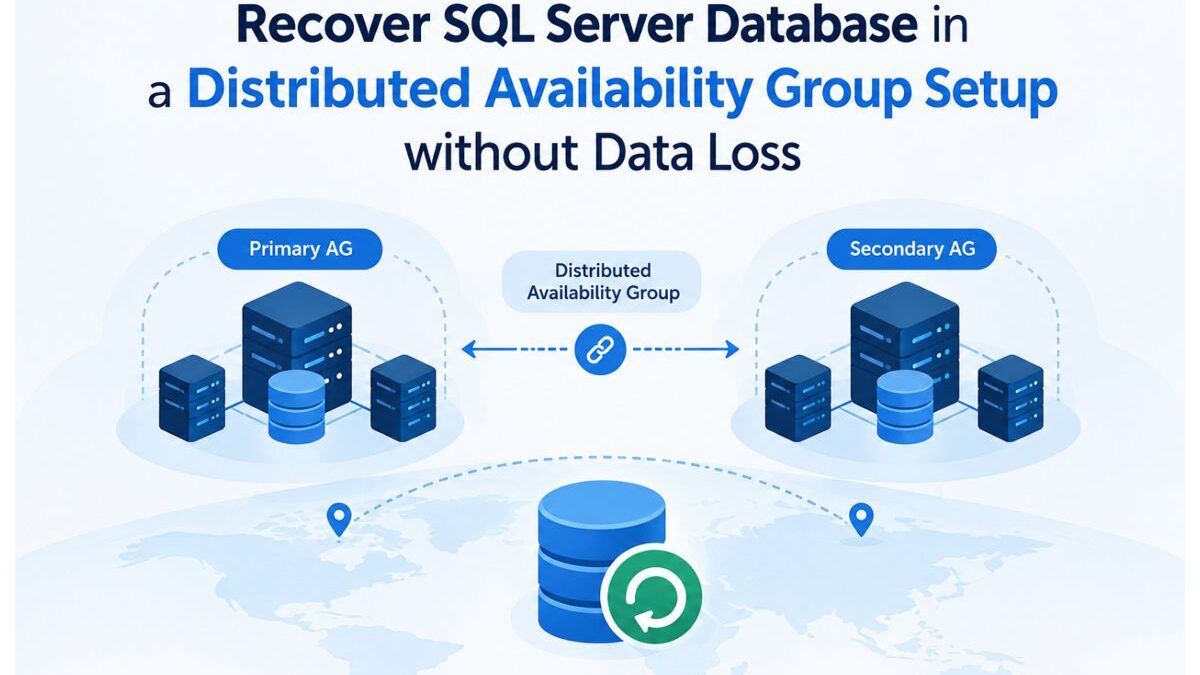
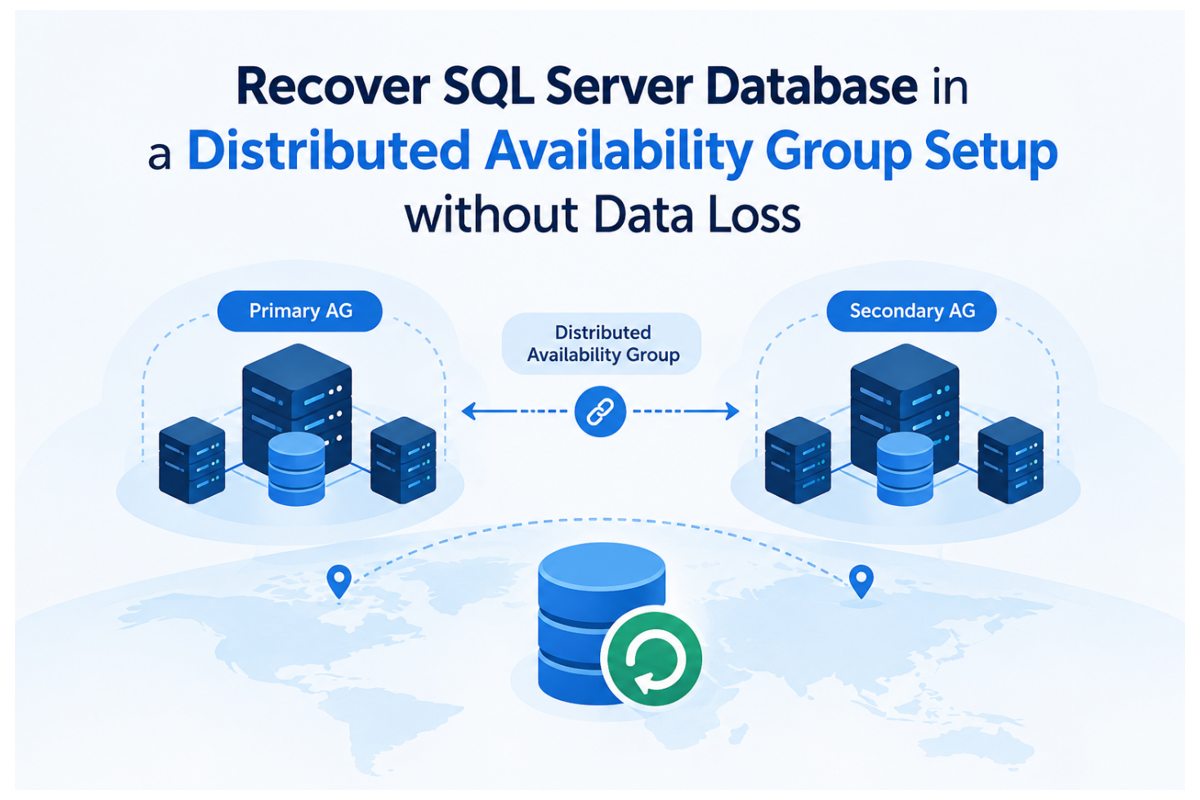
You can use Distributed Availability Group in SQL Server to connect two separate availability groups on varied clusters, which can be in different regions or domains. In this, the primary site (availability group) sends changes to the primary replica of the secondary AG, which then forwards them to other replicas within the group. This type of setup helps in reducing the network traffic in disaster recovery environment with multiple replicas.
When the primary data center fails or the replication process is interrupted due to synchronization problems, recovery may be required. In this article we will explain how to perform recovery in distributed Availability group without data loss in different scenarios.
Table of Contents
What is a Distributed Availability Group?
Introduced in 2016, Distributed Availability Group is one of the types of availability groups for disaster recovery in SQL Server. It helps you to access the multiple failover clusters. In other words, it allows you to configure a link between two separate SQL Server Always on Availability groups. It helps you easily replicate data across different geographical regions without requiring clusters to share the same domain. This type of setup is useful when migrating databases between different clusters or performing disaster recovery across cross-data centers.
Difference between Always On Availability Group and Distributed Availability Group
Always On Availability Groups in SQL Server provide failover and replication to keep databases online if a local server fails. But they require all servers in the same network cluster. So, if a complete data center goes down or network breaks, it can stop the failover. A Distributed Availability Group (DAG) connects two separate Availability groups together, which can be across regions or domains.
To see how Availability Groups and Distributed Availability Groups differ, see this comparison table:
| Standard Availability Group (AG) | Distributed Availability Group (DAG) |
| Can connect multiple individual SQL Server instances | Connect independent AGs |
| All nodes (primary and secondary replicas) must be in the same WSFC | Each AG runs on its own separate cluster |
| Requires all servers to be in the same Active Directory domain | Easily works on cross domains |
| The primary node sends data to every secondary node individually | The primary node in DAG sends data to one node (Forwarder) in the secondary AG, which then shares it locally |
| Supports both automatic (synchronous commit) and manual failover.
| Doesn’t support Automatic failover. You can only perform manual failover |
Why you Need to Perform Data Recovery in SQL Distributed Availability Groups?
You may require data recovery in distributed availability group in the following scenarios:
- When a secondary replica fails.
- Replication errors occurs when replicas fail to replay changes due to damaged transaction logs.
- If you’ve accidently deleted or dropped objects in database which might have disrupted the availability group.
- Network issue stops replication across clusters.
- When upgrading SQL Server versions, patching nodes, or moving databases between clusters.
- The replicas in DAGs stop exchanging data.
- SQL Server marks the database as Suspect, making it unusable due to corruption or missing files. In such cases, administrators may need to recover a SQL database from Suspect mode before it can be brought back into a healthy availability configuration.
- Failover issues occur.
- You may see warnings or errors about replication and corruption in the error logs.
- The database status displays as Recovery Pending and requires complete recovery before it can start.
Recovery Methods in SQL Distributed Availability Groups
In SQL Server distributed AGs, recovery depends on the failure scenario. A manual failover keeps workloads running, when primary data center fails, by switching to a healthy synchronized replica. If synchronization breaks due to corruption or dropped objects, you can restore the affected database within the DAG to bring replicas back online. And when corruption occurs on both sides, you can use a professional SQL recovery tool to rebuild damaged files and recover lost data. Let’s understand these methods.
Method 1 – Manual Failover in Distributed Availability Groups for Disaster Recovery
If your primary data center hardware fails but you have healthy replicas in another cluster connected by Distributed AGs, you can perform manual failover. Before proceeding, you need to run these checks on both sides (the forwarder and the secondary AG):
- Check synchronization mode. To reduce latency, Distributed AGs often run in ASYNCHRONOUS COMMIT mode between sites.
- Ensure replicas show SYNCHRONIZED and HEALTHY status.
- The production Availability Group role should be SECONDARY.
- Check the REQUIRED_SYNCHRONIZED_SECONDARIES_TO_COMMIT to ensure failover can occur without data loss (This feature applies to SQL Server 2022 and later).
- Verify last_hardened_lsn matches.
You can use System dynamic management views (DMVs) for these tests.
Next, start the failover by using the following command:
ALTER AVAILABILITY GROUP distributedAG FORCE_FAILOVER_ALLOW_DATA_LOSS;
Once the failover is complete, change SYNCHRONOUS_COMMIT to ASYNCHRONOUS_COMMIT. This helps you prevent latency and restore normal performance.
Method 2 – Restore Corrupt Database within Distributed Availability Group
If synchronization fails due to corruption or accidental deletion of a database in one cluster, you can restore the database to reestablish synchronization. Proper database backup and recovery procedures allow you to restore a healthy SQL backup and then rejoin the database to the group.
In standard Always On Availability Group (within a single cluster), you can use the DBCC CHECKDB command, to check and repair database (as a last resort) but only after removing it from AG.
Method 3 – Use Professional SQL Recovery Tool
If corruption occurs simultaneously on both replicas in a Distributed Availability Group, no healthy copy may remain available for synchronization. In this case where no backups are available or they are incomplete or not readable, then you can opt for a professional SQL recovery tool, like Stellar Repair for MS SQL Technician. It can repair damaged database files (MDF/NDF) and recover all their data with complete integrity. Also, it helps you repair corrupted .bak files.
In cases where database corruption affects both sides of a Distributed Availability Group and a usable backup is not available, recovery can be more difficult. A tool such as Stellar Repair for MS SQL Technician is considered for repairing damaged MDF or NDF files and recovering the database data. This can be particularly relevant when looking for Online SQL Database repair options for a database that cannot be restored through the usual backup and recovery methods.
Conclusion
Above, we have explained methods to recover data in Distributed Availability Groups in SQL Server without data loss. Choosing the right method varies with the failure scenario. When the primary data center fails, you can perform a manual failover by using a healthy synchronized replica. If synchronization breaks due to corruption or dropped objects, the supported path is to restore the affected database from backups and rejoin it to the DAG.
In worst‑case scenarios where no synchronized replicas or valid backups are available, you can keep a professional SQL recovery tool like Stellar Repair for MS SQL Technician handy. This helps you repair damaged database files, allowing you to re‑establish the database in the AG and maintain data continuity.
