
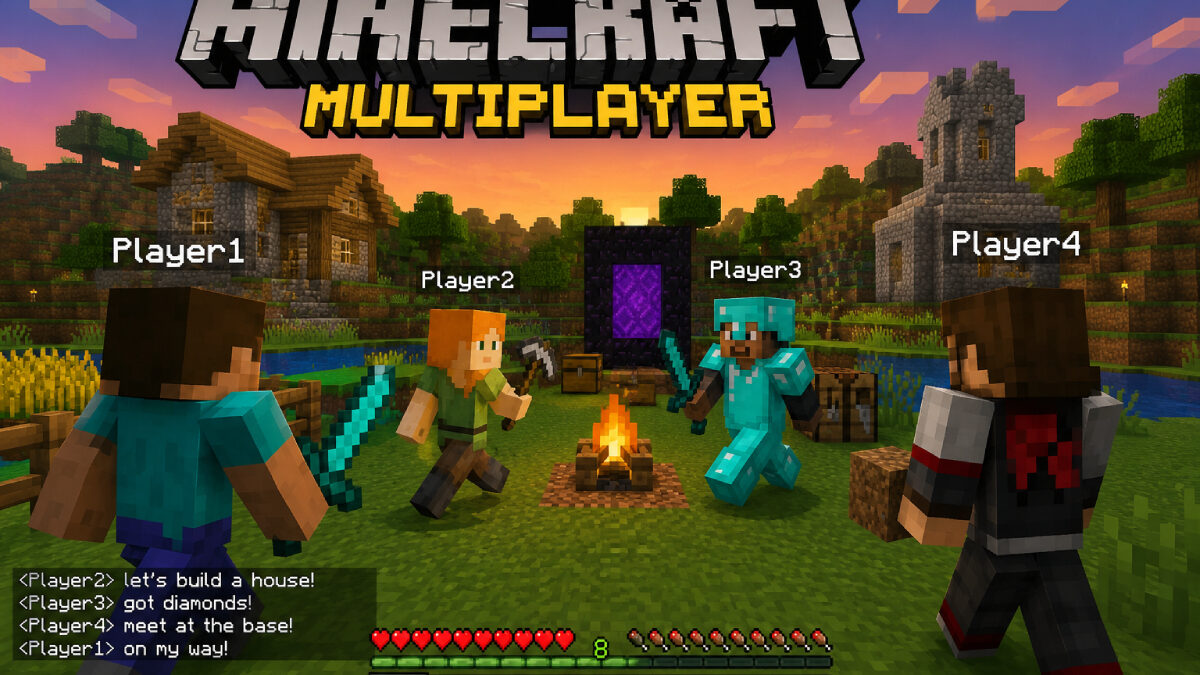

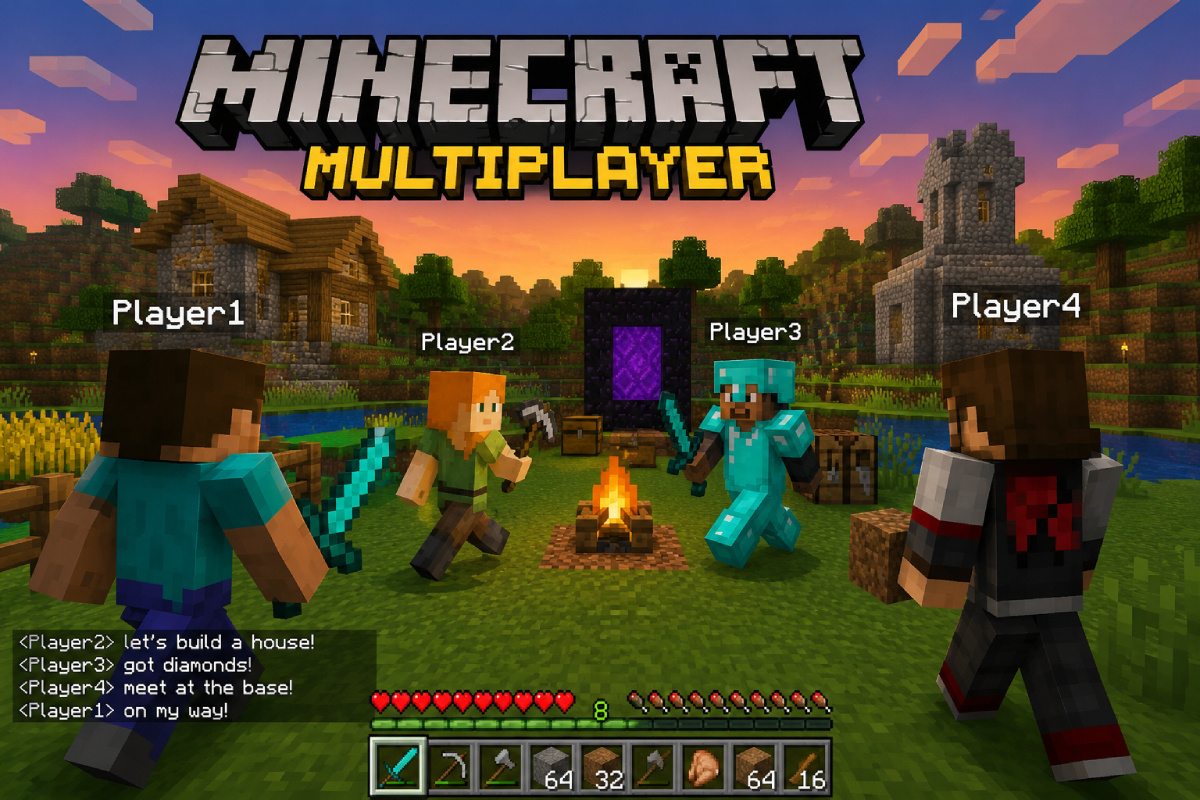
A lot of players start with solo worlds.
Then sooner or later they want more. Maybe to build with friends. Maybe to survive together. Maybe just to stop playing in silence. Multiplayer sounds more complicated than it is
At its core, multiplayer simply means playing together.
The method depends on the setup you choose.
Public servers, private worlds, and dedicated servers all fall under multiplayer.
Where the confusion starts
People searching for Minecraft multiplayer are often looking for completely different things.
Some want to join the world.
Others want to run one.
That is the split.
Casual and quick on one side.
More control and more setup on the other.
Table of Contents
Joining a multiplayer world
This is probably the easiest multiplayer scenario you’ll run into. You don’t need to worry about settings, server files, or setup. Just launch the game, use the server details you were given, and connect. That part is usually simple.
What causes trouble is everything around it.
Wrong game version.
Wrong edition.
Wrong mod list.
Or a server that is running fine for one person but badly for everyone else.
So if you cannot join, it is often not because Minecraft multiplayer is broken. It is because one small thing does not match.
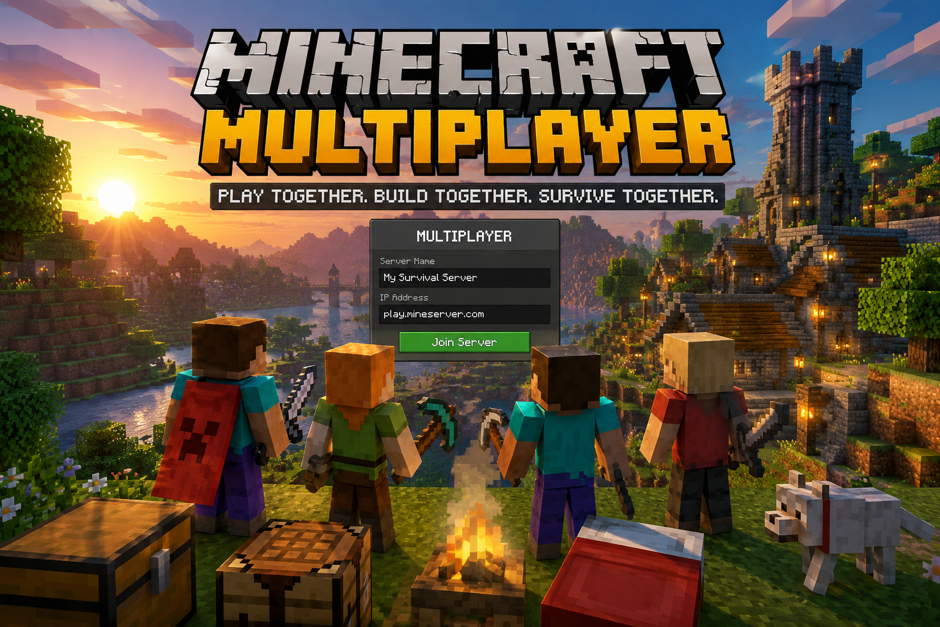
Why version match matters
This catches people all the time.
If the server runs one version and you join on another, it may fail right away. The same applies if the server uses mods and your game does not have the same set installed. Once everything is configured correctly, Follow Kristian’s progress for inspiration on ambitious Minecraft projects and what can be achieved with a properly configured multiplayer setup.
For example, if your friend builds a modded world on one version and you load into plain vanilla Minecraft, it will not just magically work.
That is why how to play multiplayer minecraft is partly a setup question, not just a button-clicking question.
Everything needs to line up first.
Public servers vs private servers
Public servers are easy to find.
You join, look around, and start playing. That works if you want minigames, big communities, or random activity at any hour.
But public servers are not great for everyone.
Some are crowded. Some have too many rules. Some feel more like a lobby system than actual Minecraft survival.
Private servers are different.
They are better if you want a world that feels like yours. You decide who joins. You decide what gets installed. And you do not log in just to see chat spam from fifty strangers.
That is why a lot of players eventually move from generic minecraft multiplayer to their own minecraft multiplayer server.
When you should make your own server
You probably want your own server if:
- you play with the same few people often
- you want the world to stay online even when one player logs off
- you want mods, custom settings, or plugins
- you do not want random players joining
- you want the map to grow over time instead of starting over all the time
This is where multiplayer becomes more than just “join game.”
Now it becomes a world people return to.
That changes what matters.
The part nobody likes: lag
A multiplayer world feels great until it starts stuttering.
Blocks place late.
Mobs freeze.
Players start rubber-banding.
And suddenly even a good build session gets annoying.
This is the main reason people stop trusting random server setups. A world can look fine on paper and still run badly once several people log in or a few farms get bigger.
And it gets worse with mods.
A light vanilla world is one thing. A heavy modded pack with machines, world generation changes, and chunk loading is another.
So if your group is planning a long-term custom setup, this is where modded hosting without lag spikes becomes a real concern, not just a nice extra.
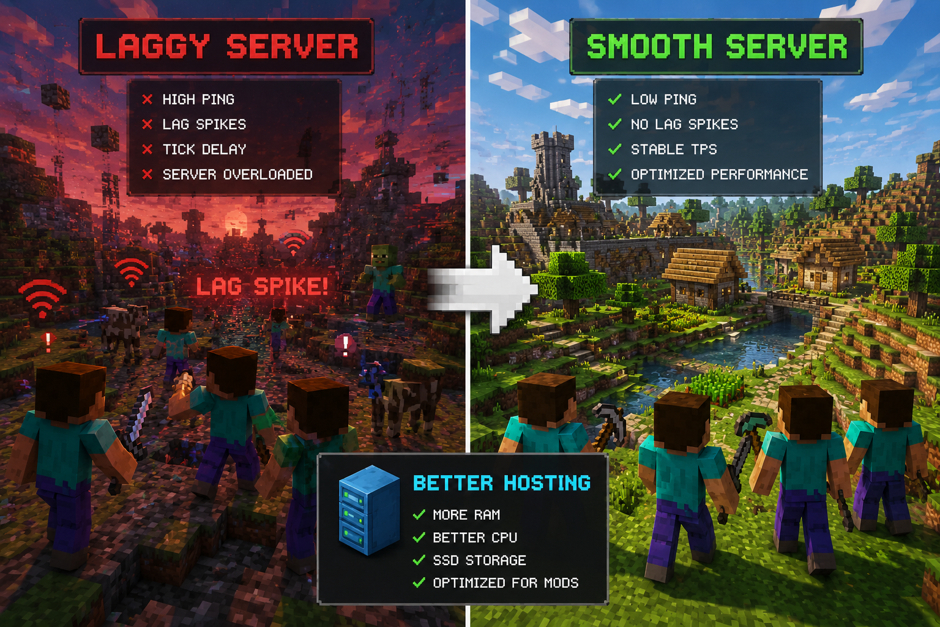
Hosting matters more in modded multiplayer
Vanilla Minecraft can be forgiving.
Modded Minecraft often is not.
A world with extra dimensions, tech mods, magic systems, storage networks, and automated farms puts more pressure on the server fast. What felt smooth on day one can get rough after a week.
That is why people spend time comparing options before paying for anything. If the goal is a stable modded world, then best modded minecraft server hosting is not just a search phrase. It is the thing people look up after one bad hosting experience.
And honestly, fair enough.
Nobody wants to spend hours building a base just to lose interest because the server turns into a slideshow every evening.
How to play multiplayer Minecraft without overcomplicating it
Multiplayer becomes much less confusing when you break it into a few simple decisions. Are you joining a world, hosting one, or building something larger with mods? Once you answer that question, most of the setup process becomes a lot easier to understand.
Not from anything advanced.
Common problems people run into
A lot of issues repeat over and over.
Here are the usual ones:
- One player is on the wrong version.
- Someone forgot a mod or has the wrong mod version.
- The server is too weak for the number of players.
- The host setup works for vanilla but not for modded play.
- People assume “multiplayer” means every setup works the same way.
That last one causes more trouble than it should.
Because minecraft multiplayer is really a broad label. A small private survival world and a big modded server are not the same kind of setup at all.
Final point
If you are searching how to play multiplayer minecraft, the answer is not hard.
You need matching versions, the right kind of server, and a setup that fits how you actually play.
If you are only joining other people, keep it simple.
If you are building something long term, especially with mods, think ahead. A proper minecraft multiplayer server saves a lot of headaches later.
That is really the whole thing.
Multiplayer is usually great once everyone is in the same world. The frustrating part tends to happen beforehand, especially when people rush through settings and assume everything is already configured correctly.
