

This Article is a part of
Cyber Threats & Malware Guide
Phishing Definition
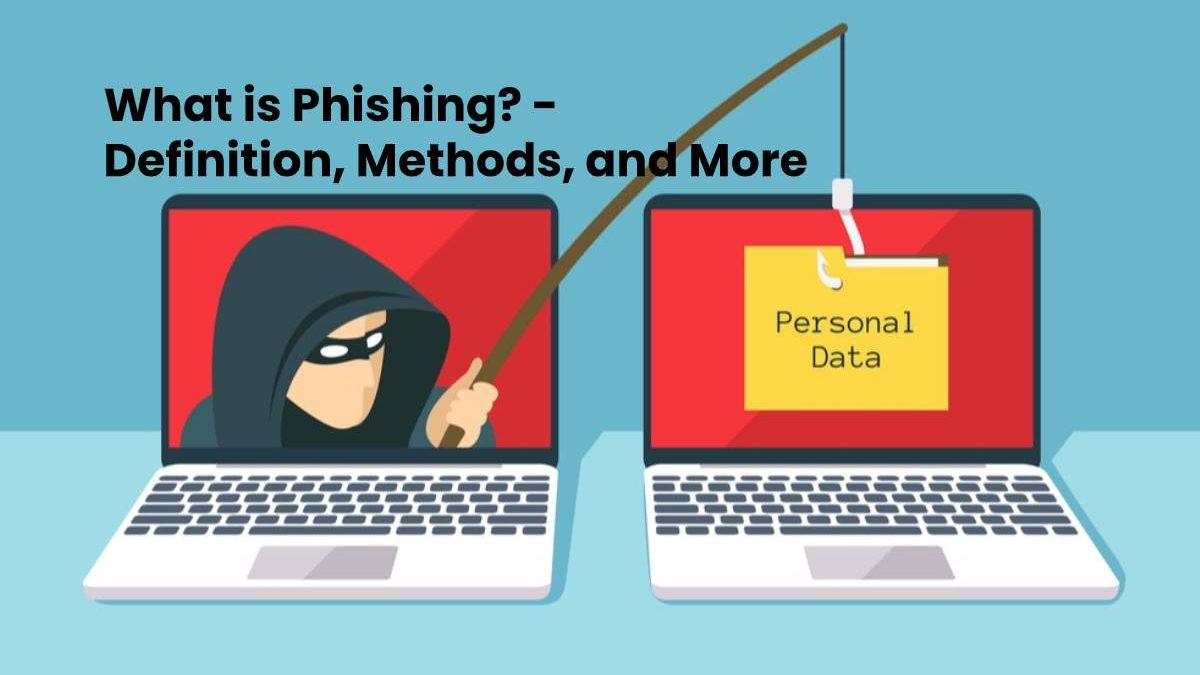
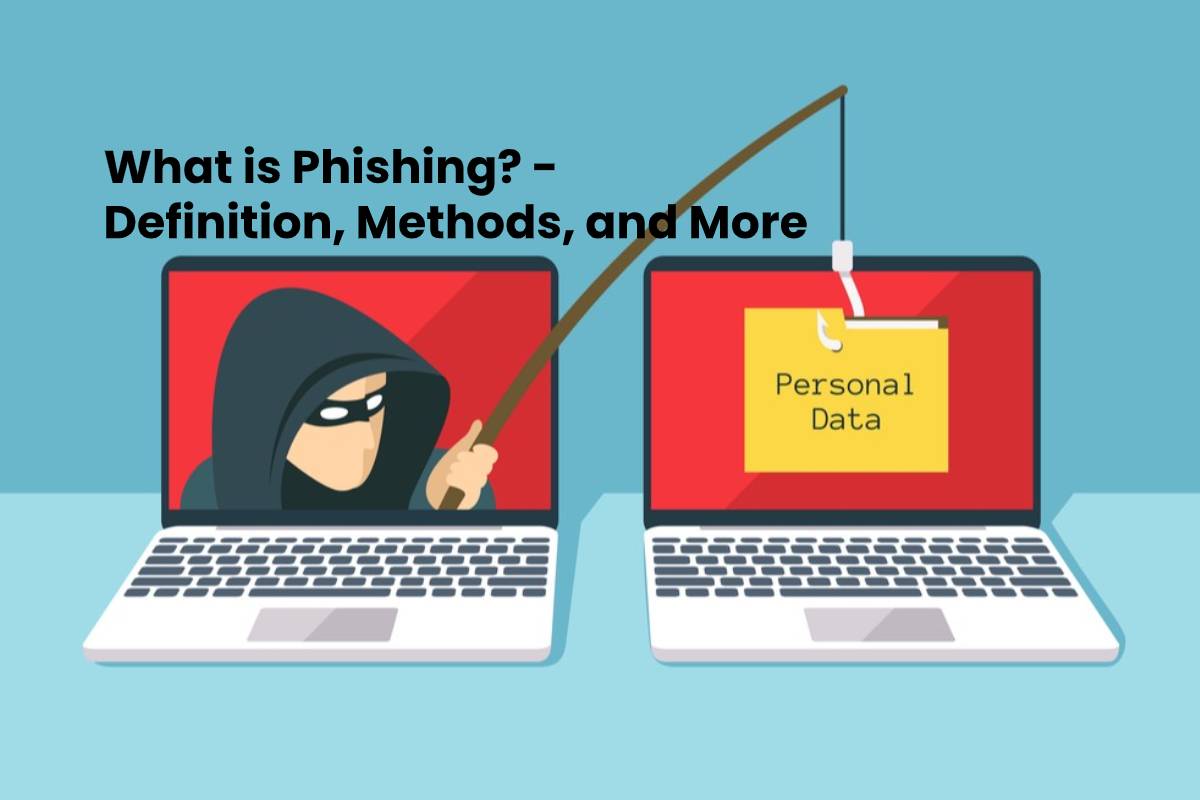
Phishing describes the attempt to steal identifiers and passwords via the Internet by sending fake emails or SMS.
Cybercriminals trap Internet users to fake websites of banks, or online shops using deceptively fake emails to get their user IDs and passwords.
The stolen data is used, for example, for account looting or cyber attacks on companies.
Stolen credentials can also be used as part of attacks that deliver malicious software, including a computer virus to a compromised system.
And also, The aim is to illegally “catch” access data from Internet users and to use it for criminal acts to harm the user.
Recruitment phishing can be highly targeted, using a specific company name and role to make the message appear credible. Applicants can follow this job-offer and company verification process before opening documents or submitting personal information.
Compromised accounts can be abused in many ways, although not every cyberattack relies on stolen credentials. For example, DDoS attacks overwhelm online services with traffic rather than relying on phishing alone.
Phishing is one part of the broader cybersecurity threat landscape. For a wider overview of malicious software and related threats, see our cyber threats and malware guide.
What are the methods used for Phishing?
The most common methods used in phishing depends on the mass sending of emails with fake content. For a broader look at the different techniques attackers use, see our guide to types of phishing attacks.
Email remains one of the most common delivery methods, with attacks ranging from targeted spear phishing and whaling to business email compromise; see the most common types of email phishing attacks for more examples.
Phishing can also be used alongside other attack techniques, including attempts to exploit zero-day threats and newly discovered security vulnerabilities.
- The emails designed in such a way that they come as close as possible to the original emails from banks, or other internet platforms, sender addresses, and customer approach.
- And also, The recipient asked in the email to click on a link contains in the email and to enter his access data there.
- The link leads to a forged login page of the attacker. This page modeled on the original page of the internet platform.
- If the recipient considers the e-mail to be genuine and enters his or her data on the fake website, the phisher owns his access data and can use them for his purposes.
- Phishing can also be used to deliver malware when attackers trick users into opening malicious attachments, downloading infected files, or visiting compromised websites.
- In some campaigns, phishing emails are used as the initial entry point for more damaging threats such as ransomware, which can encrypt files and disrupt access to critical systems.
What is the Protection against phishing attacks?
- To protect yourself against phishing, in addition to technical protective measures, healthy caution in handling e-mails and entering access data in the network.
Businesses need additional safeguards beyond individual caution, so see our guide on how to protect your business from phishing attacks
- Organizations should also consider insider threats, since trusted users with legitimate access can accidentally or deliberately expose sensitive information.
- And also, It is generally not advisable to click on links contained in e-mails and to enter personal data on the pages accessed.
- There you can verify whether the page accessed uses a valid certificate from the respective provider.
- Login pages should always open directly from the address line of the browser. It is often possible to recognize phishing emails directly from their content.
If a suspicious message has already reached your inbox, knowing how to investigate and respond to a phishing email can help prevent a single mistake from becoming a larger security incident.
- A personal address with names or other customer data is usually missing. Poorly made phishing emails are also noticeable due to deficiencies in the spelling and urgency of the address.
