


Top 10 AI Workspace Tools for 2026 (Reviews, Pricing & Real Use Cases)
Walk into a modern workspace today and something feels… different.
Not louder. Not faster. Just smarter.
Honestly, it’s subtle. Your notes organize themselves. Meetings summarize themselves. Even your random ideas at 2:17 AM don’t get lost anymore.
That’s not magic. That’s AI workspaces.
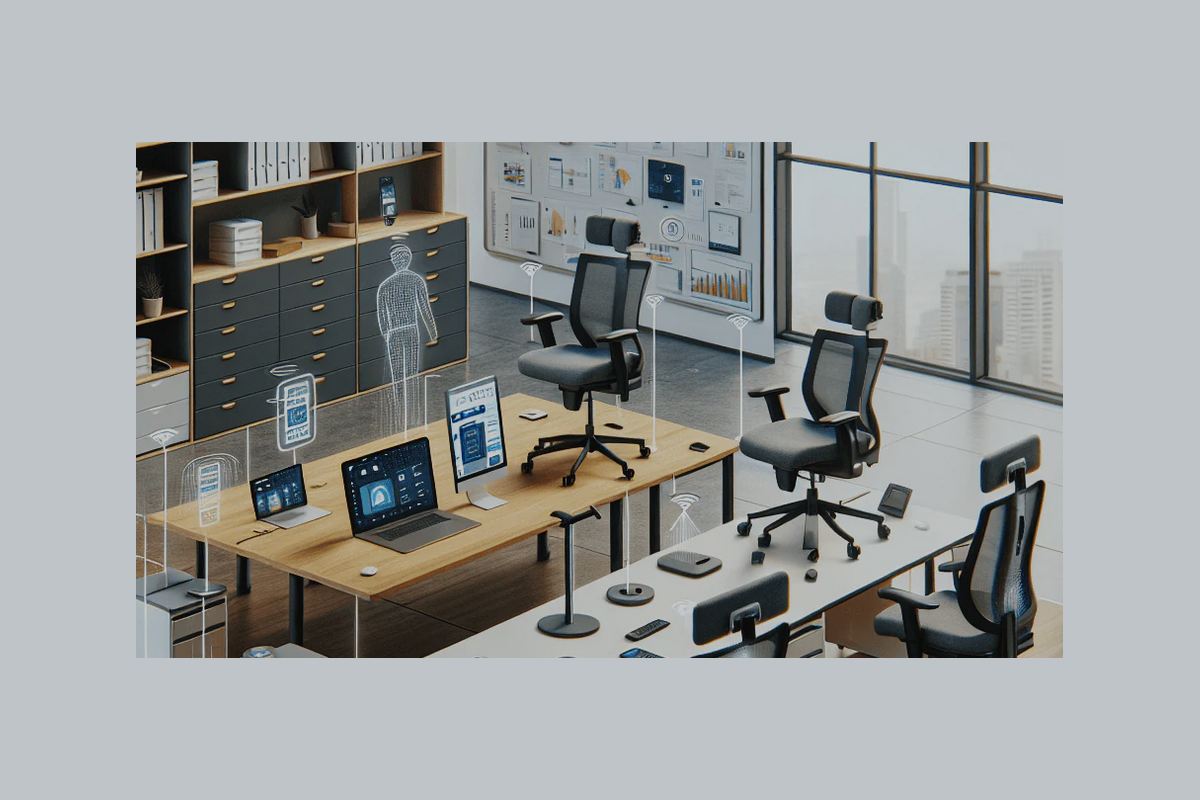
And here’s the thing: the concept isn’t just about smart chairs and responsive desks anymore (though that’s where it started ). It’s evolved into software ecosystems that think alongside you.
So let’s cut through the hype.
This guide breaks down the best AI workspace tools in 2026, what they actually do, how much they cost, and—more importantly—which ones are worth your time.
Table of Contents
What Is an AI Workspace?
Short version?
It’s your digital work environment—but upgraded.
We’re talking about tools that:
- Learn how you work
- Automate repetitive tasks
- Surface insights before you ask
- Reduce friction (emails, docs, meetings… all of it)
Look, productivity isn’t about grinding harder anymore. It’s about removing invisible friction.
That’s exactly what AI workspaces do.
The 10 Best AI Workspace Tools in 2026
Let’s get into it.
1. Notion AI
Best all-in-one AI workspace
Notion didn’t just add AI. It absorbed it.
You can:
- Generate documents in seconds
- Summarize meeting notes instantly
- Build databases that practically maintain themselves
Pricing:
- Free plan available
- AI add-on starts around $10/month
Real use: A startup team reduced weekly documentation time from 6 hours to under 90 minutes.
2. Microsoft Copilot
Best for enterprise teams
If you’re already using Word, Excel, Teams—this is a no-brainer.
Copilot:
- Writes emails in Outlook
- Builds Excel models from plain English
- Summarizes Teams meetings automatically
Pricing:
- ~$30/user/month (enterprise tier)
Honestly? It’s less a tool, more a silent assistant sitting inside your workflow.
3. Slack AI
Best for communication-heavy teams
Slack used to be noisy. Now it’s… filtered.
AI features:
- Thread summaries
- Smart replies
- Instant search insights
So instead of scrolling endlessly—you just ask:
“Hey, what did we decide last Thursday?”
And boom. Answer.
4. ClickUp AI
Best for project management
ClickUp went all-in on AI.
You get:
- Task generation from goals
- Auto-updated timelines
- AI-written status reports
Pricing:
- Free plan
- Paid plans from $7/month
And yes—it actually reduces project chaos. Not exaggerating.
5. Coda AI
Best for flexible workflows
Coda feels like Notion’s experimental cousin.
But powerful.
You can:
- Turn docs into apps
- Automate workflows
- Generate insights inside tables
It’s weird at first. Then it clicks. And when it does—it’s addictive.
6. Zoom AI Companion
Best for meetings
Let’s be honest. Meetings are messy.
This fixes that.
Features:
- Real-time summaries
- Action item tracking
- Post-meeting highlights
So yeah—you can actually stop taking notes.
7. Reclaim AI
Best for time management
This one’s underrated.
Reclaim:
- Auto-schedules tasks
- Protects focus time
- Balances meetings vs deep work
Think of it as a calendar that fights for your time.
8. Otter.ai
Best for voice + notes
Otter turns conversations into structured notes.
Use it for:
- Interviews
- Lectures
- Team calls
And it doesn’t just transcribe—it organizes.
9. Airtable AI
Best for data-driven teams
Airtable + AI = powerful.
You can:
- Analyze datasets instantly
- Generate reports
- Automate workflows
It’s like spreadsheets… but smarter and less painful.
10. ChatGPT
Best general-purpose AI workspace layer
Yeah, this one’s obvious.
But also essential.
People use it for:
- Writing
- Coding
- Research
- Brainstorming
And increasingly? As the central layer connecting all other tools.
Which One Should You Actually Use?
Here’s the honest answer:
It depends on how you work.
- Solo creator? → Notion AI + ChatGPT
- Corporate team? → Microsoft Copilot + Slack AI
- Project-heavy workflow? → ClickUp AI
- Meetings overload? → Zoom AI + Otter
Don’t overcomplicate it. Start with one. Expand later.
The Real Shift: From Tools to Intelligent Environments
Now let’s zoom out for a second.
AI isn’t just software. It’s environmental .
We’re moving toward workspaces furniture’s that:
- Adapt to your habits
- Learn your energy patterns
- Reduce mental fatigue automatically
And yeah, that includes physical spaces too:
- Smart desks adjusting height
- Chairs correcting posture
- Lighting syncing with circadian rhythms
Sounds futuristic?
It’s already happening.
Why AI Workspaces Actually Improve Productivity
Not because they’re “cool.”
Because they remove friction.
Small things:
- Searching for files
- Rewriting emails
- Tracking tasks
Individually? Annoying.
Collectively? Exhausting.
AI eliminates those micro-frictions.
And suddenly—you have energy left for real work.
Creative work. Strategic work. Thinking work.
The Business Impact
Companies using AI workspace tools report:
- 30–50% reduction in admin time
- Faster decision-making cycles
- Improved employee satisfaction
And here’s the kicker…
It’s not about working more.
It’s about working with less resistance.
The Future of AI Workspaces
Look, we’re still early.
But here’s what’s coming next:
- Fully autonomous workflow systems
- AI that predicts tasks before you assign them
- Workspaces that sync across devices, teams, and environments
And maybe the biggest shift?
You won’t “use” AI tools anymore.
They’ll just… be there.
Quietly helping.
Final Thoughts
AI workspaces aren’t a trend.
They’re a transition.
From static tools → to adaptive systems
From manual effort → to intelligent assistance
And honestly?
Once you start using them properly, going back feels… slow.
