
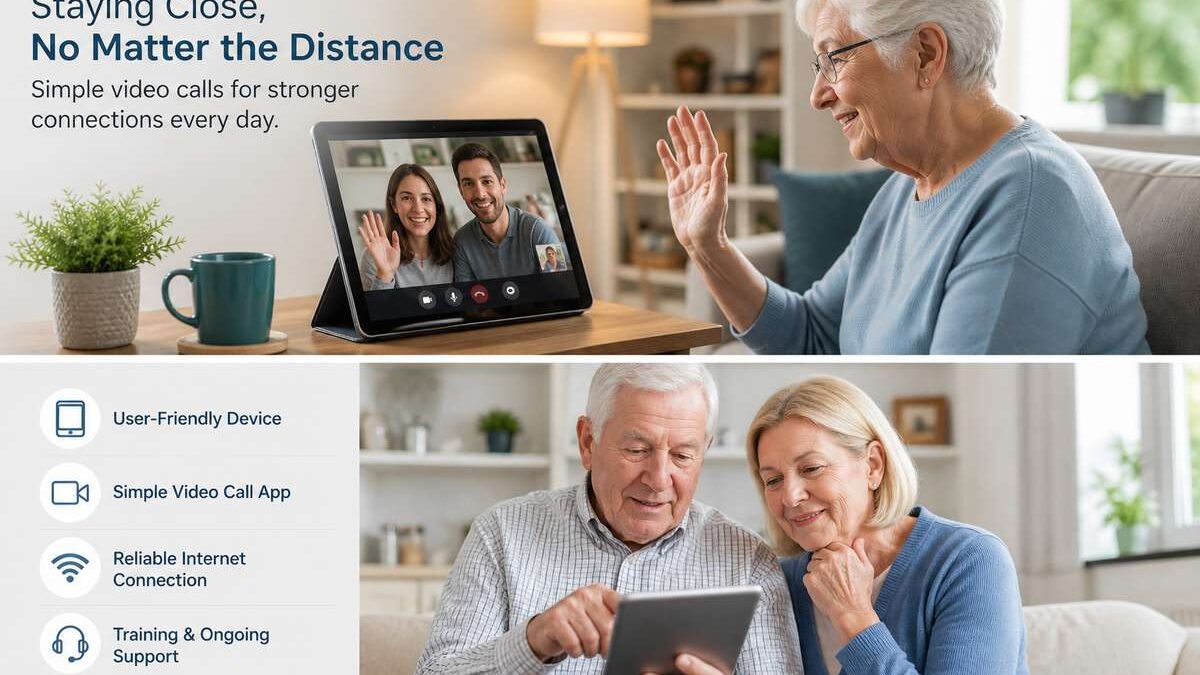

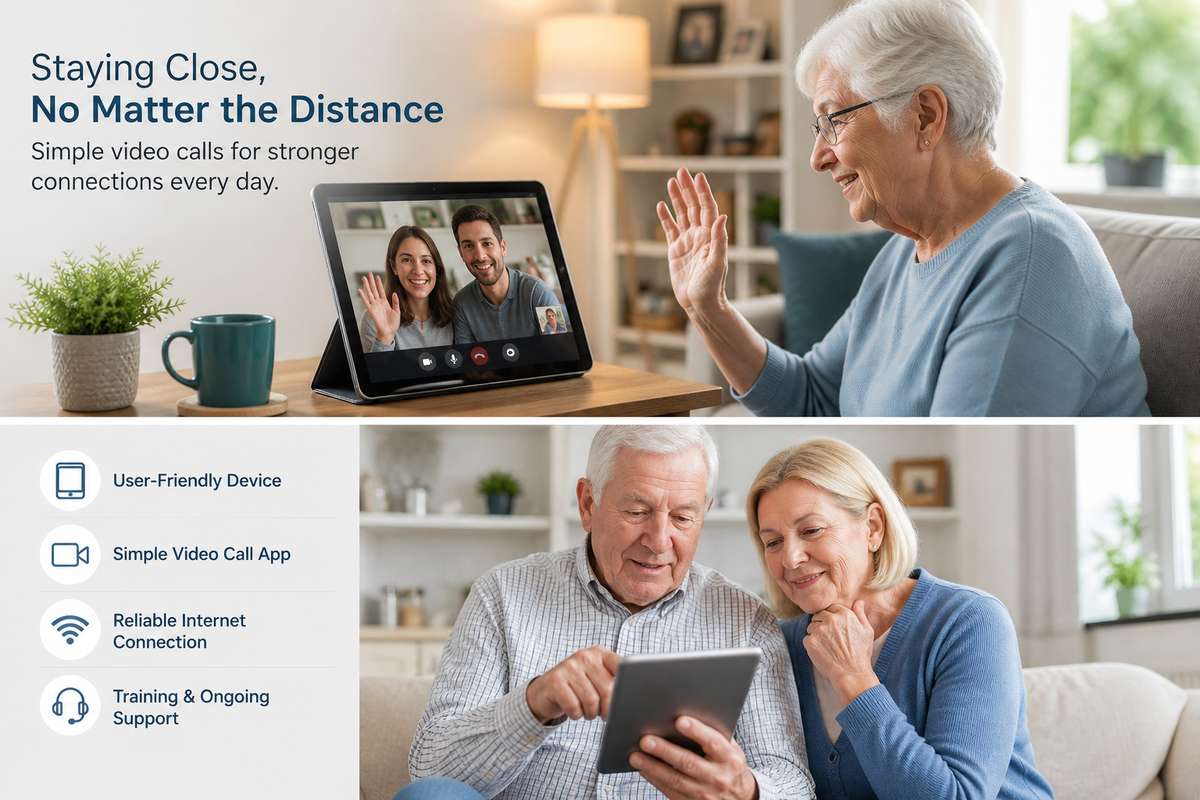
As technology becomes an integral part of our daily lives, it is essential to ensure that all age groups, especially older relatives, can comfortably participate in its advantages. For those who may not be as tech-savvy, setting up a video call system that is easy to use can significantly improve their social connections and wellbeing. Many people search for the best video chat apps to assist them in this task, ensuring dependability and user-friendliness. In this blog post, we scrutinise straightforward steps to set up a seamless video calling experience for your older family members while considering their unique needs and skills.
Table of Contents
Choosing User-Friendly Devices
The first step in setting up a video calling system for older relatives is selecting an appropriate device. Tablets and smartphones tend to be the most user-friendly options due to their touchscreens and portability. Brands like Apple and Samsung provide devices that come with intuitive interfaces and accessibility features tailored to senior users. These features often include larger text sizes, higher contrast settings, and voice-command capabilities.
Selecting the Right Video Chat Application
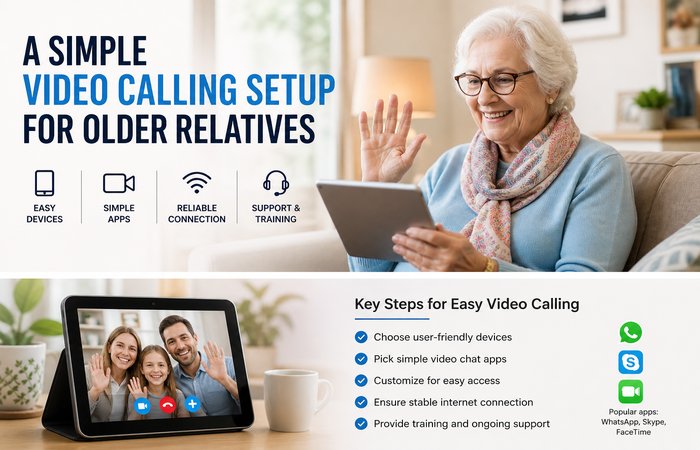
Choosing the correct video chat application is crucial for ensuring ease of use and clarity during calls. When selecting apps, simplicity should be the paramount consideration. Look for applications with clear interfaces and ensure that they allow high-quality audio and video. Apps like WhatsApp, Skype, and FaceTime are popular choices as they offer straightforward functionalities. Furthermore, these apps typically do not require extensive setup processes, making them perfect for older users.
Customising the Device for Simplicity
After selecting both the device and the appropriate app, the next step is customising the device for simplicity and ease of access. One effective method is to create shortcuts by placing the video calling app icon prominently on the home screen, such as the first screen where it’s immediately visible. Customise the settings by turning on features like ‘Do Not Disturb’ during calls to avoid interruptions. Additionally, ensure that the device and app are configured to update automatically, maintaining system efficiency and security without manual intervention.
Ensuring Reliable Internet Connectivity
Reliable internet connectivity is vital for high-quality video calls without interruptions. Check that the area where the device will be frequently used has strong Wi-Fi signals. If necessary, consider upgrading to a better internet plan or place a Wi-Fi extender nearer the device to enhance signal strength. Teach your relatives basic troubleshooting steps, such as restarting the router, should they encounter connectivity issues.
Providing Adequate Training and Support
Even with the simplest setup, it’s essential to provide training and ongoing support for your older relatives. Start by giving a step-by-step demonstration of how to make and receive a video call. Create an easy-to-follow guide with annotated pictures or diagrams that they can refer to if needed. Encouragement and patience are key components while they build confidence in using the technology. Offer regular check-ins initially and be available for support, as this will help them feel more independent and empowered with their new skill.
In summary, creating a straightforward video calling setup for older relatives involves selecting the right device, application, and customising settings to enhance usability. Stability in internet connectivity and positive encouragement during initial learnings are crucial to the experience. Following these steps not only ensures that your older family members stay connected with the technology age but also bridges the distance with ease, helping them maintain social connectedness and mental wellbeing.
