


This Article is a part of
Generative AI Guide
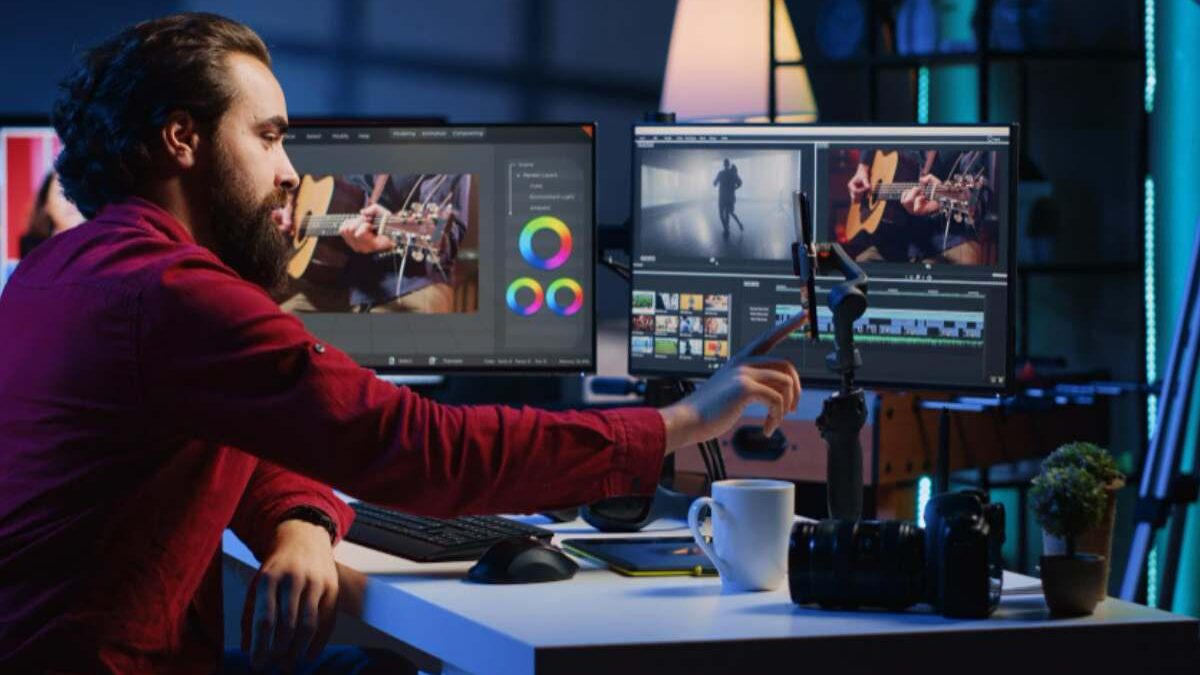
The initial “magic” of generative AI has a way of wearing thin when a project hits the 90% mark. For designers and video editors, the first prompt is easy; it’s the fine-tuning that creates the bottleneck. We have all been there: you generate a near-perfect environment or character, but a single hand is mangled, or a background element contradicts the brand guidelines. The instinct for many is to tweak the prompt and roll the dice again. This “slot machine” approach to creation is the primary reason generative workflows often fail to scale in professional environments.
This Article is a part of
Machine Learning Resource Center
True production efficiency isn’t found in the initial generation but in the “last mile” of editing. This is where regional changes, surgical inpainting, and precise masking become more valuable than the most complex prompt engineering. By shifting the focus from total regeneration to targeted modification, tools like Nano Banana Pro allow creators to treat AI as a digital scalpel rather than a sledgehammer.
The last mile challenge exists because generative AI is no longer limited to research experiments or simple automation. Modern systems now combine foundation models, multimodal capabilities, and enterprise workflows.
To understand the complete evolution behind these technologies, explore our detailed Generative AI guide covering how generative models work, their applications, and where the technology is heading.
Table of Contents
The Efficiency Trap of “One More Prompt”
In a traditional design pipeline, if a client wants a different color for a jacket, you don’t repaint the entire canvas. You adjust a layer mask or change a hue/saturation property. In the early days of generative AI, we lost this granularity. We became obsessed with “text-to-image” as a final output, ignoring the fact that global changes often destroy the parts of an image that actually worked.
When you use Nano Banana to start a project, the goal should rarely be a one-and-done output. The real work begins when you identify the “good enough” base and begin isolating the areas that require correction. Constant re-prompting introduces too many variables; you change the prompt to fix the jacket, and suddenly the lighting on the face shifts, or the camera angle moves five degrees. This lack of control is the enemy of professional consistency.
One of the biggest signs that generative AI is moving beyond experimentation is its adoption in everyday business operations. Companies are now using conversational AI to automate inbound and outbound calls, improving customer support efficiency, reducing manual workloads, and creating more scalable communication systems.
Inpainting as a Non-Linear Solution
Inpainting is essentially the process of telling the AI: “Keep everything outside this mask exactly as it is, and only rethink the pixels inside.” This is a fundamental shift in how we interact with Banana AI. Instead of negotiating with a black box for a total image, you are providing a bounded area for creativity.
However, it is important to reset expectations regarding the “perfection” of these tools. Inpainting is not a universal fix. If the surrounding context of an image is visually confusing or lacks clear perspective, the AI may struggle to interpret what should exist within the masked area. There are moments where the noise patterns simply won’t align, leading to “seams” or artifacts that require a second or third pass. Understanding these limitations is what separates a professional operator from a casual user.
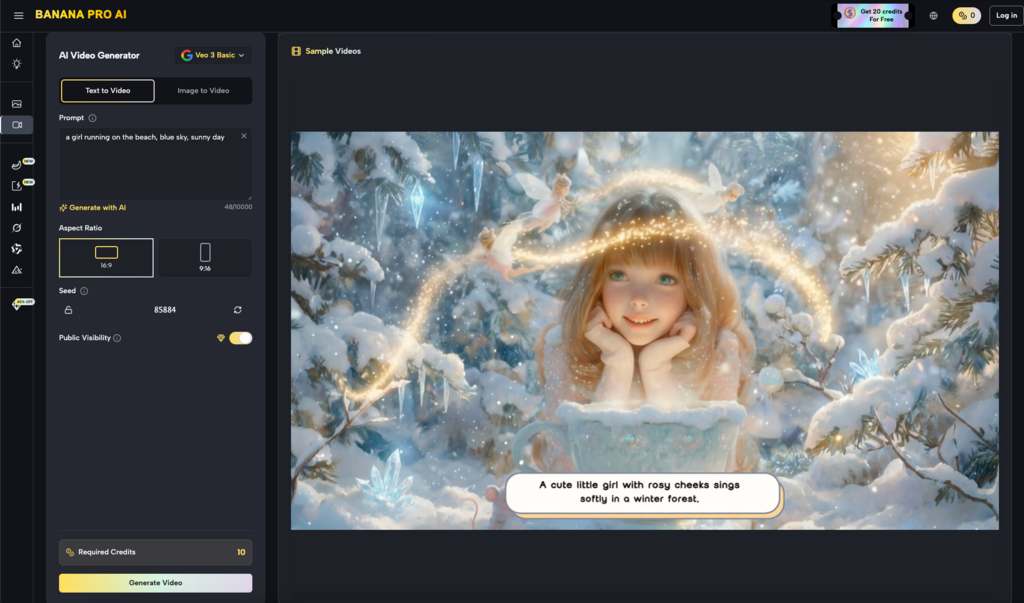
Regional Control and the AI Image Editor Workflow
Beyond simply fixing errors, regional changes allow for a layer-based approach to composition. Using an AI Image Editor to define specific zones for modification allows a designer to build a scene incrementally.
- Establish the Foundation: Generate the broad strokes of the environment using a base model.
- Isolate Subjects: Use masking to place or refine characters without altering the lighting or architecture of the background.
- Contextual Blending: Adjust the edges of these regions to ensure the light wrap and shadows feel grounded.
This workflow is particularly relevant when working with Banana Pro. By maintaining the integrity of the original seed while only modifying specific coordinates, you maintain a “visual anchor.” This prevents the “drifting” effect where an image begins to look like a completely different style after three or four iterations.
The impact of GenAI adoption can already be seen across creative industries, where AI systems are changing how teams produce digital assets, marketing visuals, and product designs. A major example is the rise of text-to-image AI, where modern image models help businesses turn simple prompts into production-ready visual content.
Bridging the Gap Between Image and Video
For video editors, the stakes of inpainting are even higher. A video is only as strong as its keyframes. If you are using a generative tool to create a starting frame for a cinematic sequence, any flaw in that base image will be magnified once motion is applied.
If a character in your base image has a distorted limb, the video generation engine will attempt to animate that distortion, resulting in grotesque “hallucinations” in the final render. By using Banana Pro to clean up those keyframes via inpainting first, you ensure that the motion vectors have a clean, logical geometry to follow.
It is worth noting that current generative video tech still faces significant hurdles with temporal consistency. Even a perfectly inpainted still image doesn’t guarantee a flicker-free video. The transition from a static edit to a moving sequence is an area where uncertainty remains high, and creators should expect to perform multiple “runs” to find a version where the inpainted region doesn’t warp unnaturally during movement.
The Strategic Value of Nano Banana Pro
In a commercial setting, time is the most expensive resource. The time spent waiting for “the perfect prompt” to hit is time that could be spent manually directing the AI through regional edits. Nano Banana Pro is designed for this specific reality. It acknowledges that the AI’s first guess is often 80% correct, and the remaining 20% requires human intervention.
The platform provides a bridge for those who are used to the precision of Photoshop but want the speed of generative models. When you stop treating the AI as a magician and start treating it as a highly sophisticated brush, your output becomes more predictable. Predictability is what allows a studio to quote a timeline to a client with confidence.
Practical Limitations and Technical Reality
We must be honest about the current state of “surgical” editing. While tools have advanced, the “AI feel” can sometimes persist in inpainted areas. This is often due to a mismatch in grain or sharpness between the original image and the newly generated region.
Professional editors often find that they need to apply a global grain pass or a slight blur to the composite to unify the textures. If you expect a single click to flawlessly integrate a complex object into a high-resolution background, you will likely be disappointed. The AI handles the “heavy lifting” of light and shadow, but the final polish—the “last inch”—still frequently requires a traditional eye for detail.
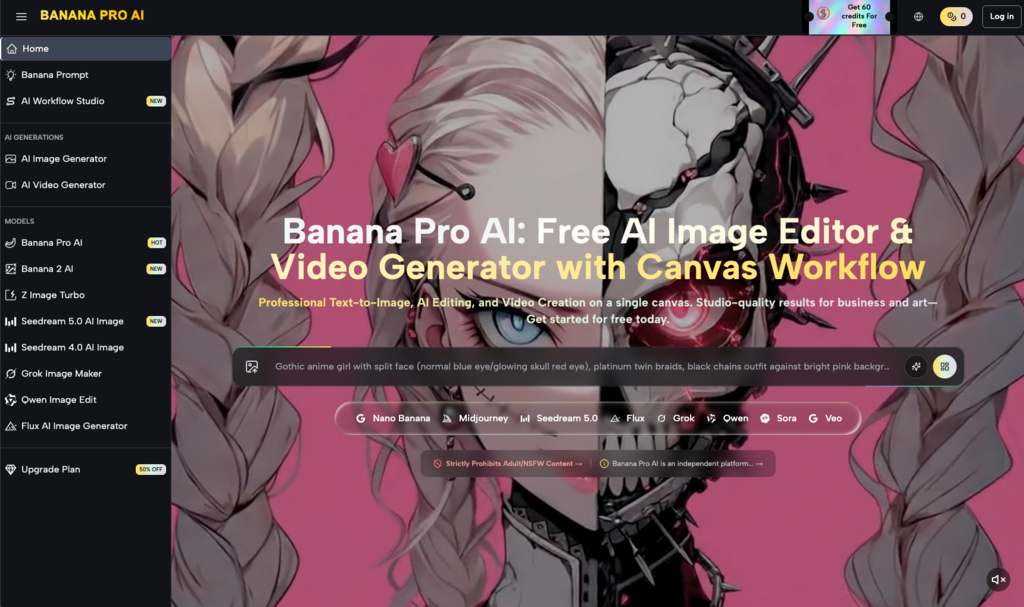
Why Character Consistency Relies on Regional Edits
One of the biggest hurdles in generative content is keeping a character looking like the same person across different shots. If you regenerate the whole image every time, the facial features will inevitably drift.
The smarter approach involves keeping a library of “anchor” images and using regional changes to swap out clothing, backgrounds, or poses while leaving the facial structure within a protected mask. This is where Nano Banana shines. By locking the “identity” of the subject and only allowing the AI to iterate on the environment or the action, you solve the consistency problem that plagues most “prompt-only” creators.
Redefining the Creative Role
As these tools become more integrated into the standard design stack, the role of the creator is shifting. We are moving away from being “prompters” and toward being “conductors.” The skill is no longer just in the vocabulary you use to describe a scene, but in your ability to look at an imperfect image and identify exactly which 5% needs to be replaced.
The use of an AI Image Editor isn’t a sign that the AI failed; it’s a sign that the creator is taking control. Whether it’s removing an unwanted object, changing a facial expression, or adding a specific prop, surgical inpainting is the only way to achieve a specific creative vision without settling for the AI’s “best guess.”
Conclusion: Toward a More Intentional Workflow
The shift toward iterative, region-based production is inevitable. As the novelty of generative AI fades, the demand for precision will only grow. High-end production environments cannot rely on the randomness of text-to-image generators. They require tools like Nano Banana Pro that respect the work already done while providing a path for refinement.
Solving the last mile of GenAI is also about creating more natural interactions between humans and machines. This progress is becoming visible through conversational systems where
LLMs and voice cloning power today’s AI companions, creating digital experiences that combine reasoning, personalization, and realistic communication.
By mastering inpainting and regional control, you move beyond the limitations of the prompt box. You stop asking the AI what it can give you and start telling it exactly what you need. This is the difference between a hobbyist playing with a new toy and a professional using a powerful new medium to deliver a specific, high-quality result. It’s not about the most complex prompt; it’s about the most controlled edit.
Related Guides
- AI and machine learning play a major role in customer intelligence, automation, and decision-making systems.
- AI-driven hyperautomation helps organizations automate repetitive workflows using intelligent machine learning systems.
- computer vision technology enables AI systems to analyze images, facial patterns, and real-time visual data.
- AI-based customer engagement improves communication, personalization, and customer retention strategies.
