

Businesses today move fast. The ones that grow stay practical: lean teams, smart decisions, no wasted spend. But most companies picked up a habit that quietly works against them: using too many tools. Together, they create overlapping subscriptions, disconnected data, and constant tab-switching that slows everything down.
The smarter approach is choosing fewer, stronger tools: platforms that combine multiple functions and cost less than the pile of apps they replace. Tools like WebWork Time Tracker, HubSpot, and Asana are built around this idea, doing more with one subscription instead of spreading your budget across five.
Here are ten tools, one per job, that cover everything a small business needs in 2026.
Table of Contents
The 10-Tool Stack
-
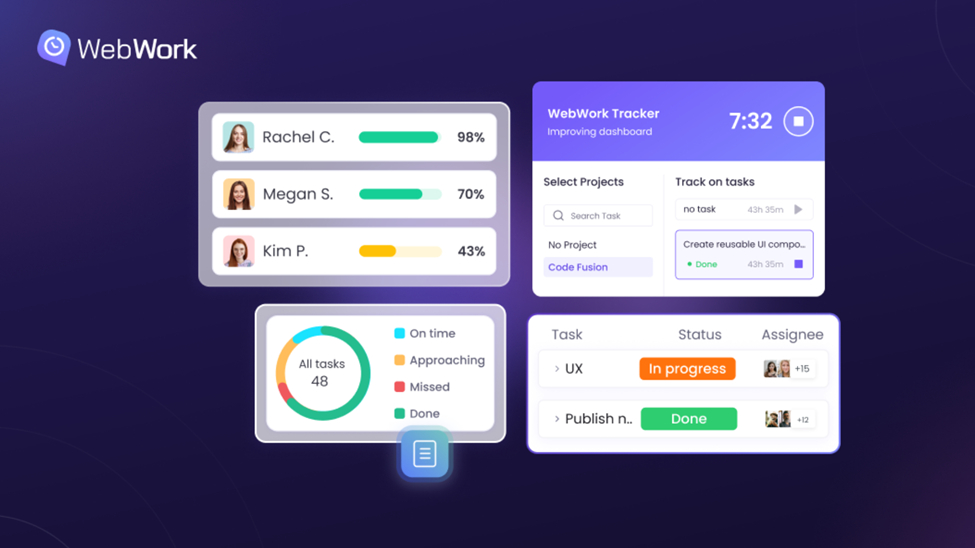
WebWork Time Tracker for time tracking
It covers timesheets, projects, tasks, attendance, invoicing, payroll, and an AI assistant in one connected platform. Instead of paying for a timer, a payroll tool, and a project board separately, WebWork handles the full workflow from clock-in to payout. The built-in AI flags burnout risk and workload imbalance before they become real problems—so you can fix issues before they affect your team.
-
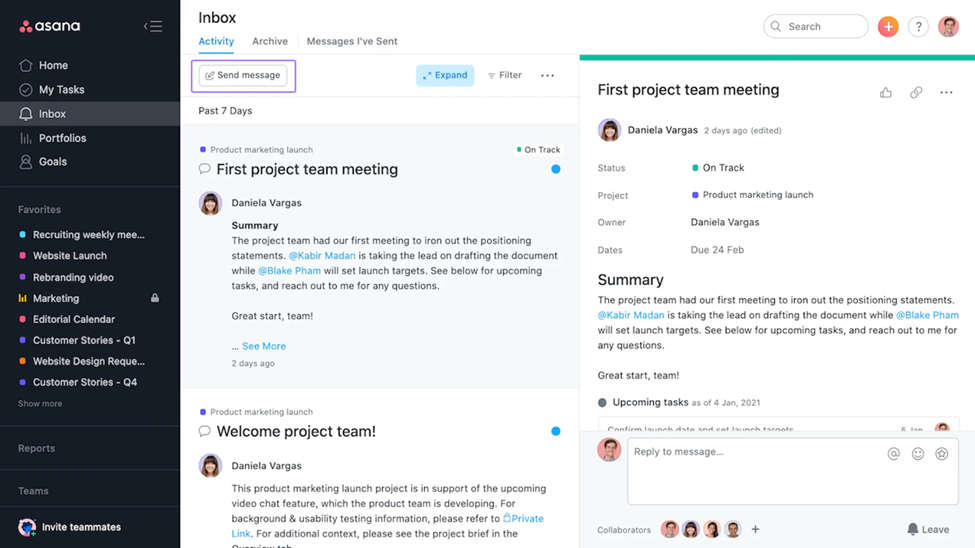
Asana for project management
It keeps tasks, deadlines, and team members aligned in one place, so nothing slips through the cracks. Lists, boards, timelines—pick the view that works for your team and switch between them as needed. You can break down large projects into manageable subtasks, assign ownership, and track progress at a glance. Free for basics, with paid tiers for advanced reporting and automation.
-
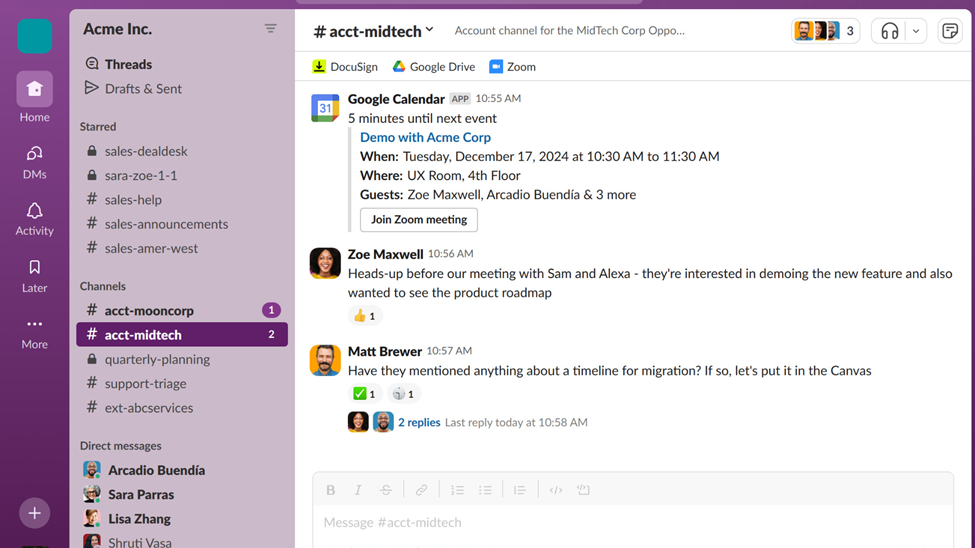
Slack for communication
It organizes conversations into channels and threads so nothing gets buried in email. You can create channels for specific projects, teams, or topics—keeping discussions focused and easy to find later. Over 2,600 integrations let your other tools send updates straight into Slack, reducing the need to switch between apps.
-
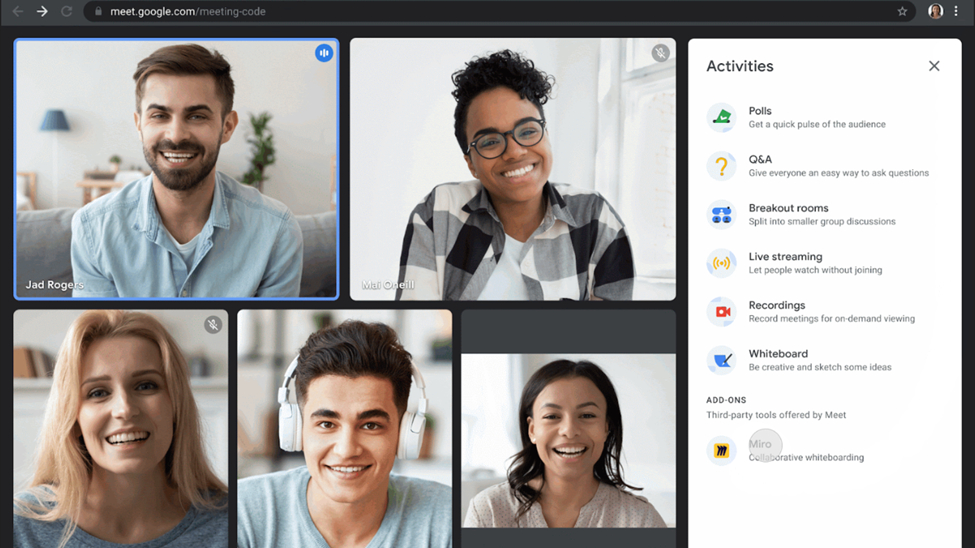
Google Meet for video calls
One-click meetings with no downloads and no setup—just share a link and you’re live. If your team uses Gmail, meeting links show up in calendar invites automatically, making scheduling effortless. It also includes features like screen sharing, real-time captions, and recording for teams that need to revisit discussions later.
-
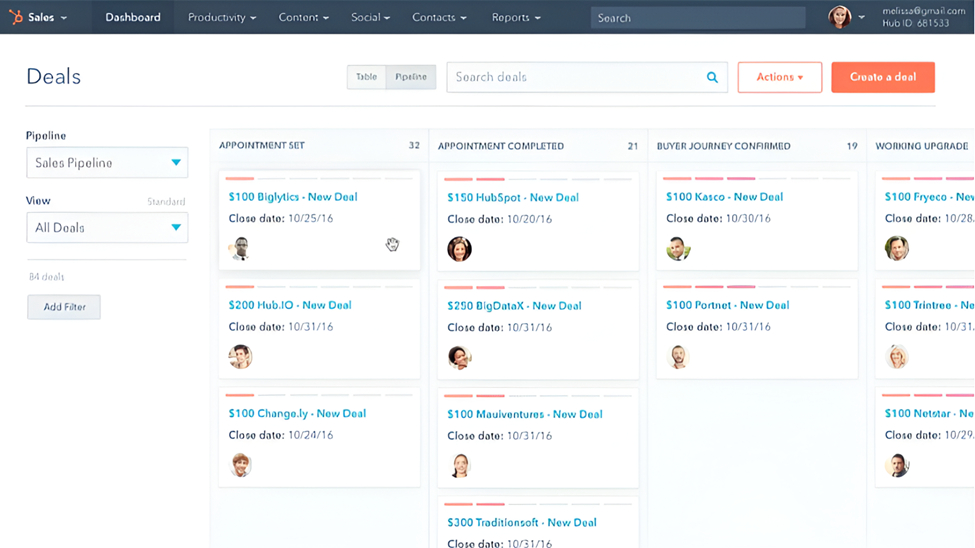
HubSpot for CRM
The free tier tracks leads, manages pipelines, and logs emails—giving you a solid foundation without upfront costs. It’s easy to get started, and the interface keeps your sales process organized from first contact to closed deal. Many small businesses run on it for years before needing paid features.
-
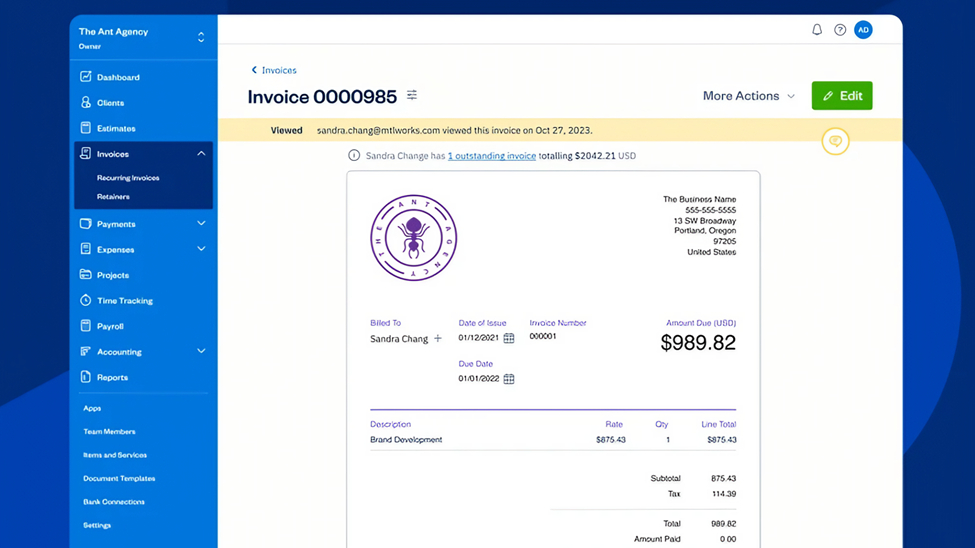
FreshBooks for invoicing
Professional invoices, online payments, and automated reminders for late payers—so you spend less time chasing payments. Expense tracking and time-based billing are built in, making it easy to bill clients accurately and keep your finances organized in one place.
-
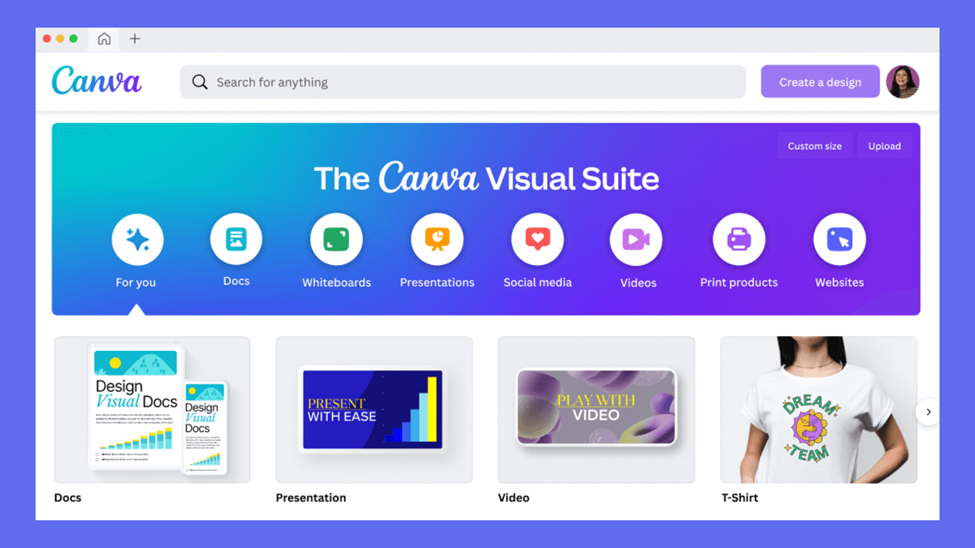
Canva for design
Professional visuals in minutes, even if you’ve never touched design software. Social posts, pitch decks, one-pagers, short videos—templates and drag-and-drop editing make it simple to create polished content. No design experience needed.
-
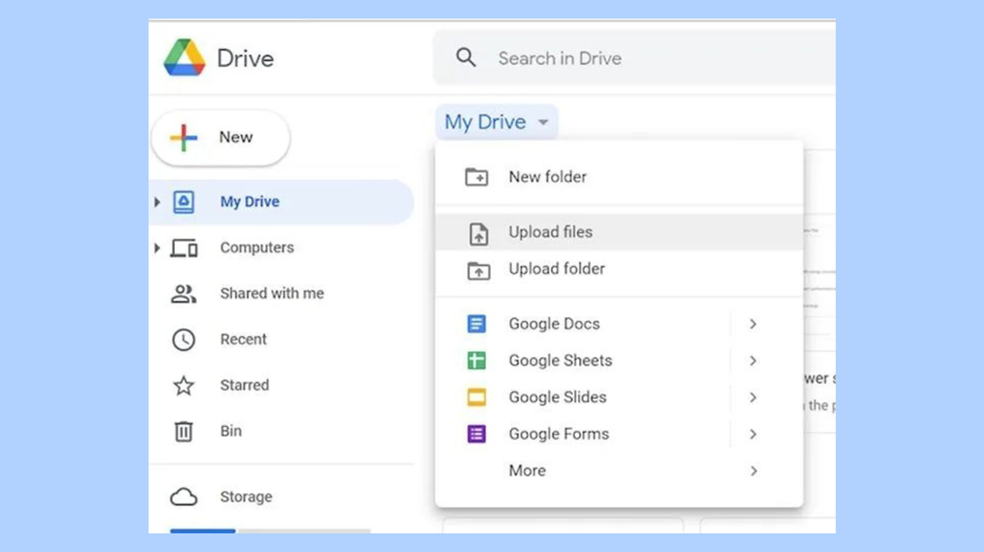
Google Drive for cloud storage
Files backed up, synced, and shareable from anywhere. Collaborate on documents in real time, control who can view or edit, and access everything from any device. It integrates seamlessly with Google Docs, Sheets, and Slides, so your team can work together without downloading files or worrying about version control. Fifteen gigs free with every Google account.
-
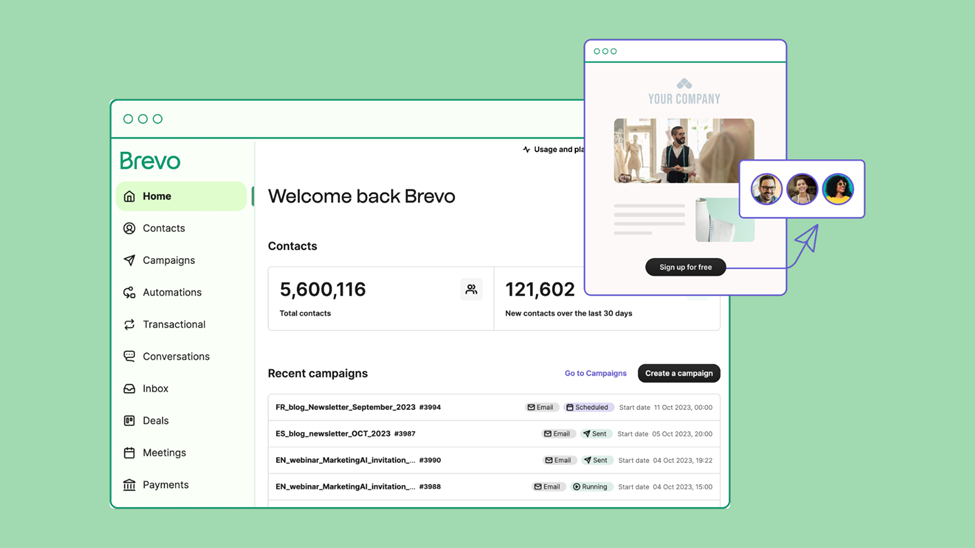
Brevo for email marketing
Campaigns, SMS, and automation on one platform. Build newsletters, set up drip sequences, and reach customers across multiple channels without switching tools. Pricing scales by volume, not contacts—so you’re not penalized for growing your list.
-
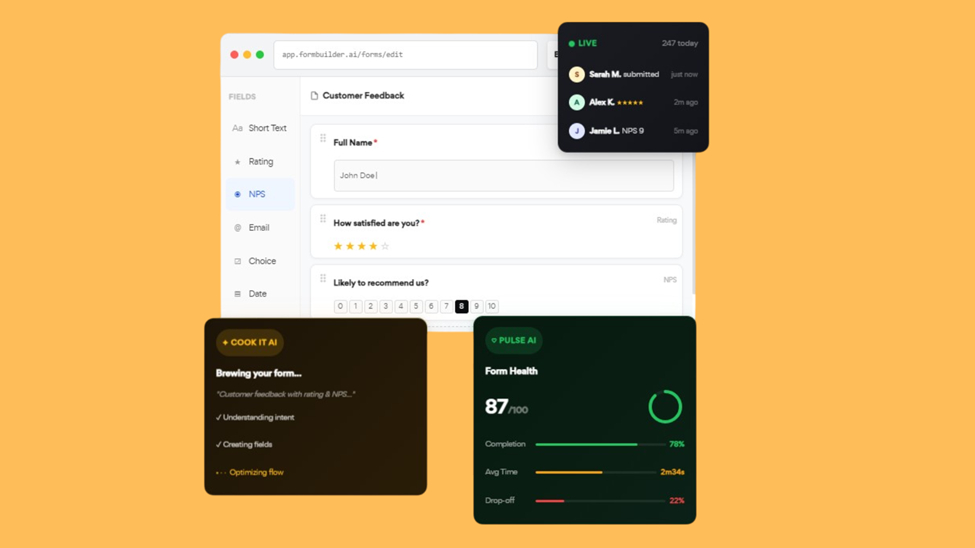
FormBuilder AI for forms
Describe what you need and the AI builds it for you—no dragging fields or fiddling with settings. Client intake, feedback, lead capture: ready to share in minutes. It takes the busywork out of form creation so you can focus on collecting the responses that matter.
Fewer Tools, Better Work
There’s a reason your team feels busy but progress feels slow. Research shows knowledge workers get interrupted roughly every two minutes, and most of those interruptions come from the tools that are supposed to help them. Anyone who has managed a small team knows the feeling. You open Slack, check Asana, switch to invoicing, hop on a call, then forget what you were doing. The switching itself eats the day.
Fewer apps means fewer distractions, faster onboarding, and data that actually connects. When your tools work together instead of pulling your attention apart, your team spends more time on real work and less time managing the chaos. The companies that move fastest tend to have the shortest tool lists.
The Hidden Cost of Tool Sprawl
It’s not just about subscription fees—though those add up fast. The real cost is cognitive. Every new tool means another interface to learn, another password to remember, another place where important information might be hiding.
Research from Forrester found that employees switch between an average of 9.5 applications per day, spending up to 1.25 hours daily just navigating between tools. That’s more than six hours a week lost to clicking, logging in, and context-switching—before any real work begins. And each switch carries a hidden penalty: it takes an average of 23 minutes to fully regain focus after an interruption.
Over time, your team starts spending more energy navigating the toolbox than doing the actual work. Knowledge gets fragmented, context gets lost, and simple questions turn into scavenger hunts across five different platforms. Data doesn’t just get scattered—it becomes locked in tool silos, trapped unless someone manually copies it out or builds an integration.
Why Fewer Tools Win
Every time a new problem shows up, someone suggests a new app. Do that for a few years and you’re managing thirty subscriptions, half of which overlap.
The smarter move is to resist. Pick one tool per function and stop browsing. Organizations that consolidate onto fewer platforms complete projects 20 percent faster and stay on budget three times more often.
Consolidation isn’t isolation. The best tools don’t replace your stack — they connect it. They become the hub, not another silo. WebWork Time Tracker is built this way. WebWork integrations let you connect natively with popular project management, communication, and productivity platforms, and give you access to thousands of additional tools through Make and Zapier.