

This article is part of our Remote Work & Workplace Management resource section
In the present era of digital world, working from far off places has gained much acceptance. With the progress in technology and internet availability, many professionals can now perform their duties from any location across globe. A dependable laptop is one of most crucial instruments for remote work today. Laptop is a very important tool that helps remote workers in many ways. It lets them connect to the internet, work on documents and complete their tasks efficiently. In this article we will talk about what you need to have for your laptop when working from anywhere – it’s not just any old computer!
Remote work has become an important part of how many organizations operate, but having suitable equipment is only one part of the equation. Understanding the advantages and disadvantages of remote work can help professionals and businesses decide what technology, policies, and working arrangements are most appropriate for their circumstances.
Remote employees also need an environment that supports communication, task management, security, and collaboration. Good remote work management can help organizations coordinate distributed teams while giving employees the flexibility to work effectively from different locations.
Table of Contents
Portability
In the realm of remote work, mobility is everything. Those who work remotely frequently operate from numerous sites – be it a café, shared office area or while on the move. So, it becomes crucial to have a laptop that’s not heavy and can be transported easily. Search for laptops that have a thin and small design, which will make it simple to place them in a backpack or carry-on bag. Also, think about the battery life of the laptop. A long lasting battery will enable you to work for longer times without requiring a power source.
Portability becomes even more valuable when employees regularly switch between home, office, coworking spaces, and other locations. A lightweight setup can reduce the amount of equipment that needs to be transported and make it easier to maintain a consistent working routine.
Remote work also became much more widespread during the COVID-19 pandemic. The experience documented in discussions about coronavirus and remote working demonstrates why having portable and reliable technology can be important when employees suddenly need to work away from traditional offices.
Performance
However, we should not sacrifice performance for mobility. Remote workers usually have demanding tasks like graphic designing, video editing or data analysis. So, a laptop with strong processor and enough RAM is essential. This will make certain the laptop can handle multiple tasks and applications that use up a lot of resources without becoming slow. Furthermore, think about how much storage the laptop has. Workers who are remote usually require space for large files and documents so it’s helpful to have a laptop with enough room for them or one where you can increase your storage capacity.
Performance requirements will naturally vary depending on the employee’s responsibilities. Someone primarily working with documents and web applications may have different requirements from a video editor, developer, architect, or data analyst. Before purchasing equipment, businesses should consider the applications employees actually use rather than simply choosing the most powerful available hardware.
Remote employees can also benefit from productivity tools to help work from home. The right combination of applications can help employees organize tasks, communicate with colleagues, manage files, and maintain an efficient workflow without requiring them to work from a traditional office.
Connectivity
Internet connectivity is crucial for remote work. You need a laptop that has good and quick Wi-Fi ability. Make sure to check if the laptop supports new Wi-Fi standards, like Wi-Fi 6, for faster and more steady connections. In addition, think about laptops that have cellular connectivity included like 4G or 5G. This can be useful when there is no Wi-Fi around to connect with and will let you stay linked up and efficient in far-off places as well.
Connectivity is about more than simply accessing the internet. Remote employees may need reliable access to video conferencing, cloud applications, shared files, customer systems, internal communication platforms, and other business services.
File sharing is another important consideration. As more organizations rely on cloud-based collaboration, remote working and the file-sharing industry have become increasingly connected. Employees should be able to access the files they need while organizations maintain appropriate controls over who can view, edit, and share sensitive information.
Security
When you are working remotely, one of the main concerns is security. Those who work from home usually deal with sensitive information and it’s crucial to make sure their data is protected. You can improve your device’s safety if it has security features already included like fingerprint scanners or facial recognition. Also, think about laptops that have strong encryption features and can erase data from a distance if they get lost or stolen.
Remote security should extend beyond the laptop itself. Employees may connect from home networks, public Wi-Fi, coworking spaces, or other locations, creating additional security considerations for organizations. Businesses should establish clear policies for passwords, authentication, software updates, access permissions, and handling sensitive information.
Organizations should also consider the broader GRC challenges in a remote work environment. Governance, risk management, and compliance requirements can become more complex when employees access company systems from different locations and devices.
Ergonomics
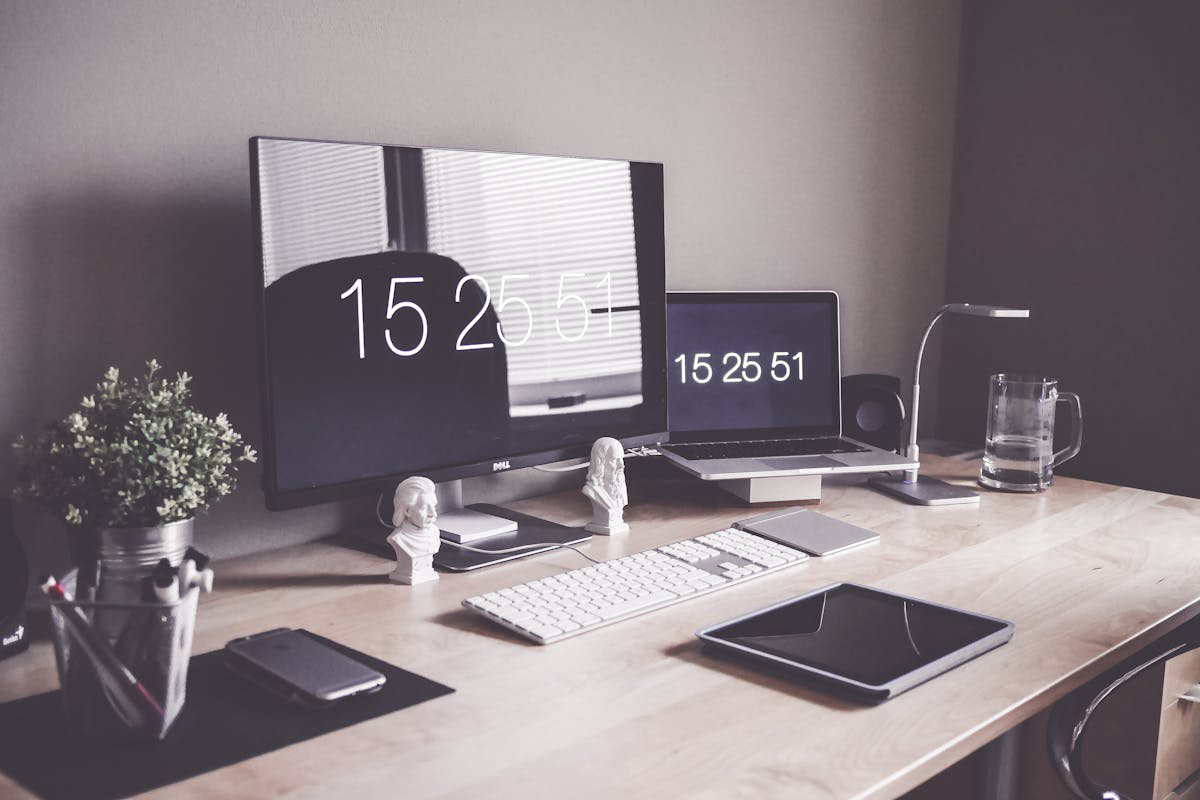
For remote work, people may need to sit and use a laptop for many hours. So, it’s important to think about ergonomics as well. Look for laptops that have pleasant keyboards and trackpads that react swiftly. Think about laptops whose screens can be adjusted or that have the capacity to link with external monitors for improved posture and eye ease. Also, spend in a laptop stand or separate keyboard and mouse to set up an ergonomic workstation.
The physical workspace surrounding the laptop matters just as much as the device itself. Employees can create a more comfortable environment by choosing a suitable desk, chair, monitor position, keyboard, lighting, and other accessories. A practical guide to setting up an at-home office for remote work can help remote workers think about these requirements before establishing a permanent workspace.
A good workspace can also reduce distractions and make it easier to separate working time from personal activities. Employees who work from home should aim to create a consistent environment that supports concentration without making the workday unnecessarily uncomfortable.
Software and Workforce Management
Remote work depends on more than physical hardware. Businesses also need systems for managing employees, schedules, workloads, communication, and tasks. Choosing appropriate software can make distributed teams easier to coordinate.
Organizations evaluating their options should understand how to choose the right workforce management software, particularly when different employees have different schedules, responsibilities, and working locations.
Workforce management software can help provide visibility into employee availability and workloads, but technology should complement good management rather than replace it. Clear expectations and communication remain essential.
IT Support for Remote Employees
Technical problems can become especially disruptive when employees are working away from the office. In a traditional workplace, an employee may be able to walk over to an IT department for assistance. A remote employee may instead have to wait for help while being unable to access an important system.
Businesses should therefore establish clear processes for handling remote technical problems. Improving business IT support processes in a remote work environment can help employees receive assistance without unnecessary delays.
IT teams should also maintain documentation for common problems. Simple instructions for password recovery, software installation, network troubleshooting, device updates, and accessing company resources can allow employees to resolve minor issues without waiting for direct support.
Productivity and Discipline
Having a good laptop and reliable internet connection does not automatically make someone productive. Remote workers also need routines that help them manage their time and maintain focus.
Employees can learn how to boost discipline when working from home by establishing consistent working hours, setting priorities, reducing distractions, and creating boundaries between professional and personal activities.
Productivity also depends on the ability to organize the workday. Employees should identify important tasks, establish realistic deadlines, and avoid allowing constant notifications to interrupt periods of focused work.
There are also practical strategies for staying productive when working from home. These can include planning the day in advance, taking appropriate breaks, limiting unnecessary meetings, and creating a dedicated working environment.
For employees who want a broader approach, the ultimate work-from-home playbook can provide additional considerations around staying focused, productive, and mentally strong while working remotely.
Choosing the Right Remote Work Tools
The applications used by remote workers should support the actual requirements of their roles. Communication tools, project management systems, cloud storage, document platforms, calendars, task managers, and security software can all contribute to an effective remote working environment.
Businesses should avoid giving employees a large collection of disconnected applications without explaining how they should be used. Too many tools can create confusion and force employees to constantly switch between platforms.
A focused collection of tools for productive remote workers can help employees handle common remote-work requirements while keeping their digital workflow manageable.
Payroll and Workforce Administration
Remote work can also affect administrative processes. Organizations may have employees working from different locations, regions, or jurisdictions, making accurate workforce administration increasingly important.
Payroll systems need to accommodate employee information, working arrangements, compensation, and relevant administrative requirements. Businesses with diverse teams can consider unified payroll systems for a diverse workforce when looking for ways to simplify payroll management.
Administrative efficiency can indirectly support productivity because employees and managers spend less time dealing with repetitive processes and more time focusing on their primary responsibilities.
Why Remote Work Can Benefit Specialists
Remote work is not suitable for every role or individual, but it can provide meaningful flexibility for many professionals. Employees may avoid long commutes, gain greater control over their working environment, and have more flexibility in organizing their working day.
There are several reasons working from home can be beneficial for many specialists, particularly for roles that can be performed effectively using digital tools and online collaboration.
However, flexibility works best when employees have the equipment, communication systems, and organizational support required to take advantage of it.
Remote Work for Mac Users
Employees may use different operating systems depending on their personal preferences and professional requirements. Mac users working remotely may have particular considerations involving software compatibility, accessories, security, file management, and system maintenance.
Practical work-from-home tips for Mac users can help employees make their devices more suitable for remote working and avoid common setup problems.
Regardless of the operating system, businesses should ensure that employees can securely access the applications and services required for their jobs.
Creating a Complete Remote Work Setup
A successful remote setup brings together hardware, software, connectivity, security, ergonomics, and working habits. A laptop with excellent specifications will not compensate for an unreliable internet connection, an uncomfortable workspace, poor security practices, or unclear work processes.
Employees should therefore evaluate their complete working environment rather than focusing on a single piece of equipment.
Businesses can also create standard equipment and software guidelines for remote workers. These guidelines can make onboarding easier and ensure employees receive the tools they need without requiring every individual to determine the appropriate setup independently.
Conclusion
To sum it up, a laptop is very important for working from a location other than the office. When you are picking out a laptop to use from anywhere, keep in mind the features that were talked about: how easily you can carry it around, its performance and speediness, connecting ability with different devices or networks at any place – all these things matter. Also make sure to think about security features like fingerprint scanner or webcam cover as well as comfort aspects such as keyboard quality and screen size; they will impact your overall working experience greatly. These components play an important role in determining if the laptop is suitable for remote work because they help ensure efficient work, staying connected and safeguarding your data while experiencing flexibility and freedom when working remotely.
A dependable remote-work setup ultimately combines the right laptop with reliable connectivity, secure systems, useful software, effective IT support, and a workspace that allows employees to remain comfortable and focused. When these elements work together, professionals can take advantage of the flexibility of remote work without sacrificing productivity, collaboration, or security.
