
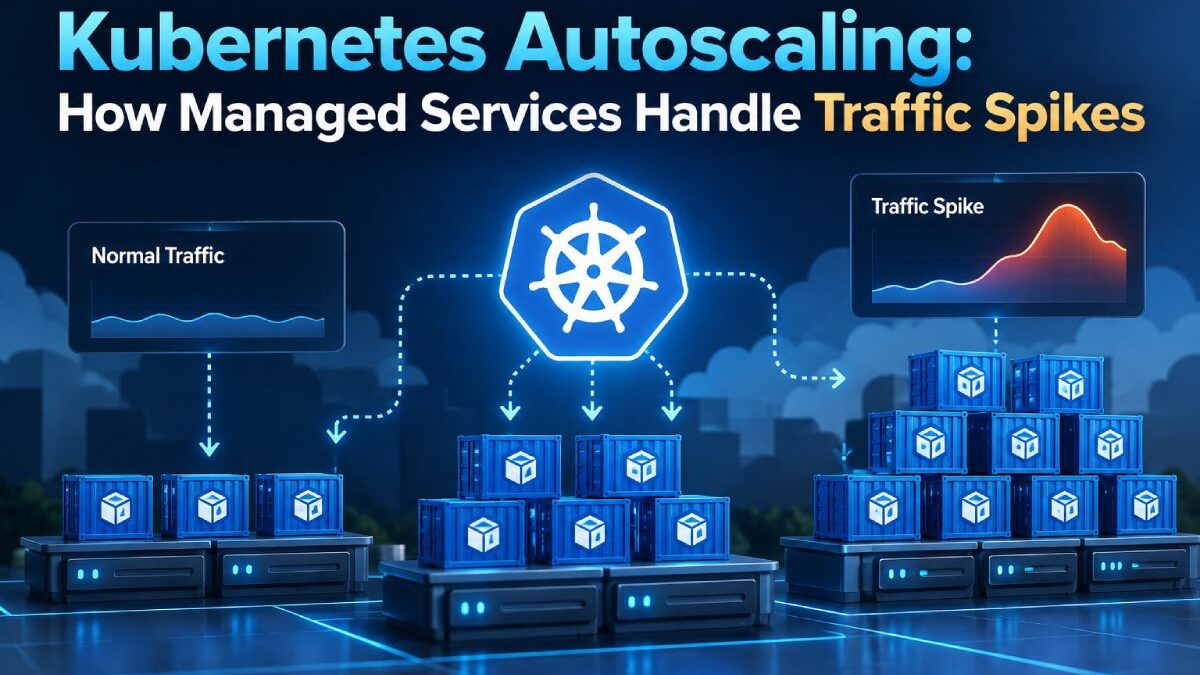


Traffic rarely stays at the same level all day. For example, an e-commerce store may get a sudden rush during a sale, or a ticketing platform may see thousands of users arrive when bookings open. An AI application may receive a surge of requests after a new feature launches.
Autoscaling works most effectively when it is combined with efficient Kubernetes traffic management and load balancing, ensuring that incoming requests are distributed across available services as new capacity is added.
The infrastructure behind these applications needs to respond quickly.
Kubernetes autoscaling helps by adjusting application capacity as demand changes. More resources can become available during busy periods, while quieter periods can run with a smaller setup.
Managed Kubernetes services make this process easier to operate by combining autoscaling with cluster management, monitoring, and infrastructure provisioning.
So, here is how the process works.
Before this, let’s start with some basic questions:
Table of Contents
What is Kubernetes autoscaling?
Kubernetes runs applications inside containers. These containers are grouped into units called pods.
An application may begin with several pods running simultaneously. Each pod handles part of the incoming workload.
As traffic increases, those pods can become busier. Kubernetes autoscaling monitors selected metrics and adjusts capacity according to the team’s rules.
Scaling can happen in several ways:
- Add more pods
- Increase resources available to pods
- Add more worker nodes to the cluster
- Reduce capacity as demand falls
This gives the application a flexible amount of compute throughout the day.
How does horizontal pod autoscaling handle traffic spikes?
Horizontal Pod Autoscaling, commonly abbreviated as HPA, adjusts the number of pods running for an application.
Imagine an API running across three pods. Traffic begins to rise, and CPU usage reaches the target set by the infrastructure team.
Kubernetes can create additional pods to spread the workload across more application instances.
The process usually follows a simple flow:
- Kubernetes monitors the selected metric.
- The metric reaches the configured scaling threshold.
- Kubernetes calculates how many pods the application needs.
- New pods begin running.
- Incoming traffic spreads across the available pods.
When demand becomes lower, Kubernetes can gradually reduce the number of pods again.
This helps keep application capacity closer to real usage.
Which metrics can Kubernetes use for autoscaling?
CPU usage is one of the most common signals, but Kubernetes can work with various metrics.
- CPU usage: Useful for applications where traffic directly increases processor demand.
- Memory usage: Helpful for workloads where each request consumes more memory.
- Request rate: Teams can scale according to the number of incoming requests.
- Queue length: Applications that process background jobs can add capacity as the queue grows.
- Custom application metrics: Teams can create scaling rules based on measurements that align with the product.
The right metric depends on how the application behaves.
For example, an API may respond well to CPU-based scaling. A background processing service may benefit more from queue-based scaling.
What happens when the cluster runs out of space?
Adding more pods works as long as the existing worker nodes have sufficient CPU and memory.
Eventually, the cluster may need more machines.
This is where node autoscaling becomes important.
A worker node provides the compute resources where pods run. When Kubernetes needs to schedule more pods and the existing nodes are full, a node autoscaler can scale out the cluster.
The process can look like this:
- Application traffic increases
- Horizontal autoscaling requests more pods
- Available nodes reach their resource limits
- The cluster requests another worker node
- New pods are scheduled on the added capacity
- Traffic spreads across the expanded application
Pod autoscaling and node autoscaling work together during larger traffic increases.
How do managed Kubernetes services simplify autoscaling?
Kubernetes gives teams powerful scaling controls. Running the surrounding cluster also involves control plane management, node provisioning, upgrades, monitoring, networking, and recovery.
A managed Kubernetes service brings these infrastructure tasks into a provider-managed environment.
The application team can define how workloads should scale while the provider handles more of the underlying cluster infrastructure.
This can include:
- Cluster provisioning
- Control plane management
- Worker node provisioning
- Version upgrades
- Health monitoring
- Node recovery
- Network configuration
- Scaling infrastructure
This setup helps development teams spend more time on application behavior and scaling rules.
Organizations operating Kubernetes across multi-cloud environments can also use container orchestration to improve workload portability while reducing dependence on a single cloud provider.
How quickly can Kubernetes respond to a traffic spike?
Autoscaling follows a sequence of events. Kubernetes first needs to detect the change in demand. It then calculates the required capacity and starts additional pods.
If the cluster already has sufficient available resources, new pods can run on existing nodes.
A larger spike may also require new worker nodes. These nodes need time to provision, join the cluster, and become ready for workloads.
Application startup time matters too.
A lightweight application may become ready quickly. A larger application may need additional time to download container images, load data, connect to services, and complete startup checks.
Teams can improve scaling response by planning capacity around these startup requirements.
How can teams prepare Kubernetes for sudden traffic spikes?
Autoscaling works best when teams configure it around real workload behavior.
Set realistic resource requests: Kubernetes uses them to decide where pods can run. Accurate values help the scheduler place workloads efficiently.
Choose useful scaling metrics: Pick metrics that closely reflect application demand.
Set minimum capacity: Keeping enough pods running gives the application a ready base for regular traffic.
Plan maximum capacity: Define an upper scaling limit that matches the available budget and infrastructure.
Measure startup time: Faster application startup helps new capacity become useful sooner.
Test traffic spikes: Load testing shows how the application behaves under increasing demand.
These settings make scaling behavior more predictable.
Kubernetes can add infrastructure, while the application also needs to use that capacity effectively.
How does autoscaling help control Kubernetes costs?
Scaling affects both performance and infrastructure spending.
More nodes create more compute capacity and increase cost. Fewer active resources reduce compute usage during quiet periods.
Autoscaling helps teams keep these two sides closer together.
Useful metrics to track include:
- Average pod count
- Peak pod count
- Worker node count
- CPU utilization
- Memory utilization
- Request volume
- Scaling frequency
- Monthly compute cost
These measurements show how much capacity the application actually uses.
Teams can then adjust scaling rules based on real traffic patterns.
How can autoscaling support AI and GPU workloads?
Kubernetes autoscaling can also help manage AI applications.
An inference service may receive a growing number of requests during busy periods. Additional pods can help distribute those requests.
GPU workloads add another layer of planning because GPU nodes are more specialized than general CPU nodes.
A Kubernetes environment may use separate node pools for:
- CPU application services
- GPU inference workloads
- Background processing
- Data preparation
- Larger AI jobs
Scaling rules can direct workloads toward the correct resources.
For AI teams, useful metrics may include request queues, inference latency, GPU utilization, and application throughput.
This creates a structured way to grow AI infrastructure alongside user demand.
How should teams test Kubernetes autoscaling?
Traffic testing gives teams a clearer view of how the cluster responds.
Start with a normal application load, then gradually increase the number of requests.
Track what happens across each stage.
- Pod scaling: Record when additional pods begin running.
- Node scaling: Check when new worker nodes become available.
- Application latency: Monitor response times as you scale.
- Resource usage: Watch CPU, memory, and other important metrics.
- Recovery: Check how capacity reduces after traffic returns to normal levels.
Testing helps teams identify slow startup times, limited node capacity, or scaling thresholds that need adjustment.
What should you look for in a managed Kubernetes service?
Autoscaling is one part of a broader Kubernetes setup.
When comparing managed services, check how the provider handles:
- Pod autoscaling support
- Worker node scaling
- Cluster monitoring
- Multi-zone availability
- Node recovery
- Version upgrades
- Load balancing
- Networking
- Persistent storage
- GPU node support
- Technical support
Also review how much control the team keeps over Kubernetes configuration.
A useful managed service should make routine infrastructure operations easier while giving teams enough flexibility to configure workloads around real application requirements.
Kubernetes autoscaling also fits into the broader shift toward DevOps infrastructure automation, where infrastructure responds dynamically to application requirements rather than relying on constant manual intervention.
Conclusion
Kubernetes autoscaling helps applications adjust capacity as traffic changes.
Horizontal Pod Autoscaling can scale out by adding application instances as demand increases. Node autoscaling can provide more worker capacity when the cluster needs additional resources. Together, these tools help applications respond to larger traffic spikes.
Managed Kubernetes services add another layer by handling more of the cluster infrastructure around those scaling decisions.
The best results come from good preparation. Teams should choose meaningful metrics, set realistic resource requirements, measure application startup times, and test scaling under real traffic patterns.
A well-configured setup gives applications room to grow while keeping infrastructure usage aligned with actual demand.
Frequently asked questions
What is Kubernetes autoscaling?
Kubernetes autoscaling automatically adjusts application or cluster resources according to workload demand. It can change the number of pods, resources available to workloads, or the number of worker nodes.
What is Horizontal Pod Autoscaling?
Horizontal Pod Autoscaling adjusts the number of pod replicas running for an application. Kubernetes monitors selected metrics and changes the pod count as demand changes.
What is Kubernetes node autoscaling?
Node autoscaling changes the number of worker nodes available in a cluster. Additional nodes provide more CPU, memory, or specialized resources for pods.
Can Kubernetes autoscaling use custom metrics?
Yes. Teams can configure autoscaling based on application-specific metrics, such as request volume, queue size, or other measurements available through the monitoring setup.
How does managed Kubernetes help with autoscaling?
Managed Kubernetes services can handle cluster infrastructure, including control plane management, worker node provisioning, monitoring, upgrades, and recovery. Teams can focus more closely on application scaling rules and workload behavior.
Can Kubernetes autoscaling support GPU workloads?
Yes. Kubernetes can schedule AI workloads on GPU nodes and scale applications around demand. Teams can create separate node pools for different GPU or CPU workloads and configure scaling according to application requirements.
