

Losing an important file is one of those moments that feels instantly catastrophic. Whether it is a work presentation, a collection of family photos, or a document you spent hours putting together, the sinking feeling of realising it is gone is something most of us have experienced at least once.
The good news is that it is entirely preventable. A USB flash drive is one of the simplest, most affordable, and most reliable tools for keeping your important files backed up and within reach. And yet, so many people still rely solely on a single device or an internet connection to keep their data safe. This guide walks you through everything you need to know about using a USB flash drive to protect your files — and why it is one of the smartest habits you can build in 2026.
Table of Contents
Why Relying on One Device Is a Risk You Cannot Afford
Most people store their files in one place. Their laptop, their phone, or a cloud service they assume will always be there. The problem is that each of these options comes with a very real risk of failure.
Laptops get stolen, dropped, and corrupted. Phones are lost more often than any of us would like to admit. Cloud services can go down, accounts can get locked, and subscription fees can lapse without warning. None of these is reliable as a single point of storage for anything that truly matters.
A USB flash drive solves this problem immediately. It is physical, portable, independent of any network connection, and small enough to carry on your keychain. When your laptop dies or your cloud account becomes inaccessible, your flash drive is sitting right there in your pocket, completely unaffected.
What Is a USB Flash Drive?
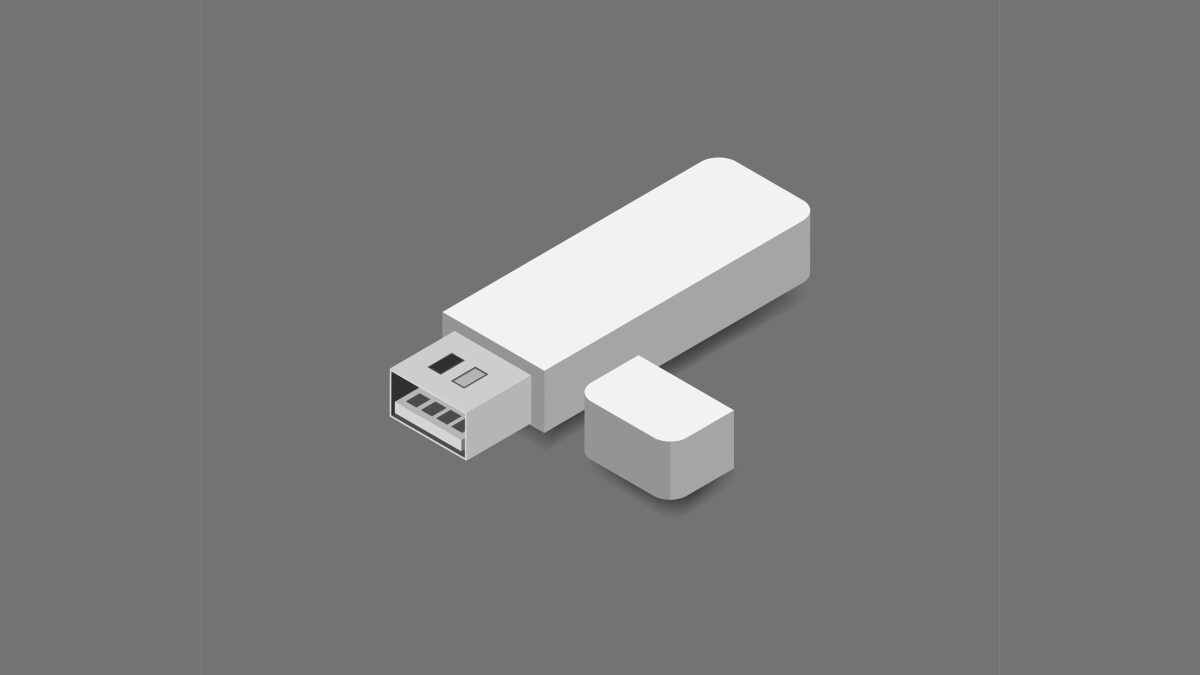
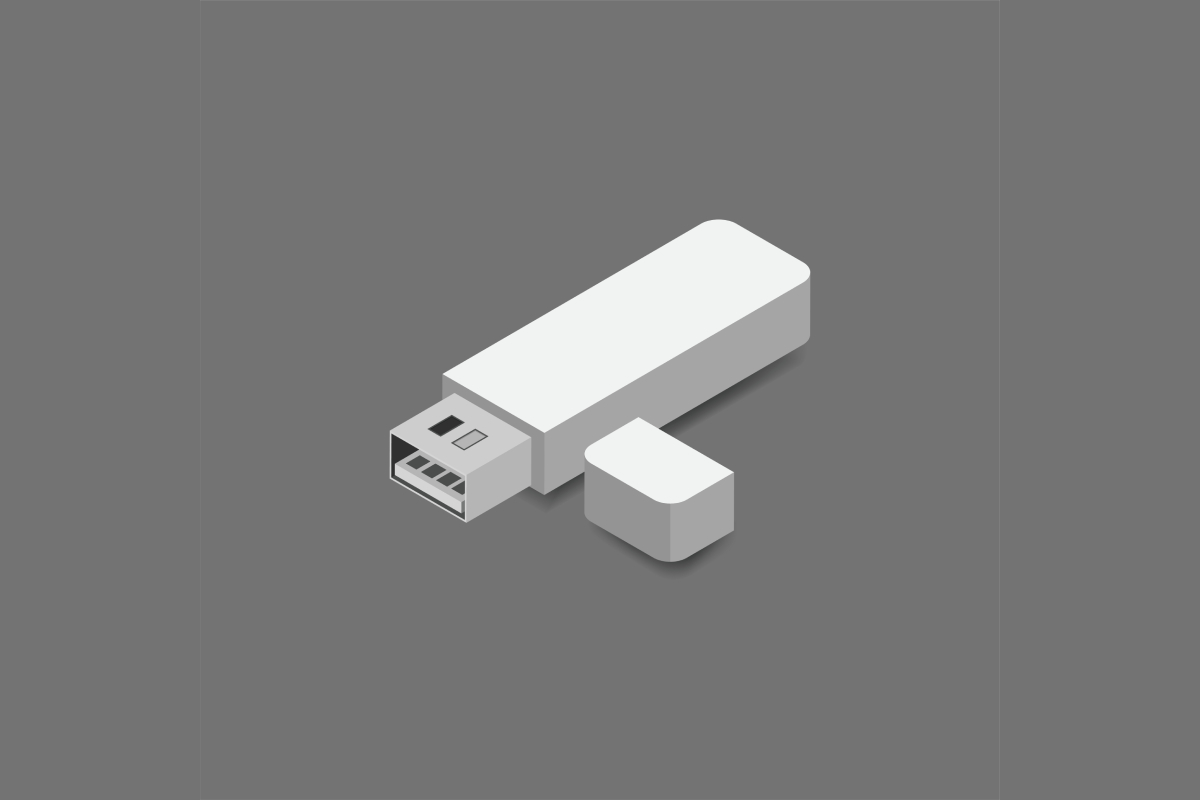
A USB flash drive is a small, portable storage device that plugs directly into a USB port on your computer, laptop, or other compatible device. It uses flash memory — a type of storage that retains data even when powered off — which makes it ideal for carrying files between devices and keeping backups close at hand.
Flash drives are also known as USB drives, thumb drives, pen drives, and memory sticks. They come in a wide range of storage capacities, from a few gigabytes up to several hundred, and connect via USB-A or USB-C ports depending on the model.
BulkMemoryCards.com stocks a wide selection of USB flash drives from trusted brands, available individually or in bulk quantities for businesses and professionals who need multiple units at once.
The Files You Should Always Back Up
Not everything on your computer needs to be backed up to a flash drive, but there are certain categories of files that you simply cannot afford to lose. Getting into the habit of regularly saving these to a dedicated flash drive takes less than five minutes and can save you enormous stress down the line.
Work and Business Documents
Contracts, proposals, invoices, presentations, and spreadsheets are the kinds of files that can set a project back significantly if they disappear. If your work computer failed tomorrow, would you be able to recover everything you need? Backing up your most critical work documents to a flash drive at the end of each week is a simple habit that takes almost no effort.
Personal and Financial Records
Tax documents, insurance policies, bank statements, and identification scans are all files that you may rarely need — but when you do need them, you need them urgently. Keeping a secure copy of these on a flash drive stored in a safe place at home gives you instant access without having to dig through old emails or hope a cloud service cooperates.
Photos and Videos
Digital memories are arguably the most irreplaceable files most people own. Family photos, videos of holidays, and recordings of events — none of these can be recreated if lost. A high-capacity flash drive dedicated solely to photo and video backups is one of the best investments you can make to preserve memories that matter.
How to Choose the Right Flash Drive
Choosing the right flash drive comes down to three things: capacity, speed, and reliability. Get these right, and you will have a storage solution that serves you well for years.
Capacity
For most personal use — documents, a few photos, and important records — a 32GB or 64GB flash drive is more than sufficient. If you plan to back up large photo libraries or video files, opt for 128GB or more. BulkMemoryCards.com offers flash drives across a wide range of capacities, making it easy to find the right fit for your needs.
USB Type
Most computers and laptops still use USB-A ports, which are the standard rectangular connectors. However, newer laptops, tablets, and smartphones increasingly use USB-C, which is smaller and reversible. It is worth checking which ports your devices use before purchasing, or opting for a drive that comes with both connector types for maximum compatibility.
Speed
Not all flash drives transfer files at the same speed. If you regularly move large files—video footage, large RAW photo libraries, or software backups—look for a drive that supports USB 3.0 or USB 3.1. These standards offer significantly faster transfer speeds than older USB 2.0 drives, which means less time waiting and more time getting on with things.
Building a Simple Backup Routine
Having a flash drive is only half the equation. The other half is actually using it consistently. The most common reason people lose files despite owning a flash drive is simply that they forgot to back up recently.
The easiest way to avoid this is to tie your backup habit to something you already do. At the end of every Friday, before you shut down your laptop, spend two minutes dragging your important files onto your flash drive. It becomes automatic within a few weeks and costs almost no time or effort.
If you manage a business or work with a team, it is also worth keeping spare flash drives on hand for employees, clients, or colleagues. Placing a single bulk flash drive order is usually the most practical approach — wholesale pricing makes it easy to supply an entire team without a significant outlay.
Keep Your Flash Drive Safe
A flash drive is only useful if it is protected and accessible. A few simple habits will help you get the most out of yours.
Always store your flash drive in the same place — a dedicated pocket in your bag, a drawer at your desk, or on your keychain. The biggest risk with small storage devices is not data corruption but simply misplacing them. If you are storing sensitive personal or business files, consider using a flash drive that supports password protection or hardware encryption for an added layer of security.
It is also a good idea to own more than one flash drive and rotate between them. This way, if one drive is ever lost or damaged, you still have a recent copy of your files on the other. It sounds excessive until the day it saves you — and it will.
The Last Backup You’ll Ever Need to Think About
No one is going to protect your important files for you. Hard drives fail, cloud services go down, and accidents happen every day — and the only thing standing between you and losing something irreplaceable is the habit of backing up regularly. A USB flash drive is one of the most straightforward solutions available; affordable, portable, and completely independent of any internet connection or subscription service. Whether you pick up a single drive for personal use or stock up in bulk through BulkMemoryCards.com for a business or team, the important thing is that you start today. Your future self will thank you for it.