

Higgsfield AI Image Generator vs PhotoRoom
Product visuals have become one of the most important parts of online content. Whether you’re running an eCommerce store, managing ads, or building a brand on social media, the quality of your product images directly impacts how people perceive your business. But creating those visuals consistently is not as easy as it sounds. You need speed, clarity, variation, and most importantly, consistency. That’s where tools like Higgsfield AI and PhotoRoom come into the picture.
At first glance, both seem useful for product visuals. But once you start using them in real workflows, the difference becomes clear. One focuses on creating visuals from scratch, while the other focuses on editing existing images. And that difference matters more than most people expect.
Table of Contents
A new approach to creating product visuals
Higgsfield AI takes a different route when it comes to product visuals. Instead of starting with an image and editing it, you can generate visuals directly using an ai image generator.
This directly supports Product visuals. That shift changes the entire process. You’re no longer dependent on having a perfect product photo beforehand. You can create multiple visual styles, backgrounds, and compositions without manually designing each one.
This is especially useful when you need:
- Ad creatives for different platforms
- Product variations for campaigns
- Consistent branding across listings
Using an ai image generator, teams can move faster because they are not limited by the original image. Another important advantage is flexibility. Instead of editing the same image repeatedly, you can generate entirely new variations that still feel aligned.
Where PhotoRoom fits into product workflows
PhotoRoom is built for editing product images.
It focuses on:
- Background removal
- Cleaning up product photos
- Adding simple backgrounds
- Enhancing existing visuals
This makes it very useful for:
- Marketplace listings
- Basic product catalogs
- Quick image fixes
If you already have a product image and just need to improve it, PhotoRoom works well. But it has a limitation. It depends on what you start with. You can only edit what already exists. That’s where it differs from an ai image generator, which allows you to create visuals beyond the original input.
Creation vs editing: the real distinction
The core difference between these tools is simple but important. Higgsfield AI focuses on creating product visuals. PhotoRoom focuses on editing product images. This affects how flexible your workflow becomes.
With PhotoRoom:
- You upload an image
- Remove the background
- Adjust it
- Finalize it
With an ai image generator:
- You define what you want
- Generate visuals
- Use them directly
The second approach removes several steps. And when you’re creating product visuals at scale, fewer steps matter.
Why variation matters in product content
One of the biggest challenges in product marketing is repetition.
If all your visuals look the same:
- Engagement drops
- Ads become less effective
- Content feels generic
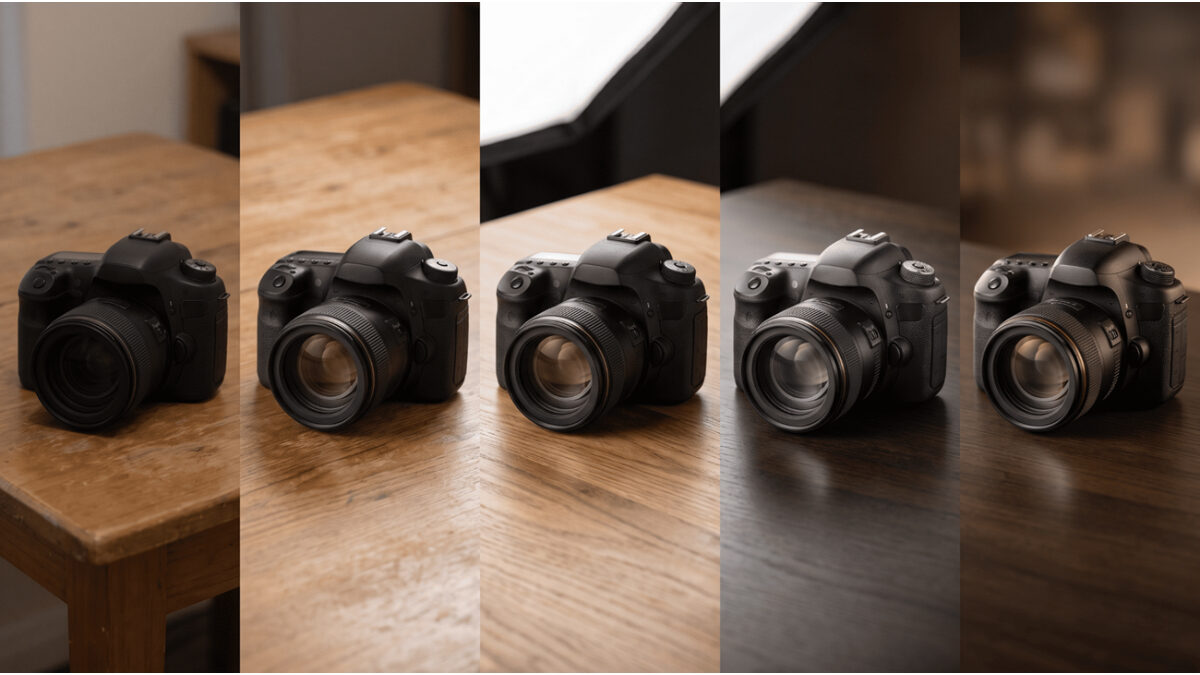
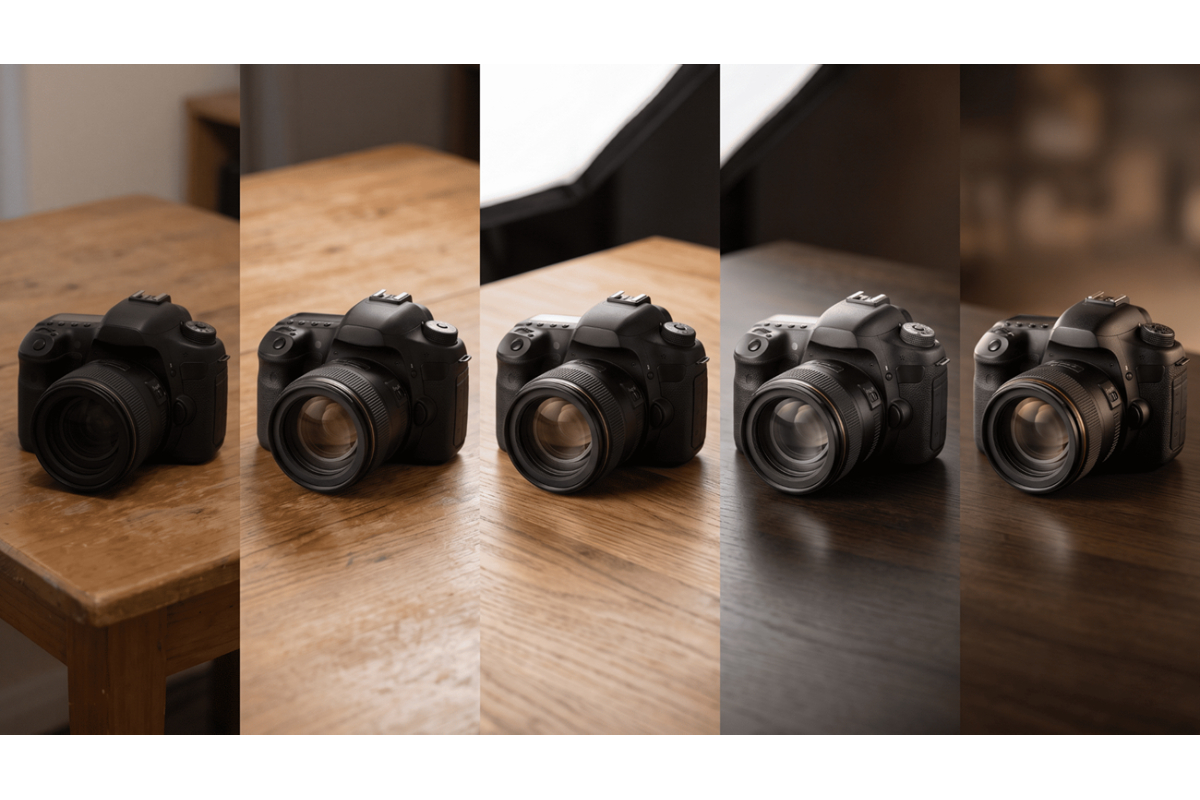
Higgsfield AI solves this by allowing variation through an ai image generator.
You can create:
- Different backgrounds
- Multiple compositions
- Unique styles for each campaign
Without losing consistency. PhotoRoom, on the other hand, works best when you want clean, uniform images. It’s great for standardization, but not for exploration.
Where Higgsfield AI stands out
Higgsfield AI becomes more powerful when your needs go beyond basic editing.
For example:
- You want creative ad visuals
- You need multiple product variations
- You are building a brand identity
In these cases, an ai image generator gives you more control over the final output. You’re not just improving an image. You’re defining how it should look from the start. That’s a major advantage for modern content teams.
Where PhotoRoom still works well
PhotoRoom is still useful in certain scenarios.
It works best when:
- You have a clean product image
- You need quick background removal
- You’re preparing images for marketplaces
For simple workflows, it’s efficient. But when your needs become more complex, editing alone is not enough. That’s where an ai image generator becomes more valuable.
How modern product teams are working
Today’s teams don’t rely on a single tool. They combine tools based on workflow stages.
A common approach looks like this:
- Generate creative visuals using an ai image generator
- Use those visuals for ads and campaigns
- Edit or refine images if needed
- Publish across platforms
This allows teams to balance creativity and efficiency. It also reduces dependency on stock-style visuals.
What businesses are prioritizing now
The expectations around product visuals have changed. It’s no longer enough to have clean images.
Brands now focus on:
- Visual storytelling
- Creative presentation
- Consistency across platforms
- Speed of production
That’s why many teams evaluate tools based on how they support their visual content strategy instead of just comparing features.
Because product visuals are no longer just images. They are part of the overall brand experience.
Quick comparison
| Aspect | Higgsfield AI | PhotoRoom |
| Core Function | Image generation | Image editing |
| Workflow Stage | Creation | Post-processing |
| Flexibility | High | Limited to edits |
| Variation | Strong | Minimal |
| Speed | Fast (direct output) | Fast (editing) |
| Best For | Ads, campaigns, branding | Listings, basic edits |
What actually improves product visuals
Better product visuals come from:
- Strong concepts
- Clear composition
- Consistent style
- Variation across content
An ai image generator supports all of these by allowing you to create visuals based on intent. Editing tools like PhotoRoom improve what already exists. But they don’t redefine it.
Choosing the right tool for your workflow
The choice depends on your needs.
If your workflow focuses on:
- Editing existing images → PhotoRoom works well
- Creating new visual concepts → Higgsfield AI is the better choice
If your goal is to scale content and stand out, starting with an ai image generator gives you more flexibility.
Final thoughts
Product visuals are no longer just about clarity. They are about creativity, consistency, and speed. PhotoRoom helps simplify editing, which is useful in basic workflows.
Higgsfield AI goes further by changing how visuals are created in the first place. That’s what makes it more powerful.
Because when you can generate strong, consistent, and varied visuals using an ai image generator, you’re not just improving images—you’re improving the entire content process. And in a competitive space, that difference becomes hard to ignore.
