
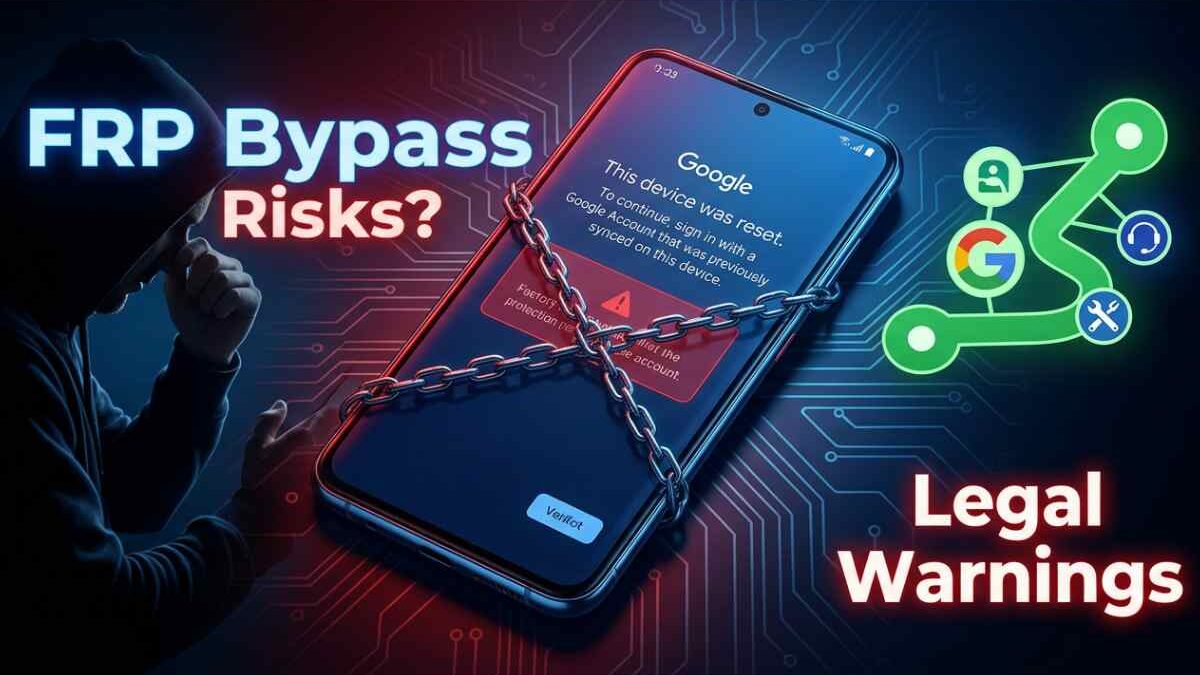

Samsung FRP Lock Explained: Can You Bypass It, Risks, Laws & Safe Recovery Methods
Table of Contents
Introduction
Factory Reset Protection (FRP) on Samsung devices exists for one reason: security. It stops unauthorized access after a reset. Simple.
But here’s the reality—many users search for “bypass FRP” when they get locked out of their own device. And yes, you’ll find countless tools and guides online claiming it’s easy.
It’s not that simple. And more importantly… it’s not always legal or safe.
Let’s break it down properly.
What Is FRP and Why It Exists
FRP is a built-in security feature introduced by Google on Android devices.
Once enabled:
- The phone is associated with a Google account
- Once reset by factory default, to order to access the device, you need to login by the same id.
No shortcuts. No guesses.
This protects:
- Lost phones
- Stolen devices
- Unauthorized resale
Without FRP, smartphone theft would skyrocket.
Why People Search “Bypass FRP”
Let’s be honest. Not everyone searching this is doing something wrong.
Common situations:
- Forgot Google account credentials
- Bought a second-hand phone
- Device reset without removing account
Still… intent doesn’t change how the system works.
The Reality of “FRP Bypass” Methods
You’ll see claims like:
- “100% success rate”
- “Unlock any Samsung Snapdragon device”
- “Works on Android 15”
Sounds convincing. But here’s what’s actually happening:
1. Exploit-Based Techniques
Some methods rely on temporary loopholes in Android or Samsung firmware.
Problem:
- These get patched quickly
- They stop working after updates
2. Hardware-Level Access (EDL, Engineering Methods)
You might hear about:
- Emergency Download Mode (EDL)
- Specialized cables
- Firmware-level interaction
Reality:
- Requires advanced technical access
- Can permanently damage your phone
- Not intended for normal users
3. Third-Party Tools
Some tools claim to remove FRP automatically.
What they don’t tell you:
- Success is inconsistent
- Data privacy risks exist
- Some tools modify firmware in unsafe ways
Legal Risks & Government Rules
Here’s where most articles stay silent—but you shouldn’t.
In India
Under the Information Technology Act 2000:
- Unauthorized access to a device = illegal
- Tampering with security systems can be punishable
Depending on intent, consequences may include:
- Fines
- Legal action
- Criminal charges (in serious misuse cases)
Globally
Bypassing security protections may violate:
- Anti-circumvention laws
- Digital rights regulations
- Device ownership policies
Even if enforcement varies, the risk is real.
Risks You Shouldn’t Ignore
Trying to bypass FRP can lead to:
- Permanent device lock
- Data corruption
- Warranty void
- Security vulnerabilities
- Exposure to malware tools
Worst case? You lose the phone completely.
The Right Way: Safe & Legal Recovery Methods
If you’re locked out, here’s what actually works:
1. Google Account Recovery
Use official recovery:
- Password reset
- Account verification
2. Samsung Account Support
If linked:
- Recover via Samsung services
- Sync credentials
3. Authorized Service Centers
Visit:
- Samsung service center
- Provide proof of purchase
This is the most reliable option
4. Seller Verification
If you bought the phone:
- Contact the previous owner
- Ask them to remove the account remotely
How to Avoid FRP Lock in the Future
Simple habits. Big difference.
- Always remove Google account before reset
- Keep credentials backed up
- Avoid buying locked devices
- Verify phone status before purchase
Final Verdict: Should You Try to Bypass FRP?
Short answer?
No.
Not because it’s impossible—but because:
- It’s unreliable
- It’s risky
- It can be illegal
And most importantly… there’s always a safer alternative.
Disclaimer
This article is for educational and awareness purposes only. It does not promote and or support the bypass of any security protections on any device. We call on all user to seek help through official channels and legal means to regain access to their devices.
