



High-Fidelity Campaign Visuals
The initial thrill of generative AI usually centers on the “magic” of the first prompt. For an indie maker or a lean marketing team, the ability to summon a semi-coherent image from a string of text feels like a massive shortcut. However, this early momentum often hits a wall when it comes time to actually ship a product launch or a paid ad campaign. This friction is what we might call “visual debt.”
Visual debt occurs when you use low-fidelity, AI-generated placeholders during development and then realize, days before launch, that your assets don’t hold up on a 4K monitor or look “off” compared to professional photography. The gap between a 512×512 preview and a production-ready hero section is wider than many realize. Bridging that gap requires moving away from the “one-shot” prompting mindset and toward a structured, iterative production pipeline that prioritizes fidelity and consistency.
Table of Contents
The Production Reality: When Good Prompts Meet High-Resolution Requirements
Most generative models are optimized for social media feeds where the viewing window is small and the attention span is shorter. In that context, a few artifacts or slightly muddy textures don’t matter. But the requirements change the moment you place that same asset on a high-converting landing page.
Indie creators often find that an image looking “stunning” on a smartphone screen looks noticeably synthetic or blurry when stretched across a 1440p desktop browser. The hair becomes a soft blur, textures on products lose their tactile quality, and background bokeh looks like a digital smudge rather than optical blur. This isn’t just an aesthetic problem; it’s a conversion problem. If a visitor perceives the hero image as “low effort” or “uncanny,” that lack of polish transfers to their perception of the product itself.
The bottleneck isn’t just the resolution (though that is part of it); it’s the structural integrity of the image. Standard generations often struggle with “spatial logic”—shadows that don’t match the light source or objects that blend into one another. To move past this, creators need a workflow that treats the AI as a high-end rendering engine rather than a magic wand.
Structuring the Workflow: From Textual Concept to Structural Composition
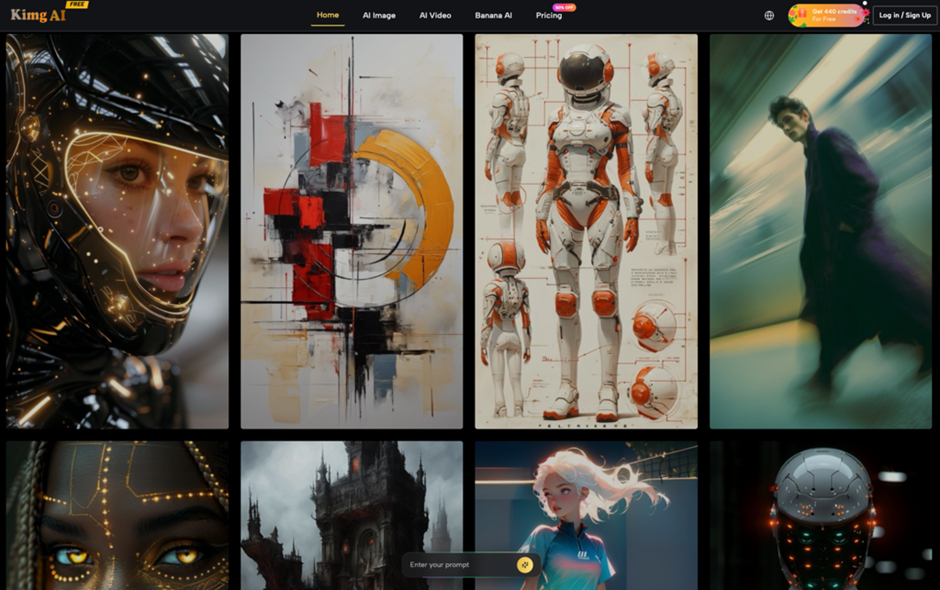
The most effective way to avoid visual debt is to separate the composition phase from the fidelity phase. In the composition phase, your goal is to lock in the “bones” of the image: where the subject sits, the color palette, and the general lighting.
During this stage, speed is more important than raw resolution. Using a tool like Banana AI allows for rapid experimentation with different layouts. Instead of spending hours perfecting a single prompt, an operator should generate dozens of variations to see which structural composition works best for the intended UI. For example, if you’re designing a landing page with a left-aligned headline, you need a visual that provides enough “white space” or “copy room” on the left without feeling unbalanced.
One practical limitation to keep in mind is that natural language is a blunt instrument for describing layout. You can tell an AI to “place the coffee cup on the right third,” but it often interprets that loosely. This is where an iterative image-to-image workflow becomes essential. Once you find a composition that almost works, you use that as the seed for the next iteration, refining the specifics rather than starting from scratch. This iterative approach ensures that you aren’t fighting the model’s randomness throughout the entire project.
Bridging the Fidelity Gap with Nano Banana Pro
Once the composition is locked, the focus shifts to high-resolution output. This is the stage where many free or basic models fail because they lack the “density” required for professional assets. High-fidelity work requires a model that can handle complex micro-textures—the weave of a fabric, the grain of wood, or the specific specular highlights on glass.
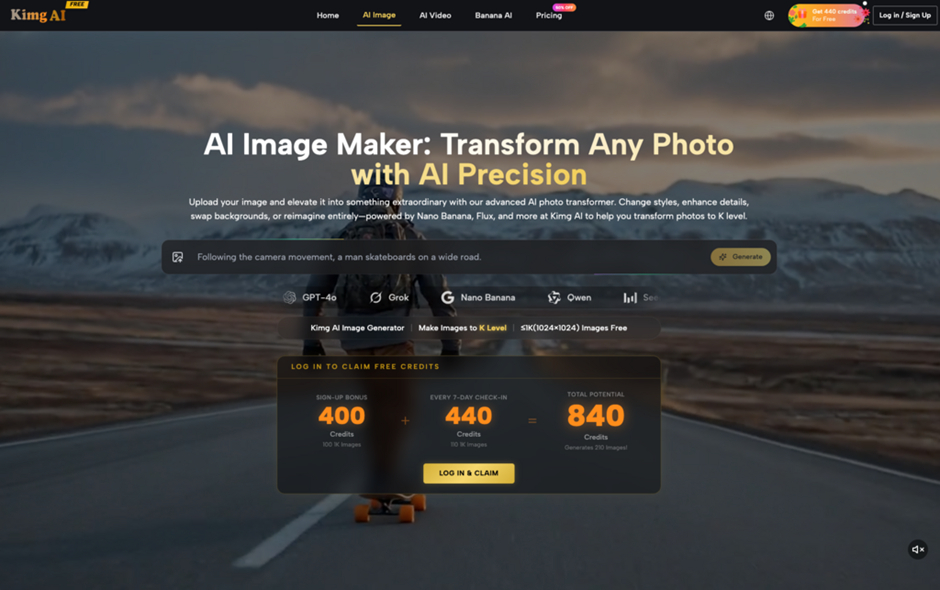
When moving into production-grade assets, Nano Banana Pro becomes the primary tool for generating images that hold up under scrutiny. The Nano Banana Pro AI engine is designed to handle the higher-order details that standard models often gloss over. For a hero section, the goal isn’t just “large dimensions,” but high information density. Native high-res generation is usually preferable to external upscaling because the model can “think” about details at scale, rather than having a post-processing algorithm guess where the missing pixels should go.
However, resolution is only half the battle. Marketing campaigns rarely require just one image; they require a suite of assets in various aspect ratios. A 16:9 hero image for a desktop site needs to be adapted into a 9:16 vertical for Instagram Stories and a 1:1 square for LinkedIn. Standard cropping usually fails here because it cuts out essential context. Utilizing inpainting and outpainting features allows you to “expand” the canvas of your high-fidelity asset. You can take a vertical portrait and extend the background horizontally, ensuring the lighting and texture remain consistent across the entire campaign.
What Cannot Be Concluded: The Uncertainty of AI Brand Cohesion
Despite the advancements in models like Nano Banana Pro AI, there are significant areas where creators should exercise caution. One of the most persistent challenges is heuristic lighting. AI does not “calculate” light physics; it predicts where pixels of a certain color should be based on patterns. This means that if you are trying to match an AI-generated background with a real product photo, the shadows may never perfectly align.
Another limitation is “brand consistency” over time. While we can get close with seed numbers and style references, the technology currently lacks a “memory” for specific brand assets. If your brand has a very specific, non-standard color hex code or a unique recurring character, achieving a 100% match across multiple generations remains a manual, high-effort task. There is no “set it and forget it” button for brand identity yet.
Furthermore, relying on AI to render typography within an image is still a high-risk strategy. While some models are getting better at spelling, the kerning, leading, and font weights are often slightly “off,” making the text look like it belongs in a dream sequence rather than a professional ad. For any campaign asset, it is almost always better to generate the visual without text and layer the typography manually in a design tool like Figma or Photoshop. This ensures your brand’s actual fonts are used and remain sharp.
Operationalizing Visual Production: A Checklist for Launch Day
To move from a “generative” mindset to a “production” mindset, creators should implement a final quality control phase. Speed is the primary benefit of using AI, but that speed shouldn’t come at the cost of a sloppy launch.
Before setting any campaign live, perform a “High-Res Audit.” This involves viewing the asset at 100% scale on a Retina or 4K display. Look specifically for “mushy” edges, unnatural skin textures, or background objects that have morphed into unrecognizable shapes. If an asset feels “AI-ish,” it usually means the fidelity isn’t high enough or the prompting was too generic.
Second, integrate the AI outputs into a traditional design workflow. AI shouldn’t be the final stop; it should be the raw material. Use it to generate the hero visual, then bring it into your design software for final retouching, color grading, and branding. Adjusting the contrast slightly or adding a subtle noise grain can often help an AI image feel more “grounded” and less like a digital render.
Finally, remember that the goal of a campaign is to build trust and drive action. If an AI asset feels like a shortcut that detracts from the product’s value, it’s a failed asset, regardless of how “cool” the prompt was. By using a tiered workflow—starting with rapid prototyping in something like Banana AI and finishing with the high-fidelity precision of Nano Banana Pro—you ensure that your visuals work as hard as your copy. Professionalism in the era of generative tools isn’t defined by not using AI; it’s defined by how much you refine the output before the world sees it.
