

Make Studio-Quality Music With Just a Text Prompt
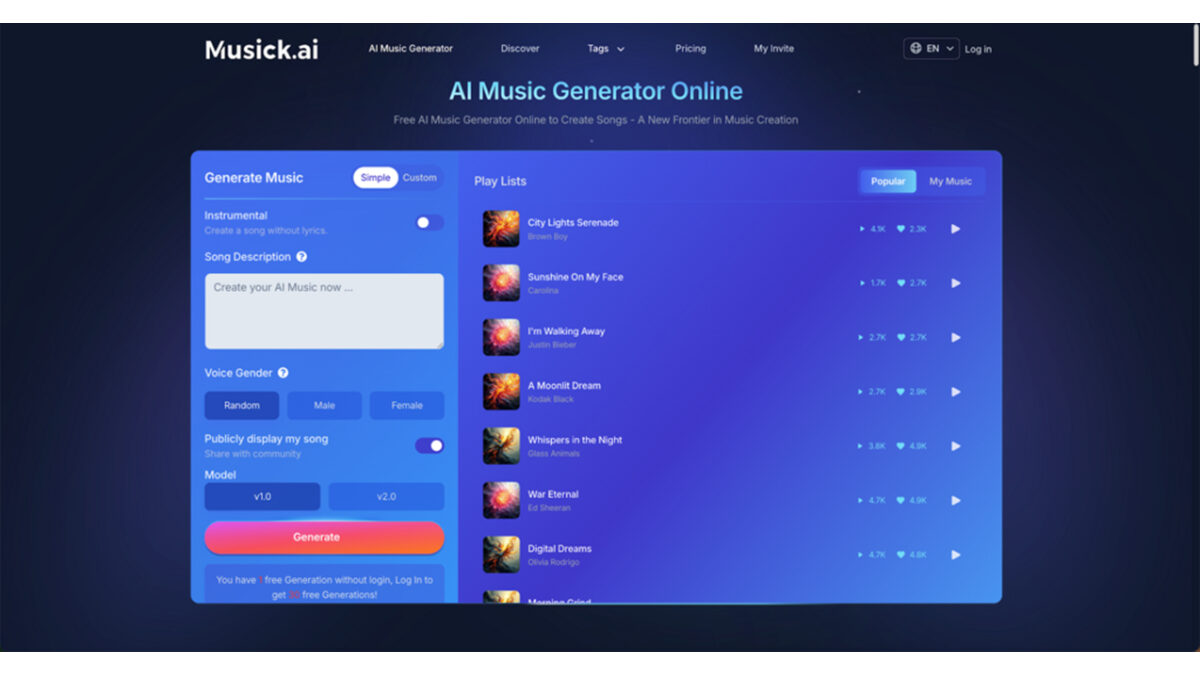
Most people who want to make music hit the same wall — they don’t play an instrument, they don’t read music theory, and hiring a producer feels out of reach. Musick AI is an AI Music Generator built specifically to remove those barriers. Whether someone needs background music for a YouTube video, a custom track for a school project, or original audio for a brand campaign, the process starts with a single text description and ends with a downloadable song.
Table of Contents
I. What Makes Text-to-Music Actually Work
The Prompt Is the Instrument
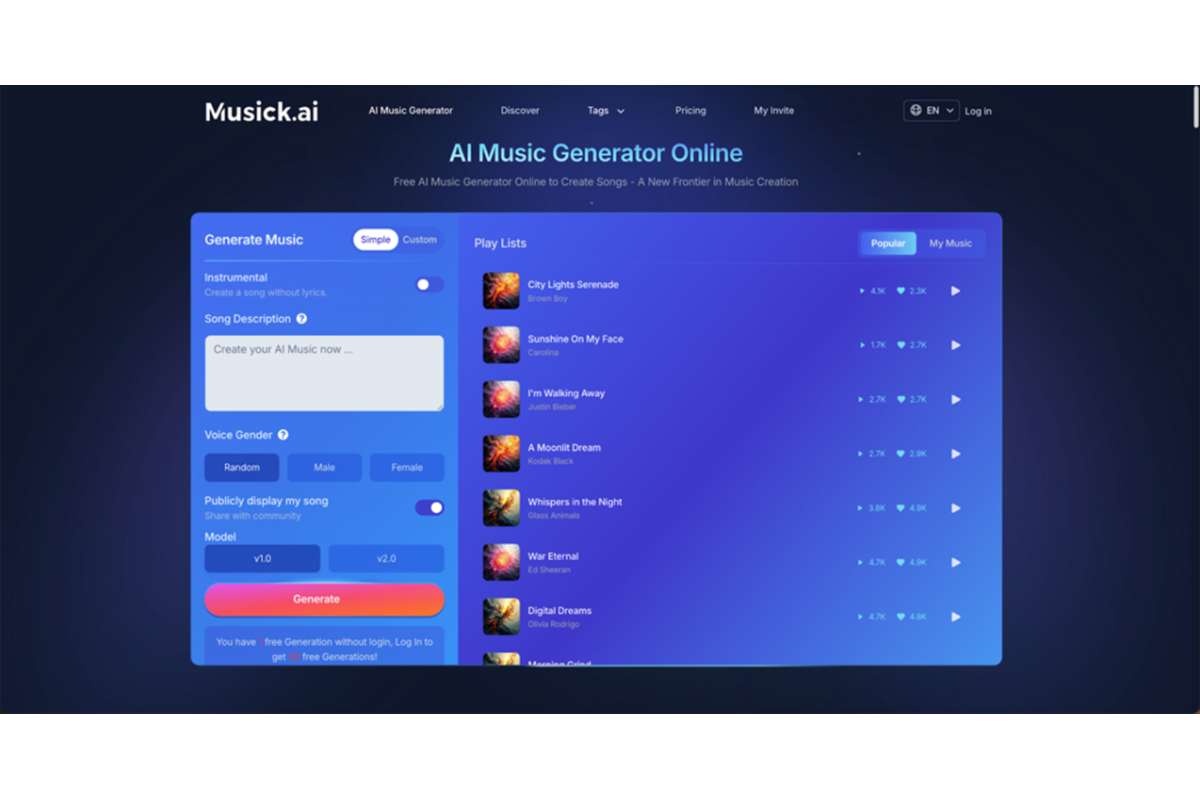
The core mechanic behind Musick AI is straightforward: type a description of the music wanted, and the system generates it. A prompt like “acoustic pop about the holidays” gives the generator enough direction to produce a structurally complete song — including melody, rhythm, and arrangement. More detailed prompts yield more targeted results. Specifying tempo, mood, instruments, and structure (intro, verse, chorus, bridge, outro) helps the AI music engine grasp the exact creative vision.
Genre and Vocal Customization
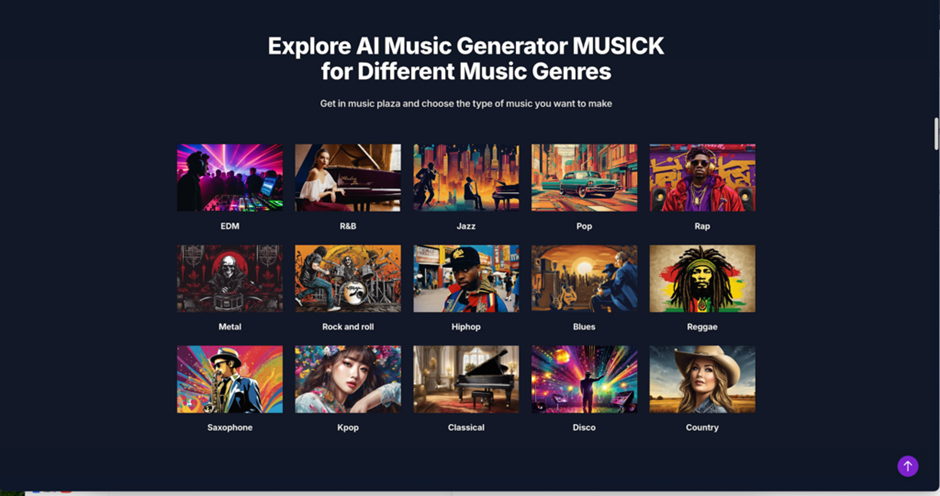
The generator supports an extensive list of genres: EDM, R&B, hip-hop, pop, rap, metal, rock and roll, blues, reggae, jazz, K-pop, classical, disco, country, and more. Beyond genre, users can choose whether to create an instrumental track or a vocal one, and can select the vocalist’s gender preference. These options allow for fairly precise creative direction without requiring any musical background.
II. The Full Toolkit Inside Musick AI
Musick AI bundles several specialized tools that go beyond basic song generation:
- AI Song Lyrics Generator — Input a genre and theme; the tool writes lyrics to match. Useful for songwriters who have a melody idea but struggle with words.
- AI Beat Producer — Write down melody notes and let the system build a beat around them. This works well for producers who want a starting point rather than a finished product.
- AI Rap Generator — Select a genre and design a music sheet or playlist style for rap-specific outputs.
- AI Music Extender — Expand an existing track or loop into a longer composition.
- AI Music Covers and AI Music Remixer — Reimagine existing material in new styles or genres.
Each tool addresses a different part of the music creation process, so users are not locked into one workflow.
III. Who Can Use This — and How
No Experience Required
Musick AI is designed for both complete beginners and experienced producers. Someone making their first-ever track can rely on the genre presets and mood templates to guide output. A more experienced musician can write detailed prompts and use the Beat Producer to build something closer to their specific vision.
Practical Use Cases
The platform is well-suited for several real-world applications:
- Content creators — YouTubers, vloggers, and podcast producers need background music that fits a specific tone. Rather than searching royalty-free libraries, they can generate something custom in minutes.
- Educators and students — High school music students and teachers can use the generator to create original compositions for class projects or demonstrations.
- Businesses — Marketing teams and product managers can produce branded audio that matches campaign aesthetics without a production budget.
- Filmmakers and game developers — Custom tracks for specific scenes or game environments can be generated from descriptive prompts rather than commissioned.
- Therapeutic use — The platform also supports music generation for personal well-being, allowing users to build personalized playlists tuned to mood.
IV. Royalty-Free and Copyright-Safe
One of the most practical aspects of Musick AI is its stance on licensing. All generated music is royalty-free and produced with consent-based data practices. Users can confidently post generated tracks to YouTube, Instagram, TikTok, Facebook, LinkedIn, and other platforms without worrying about copyright claims. For commercial projects — brand videos, product launches, advertisements — the music can be used without additional licensing fees or legal complications.
This matters because royalty disputes on social media platforms are common and costly. Having clear commercial licensing built into the tool removes a real friction point for creators.
V. The Music Plaza: Explore Before Creating
The Music Plaza is a discovery section within the platform where users can explore AI-generated tracks organized by genre. It serves two purposes: inspiration and orientation. Before writing a first prompt, browsing the plaza gives a sense of what the generator can produce across different styles. It also highlights what other users have created, which can spark new ideas or reveal genre directions worth exploring.
VI. How to Get Started in Minutes
Getting a track from Musick AI involves a few clear steps:
- Visit the site and create a free account.
- Navigate to the generator and select a mode — instrumental or vocal, genre-guided or custom.
- Write a text prompt describing the desired style, mood, tempo, and instruments.
- Optionally, set vocalist gender preference and select a generation model.
- Click generate and wait for the output.
- Preview the track, then download or save it to the library.
- Explore additional tools — lyrics generator, beat producer, extender, or remixer — for further refinement.
The free tier allows daily generations with public visibility. Paid plans unlock private generation, unlimited downloads, and priority queue access.
VII. What Good Prompts Actually Look Like
Vague prompts produce generic results. A prompt that reads “happy music” will generate something generic. A prompt that reads “an uplifting, energetic pop track with bright synths, dynamic percussion, and a lively bassline — outdoor festival energy, around 120 BPM, structure with verse, chorus, and bridge” gives the AI Song Maker clear parameters to work with.
A few practical prompt tips:
- Name the genre and sub-genre when possible (e.g., “lo-fi hip-hop” rather than just “hip-hop”)
- Include mood descriptors (melancholic, triumphant, playful, tense)
- Mention key instruments (piano, acoustic guitar, bass drop, strings)
- Specify tempo range or energy level
- Describe the intended use context (background for a study video, intro for a podcast, cinematic score)
The more context in the prompt, the closer the output will match what’s actually needed.
Conclusion
Music production used to require years of practice or a professional budget. Tools like Musick AI have changed that equation. A text prompt is now enough to produce something genuinely usable — and with the right approach to prompting, the output can be surprisingly close to professional-grade.
