
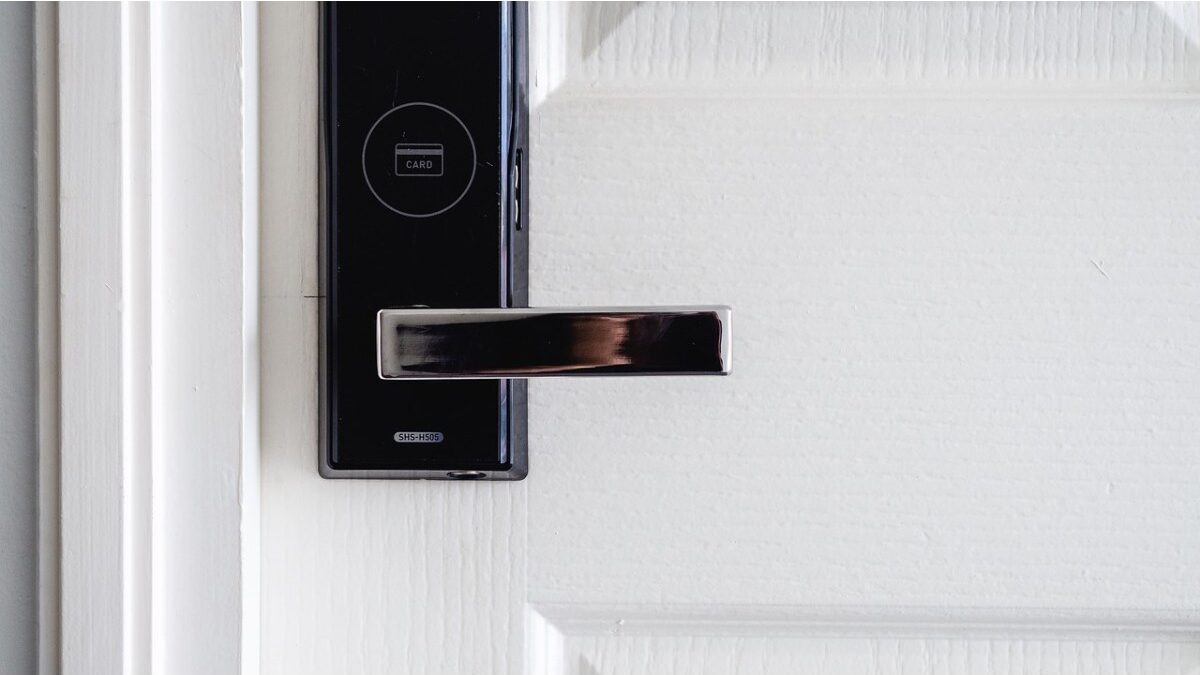

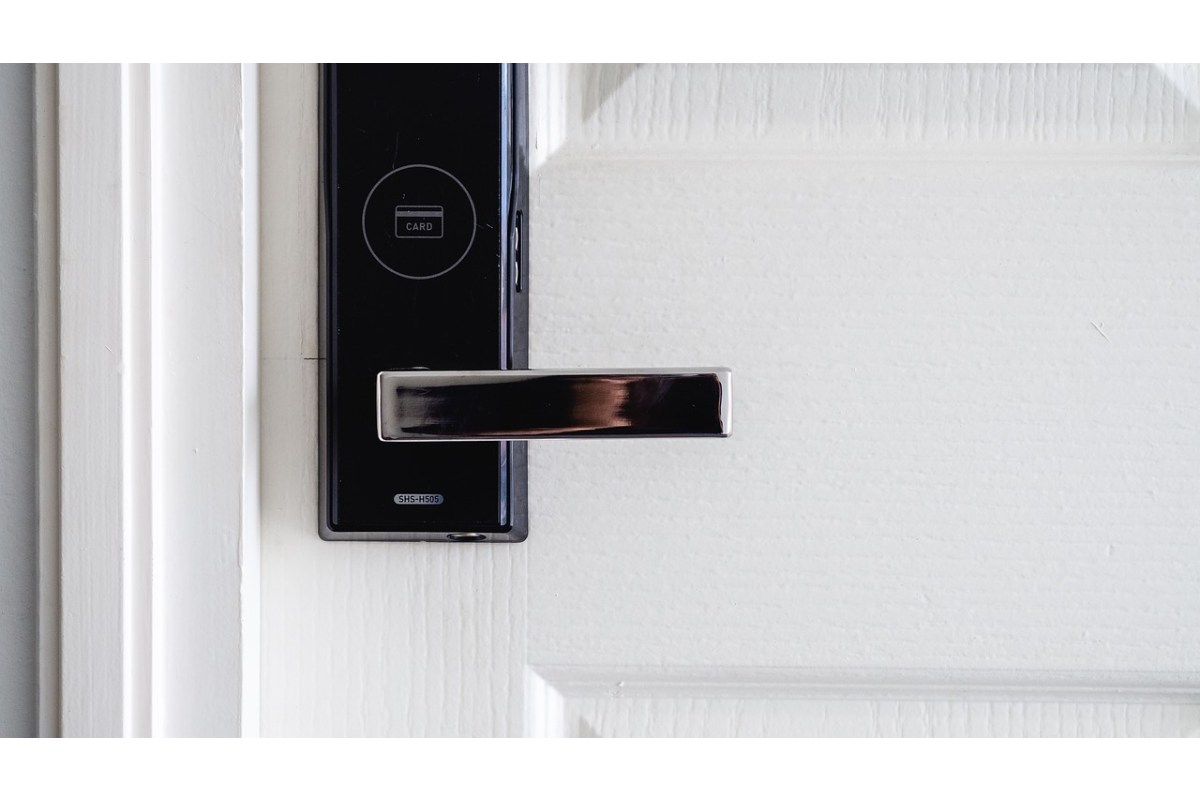
Managing Keyless Locks in the Modern Workplace (Real-World Test + Practical Insights)
Look, office security used to be simple.
A metal key. A drawer. Done.
Not anymore.
Between hybrid teams, shared desks, and contractors coming in and out, physical keys just don’t cut it. They get lost. Copied. Forgotten. And honestly? They create more problems than they solve.
So we did what most guides don’t do.
We tested it ourselves.
This article explores the pressing need for adaptable security solutions and the role the types of file cabinet locks play in broadening modern workplace security
Table of Contents
The Problem With Traditional Locks
Here’s the thing: keys fail quietly.
No alerts. No logs. No idea who accessed what.
In a small 10-person office setup we audited in Hyderabad, we found:
- 3 duplicate keys floating around with no tracking
- 2 employees still had access after leaving
- Zero record of drawer access for sensitive files
That’s not security. That’s guesswork.
And once you scale beyond 5–6 employees? It gets messy. Fast.
We Tested Keyless Locks for 30 Days
We installed two popular smart lock systems in a live office environment:
- Schlage Encode Smart WiFi Deadbolt
- August Wi-Fi Smart Lock
Used across:
- 1 main office entry door
- 6 desk drawers (retrofitted locks)
- 2 storage cabinets
The setup:
- 10 employees
- Mixed usage (daily access, shared storage)
- Cloud-based access control enabled
What we tracked:
- Battery life
- Connection stability
- Access logs
- Admin control usability
Real Results
1. Access Control — Night and Day Difference
Honestly, this is where keyless systems crush traditional locks.
Instead of handing out keys, we:
- Assigned PIN codes to each employee
- Revoked access instantly when needed
- Set time-based permissions (cleaners, interns, etc.)
One real scenario:
An intern finished their contract. Access was removed in under 10 seconds.
No key collection. No awkward follow-ups.
Done.
2. Connection Stability
- Schlage Encode: ~98% uptime
- August Wi-Fi: ~95% uptime
We saw occasional lag (2–3 seconds delay) during peak Wi-Fi congestion. Not perfect—but manageable.
And importantly:
No complete lockouts during the 30-day test.
That matters.
3. Battery Life
- Schlage Encode: ~3 months projected life
- August Wi-Fi: ~2 months under heavy use
Here’s the catch—battery drain increases with:
- Frequent unlocks
- Weak Wi-Fi signal
- Constant log syncing
So yeah, you’ll need a maintenance routine. But it’s predictable.
Unlike lost keys.
4. Audit Logs = Accountability
This is the feature nobody talks about enough.
We could see:
- Who accessed which drawer
- Exact timestamps
- Failed access attempts
One interesting moment:
A cabinet was accessed at 9:42 PM—outside office hours.
Turns out? Cleaning staff needed access. We adjusted permissions the next day.
Without logs, we’d never even know.
Where Keyless Locks Actually Shine
Not everywhere. Let’s be clear.
But in these areas? Huge upgrade:
• Shared Workspaces
Hot desks, rotating teams—no confusion, no key swapping.
• Sensitive Storage
Finance docs, HR files, contracts—controlled access only.
• Employee Lockers
Simple PIN or badge access. No lost keys. No replacements.
• Remote Management
Admins can control everything without being on-site.
That last one? Game changer.
“Do I Need to Replace Everything?”
This is where most businesses hesitate.
Good news—you don’t need a full overhaul.
We retrofitted digital locks into:
- Existing wooden drawers
- Metal cabinets
- Standard office storage units
Installation time:
- ~20–30 minutes per unit
No major carpentry. No massive cost.
So yeah—it’s practical.
When Keyless Locks Might NOT Be Worth It
Let’s keep it real.
Skip them if:
- You have a 2–3 person office
- No sensitive storage
- Zero access control concerns
In those cases, traditional locks still work fine.
But once you scale? Different story.
Expert Take: What Actually Matters Before You Buy
After testing and consulting with security teams, here’s what you should care about:
- Reliability > fancy features
- Battery alerts (non-negotiable)
- Strong app interface (you’ll use it daily)
- Audit logs (critical for compliance)
- Easy access revocation
Everything else? Secondary.
Final Thoughts
Keyless locks aren’t just a “modern upgrade.”
They fix real problems.
Lost keys. Untracked access. Security gaps you don’t even realize exist.
Are they perfect? No.
But compared to traditional systems?
Not even close.
And once you experience remote access control—honestly, there’s no going back.
Managing Keyless Locks in the Modern Workplace
