

SaaS Applications in 2026: A Practical Guide to Saving Money and Getting More Work Done
Software used to be… annoying.
You’d buy a CD (or download a huge file), install it, deal with updates, call IT when something broke. It worked—but barely sometimes.
Now? Things are different. Way different.
SaaS applications changed how businesses run. Not slowly either. It kind of just… happened all at once, especially after COVID.
So if you’re trying to understand what SaaS actually does—and why everyone keeps talking about it—let’s break it down without the fluff.
Table of Contents
What is a SaaS Application?
SaaS just means Software as a Service.
That’s the formal definition. But honestly, here’s the easier way to think about it:
You don’t install anything. You just open a browser and use the software.
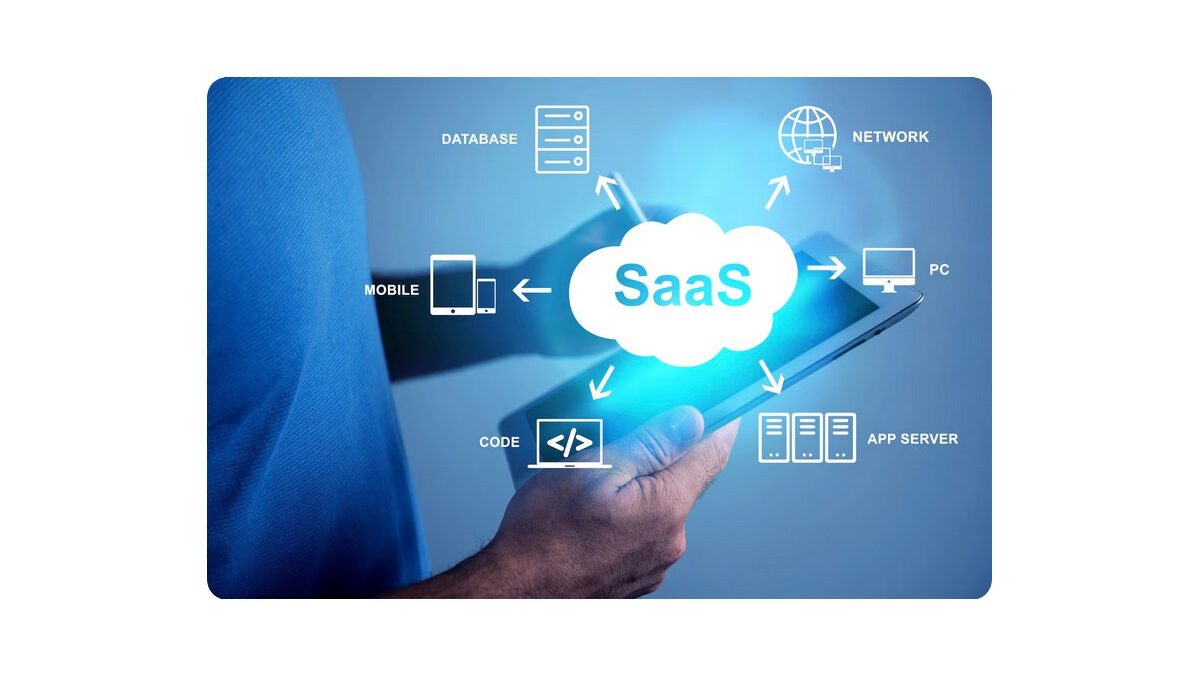
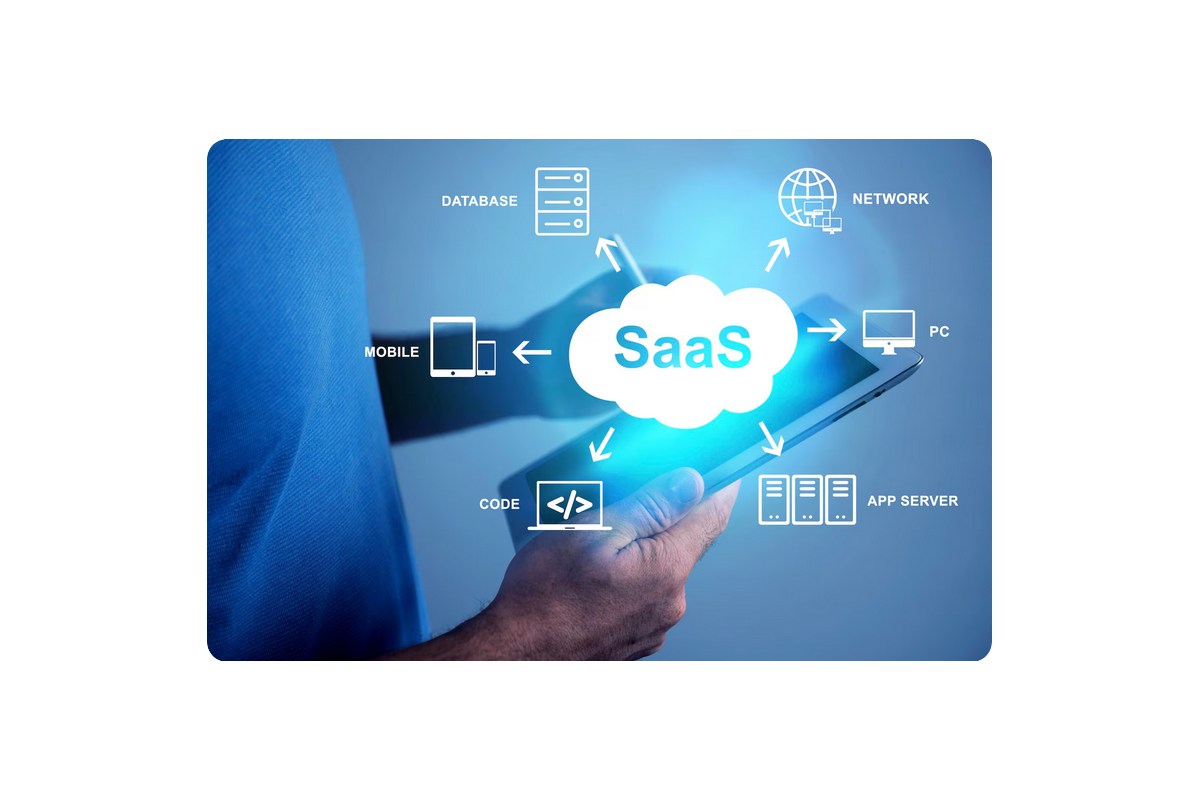
It is software provided in the cloud, and users use SaaS application development via the Internet.
That’s it.
Google Docs, Zoom, Dropbox—you’ve probably used SaaS without even thinking about it.
And yeah, that’s the whole point. No setup. No maintenance. No headaches.
Why SaaS Became So Popular
Look, companies didn’t switch to SaaS just because it sounded cool.
They switched because they had to.
During the pandemic, teams were suddenly working from home. Offices were shut. Systems that depended on physical access? Useless.
SaaS solved that overnight.
- Need files? Open the cloud
- Need meetings? Start a Zoom call
- Need team updates? Slack
Done.
By 2026, most businesses rely on cloud tools for daily operations. Not some. Most.
How SaaS Actually Helps Businesses
Let’s not overcomplicate it. Here’s what really matters.
1. It Cuts Costs
Traditional software is expensive. Upfront licenses, hardware, IT staff—it adds up fast.
SaaS flips that model.
You pay monthly. Sometimes ₹500, sometimes ₹2000 per user depending on the tool. But you’re not dropping lakhs upfront.
Example?
A small team using a CRM might spend ₹2,000 per user/month instead of investing ₹5–10 lakh in a custom system.
That’s a huge difference, especially for startups.
2. You Can Work From Anywhere
This one’s obvious—but still important.
You don’t need to be in the office. Or even in the same city.
If your internet works, you’re good.
And yeah, that’s why remote jobs exploded. SaaS made it possible to actually function as a team without being physically together.
3. Less Technical Mess
Honestly, this is underrated.
No installing updates. No fixing random bugs. No calling IT every week.
The provider handles everything in the background.
And your team? They just log in and work.
Simple.
4. Almost No Downtime
Older systems crash. Updates fail. Things break.
With SaaS, most platforms run on strong cloud infrastructure and promise around 99.9% uptime.
Which basically means—you rarely even notice issues.
It just… works.
5. Real-Time Collaboration
You don’t send files back and forth anymore.
No “final_v2_last_edit_really_final.xlsx”.
Everyone works on the same file. At the same time.
Changes show instantly. No confusion.
It sounds small, but it saves hours every week.
Common SaaS Tools People Use Today
Just to make it real, here are a few tools businesses use daily:
- Salesforce – managing customers
- Zoom – meetings
- Slack – team chats
- Notion – notes, docs, planning
- Shopify – running online stores
- Dropbox – storing files
Different purposes. Same idea—everything runs in the cloud.
SaaS vs Traditional Software
| Thing | Old Software | SaaS |
|---|---|---|
| Setup | Complicated | Instant |
| Cost | High upfront | Monthly payment |
| Updates | Manual | Automatic |
| Access | One device | Anywhere |
| Maintenance | Your responsibility | Provider handles it |
Not a hard choice, honestly.
Should You Use SaaS?
Here’s the thing.
If you want flexibility, lower costs, and fewer technical problems—SaaS makes sense.
If you prefer full control and don’t mind higher costs, traditional software might still work.
But for most businesses today? SaaS is the default.
Final Thoughts
SaaS didn’t just improve software—it changed expectations.
People now expect tools to:
- Work instantly
- Be accessible anywhere
- Require zero maintenance
And if a tool doesn’t do that? It feels outdated.
That’s where things are heading.
And it’s probably not going back.
