
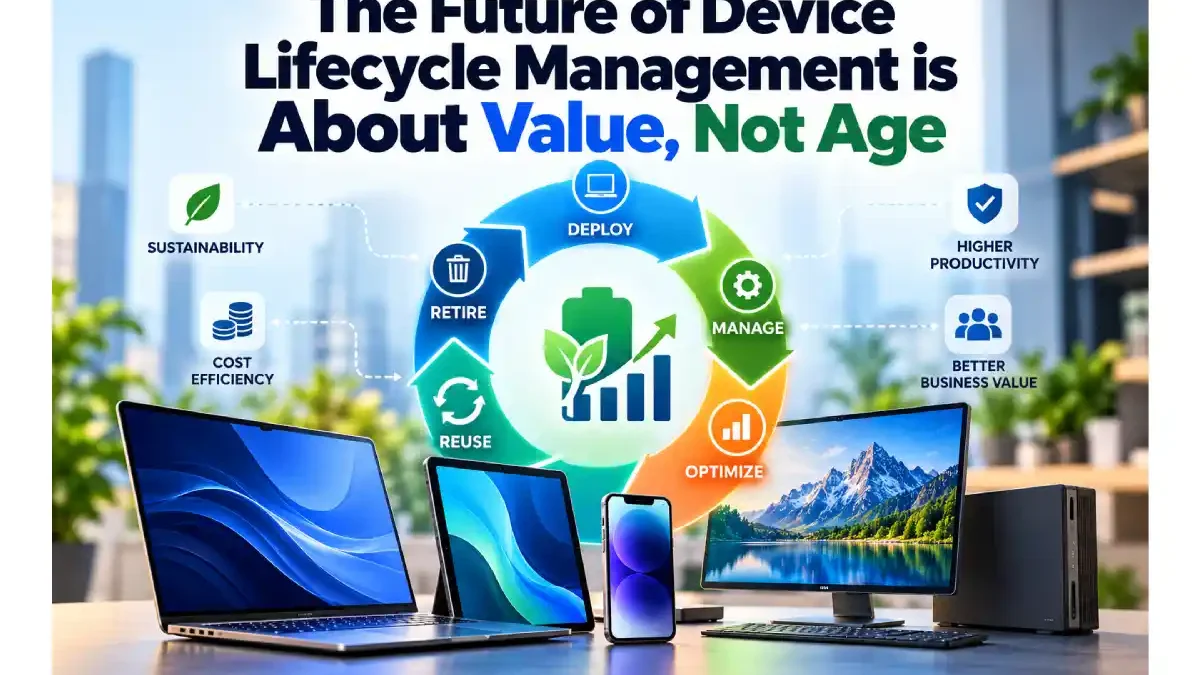

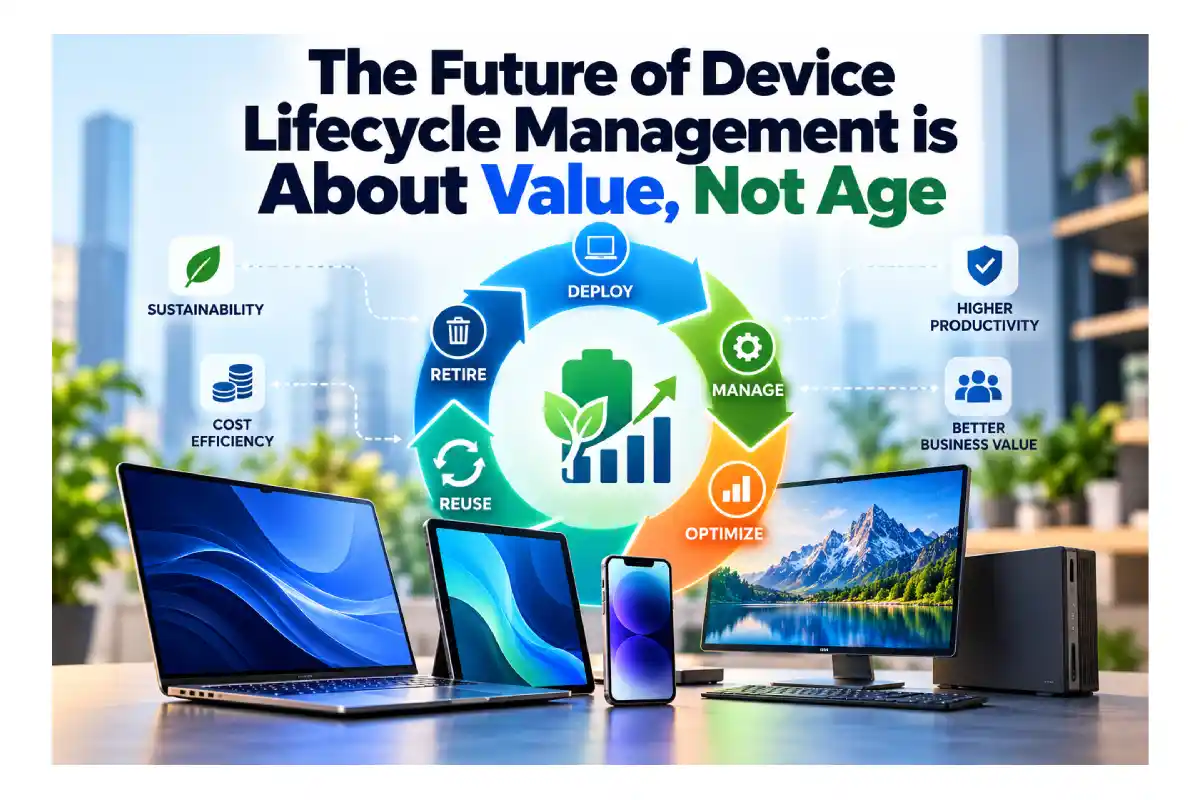
Future of Device Lifecycle Management
IT has spent decades managing endpoint age. It should be managing endpoint value.
By Simon Townsend, SVP of Marketing and Office of the CTO, ControlUp
Enterprise IT typically knows a remarkable amount about every laptop it manages. Purchase date. Warranty status. Model. Operating system. Assigned user. Scheduled replacement date.
What many organizations still struggle to answer is more basic: Is the device actually working well?
For decades, device lifecycle management was largely an exercise in logistics. Procure hardware, deploy it, support it for a predetermined number of years, replace it and repeat. Fixed refresh cycles made budgeting predictable at a time when IT had limited objective information about the performance of individual devices.
That limitation no longer exists. IT can measure device health, stability, resource utilization, application behavior, battery condition and the experience an employee is actually having. AI can interpret those signals, while automation can address many of the software and configuration problems that degrade performance.
Yet much of the industry still lets the calendar decide when a laptop has reached the end of its useful life.
Table of Contents
Age Is a Poor Proxy for Performance
Two identical laptops purchased on the same day can have very different useful lives. One might support an engineer running demanding applications all day. Another might spend most of its time running a browser, collaboration tools and a few business applications. Their batteries degrade differently, their software environments evolve differently and their users place different demands on them.
A fixed refresh policy ignores those differences. Healthy devices can be retired with useful life remaining, while newer devices with genuine performance problems stay in service because they are nowhere near their scheduled replacement date.
The question should not be whether a laptop is three, four or five years old. It should be whether it is delivering the performance, reliability, security and experience the employee needs to stay productive.
It also raises another question: Is the hardware even the problem?
Your Hardware Problem Might Not Be Hardware
Application sprawl, memory leaks, background processes, configuration drift, security agents and outdated drivers can all make a perfectly capable device feel like it has reached the end of its life.
Replacing the laptop may make the problem disappear temporarily, but that does not mean the laptop was the problem. If software or configuration is degrading the experience, the right intervention might be removing an unnecessary application, correcting a policy or automating remediation. A new device could be a very expensive fix for something that never required new hardware.
Digital employee experience (DEX) data helps IT distinguish between those scenarios. Instead of using age or user complaints as proxies for device health, teams can see what is consuming resources, whether performance is deteriorating and what is actually affecting the employee.
That distinction matters as enterprise technology budgets are pulled in more directions. Organizations are funding AI, cybersecurity, cloud modernization and automation alongside the everyday technology employees depend on. Every unnecessary refresh is capital that cannot be invested elsewhere.
The goal, however, is not simply to make laptops last longer. It is to get the greatest productive value from each device without compromising security or employee experience.
A Laptop Can Have a Second Job
Traditional lifecycle management tends to end with a binary choice: retain the endpoint or replace it. There are more options.
A struggling device might be restored through software remediation or configuration changes. A laptop that no longer meets the needs of a developer may work perfectly well for other employee personas with lighter computing requirements. Older hardware can also be repurposed as an access device for a virtual desktop or Cloud PC, shifting demanding workloads away from the endpoint.
The useful life of an asset and its suitability for its original user are not necessarily the same thing. Matching hardware to workload allows organizations to extract more value from equipment that might otherwise have been retired.
It also creates a more practical approach to sustainability. Extending the useful life of healthy hardware can reduce unnecessary electronic waste, but keeping poorly performing devices indefinitely is not the answer. The same data that identifies devices worth retaining can tell IT when extension no longer makes sense.
From Lifecycle Management to Lifecycle Intelligence
For years, lifecycle management has been built around milestones: purchase, deployment, warranty expiration, refresh and disposal. A better model continuously evaluates the endpoint between those milestones.
Is performance deteriorating? Is battery health becoming a problem? Has the workload changed? Is configuration drift affecting stability? Can the issue be remediated automatically? Is this still the right device for this employee?
Answering those questions across thousands of endpoints is where AI agents and automation become useful. AI can correlate telemetry and help determine whether an apparent device problem stems from hardware, software, configuration or another part of the digital workplace. Automation can then address routine problems without creating more work for IT.
This is also where lifecycle intelligence intersects with Autonomous Endpoint Management. Instead of waiting for an employee to report a slow laptop, the environment can identify deterioration, determine the likely cause and, where appropriate, remediate it before productivity suffers.
Organizations looking to coordinate these processes across IT operations can explore hyperautomation, which brings automation together across workflows to reduce repetitive manual intervention.
Let the Device Earn Its Replacement
Organizations still need refresh plans. Finance needs predictable budgets, procurement needs forecasts, and security or operating system requirements can put hard limits on how long equipment remains viable. But a refresh plan should be a planning framework, not a verdict.
When a device approaches its expected replacement date, IT should be able to determine whether replacement will materially improve performance, security or employee experience. If it will, replace it. If the problem can be fixed, fix it. If the device is healthy but no longer appropriate for its current user, repurpose it.
For years, age was a substitute for information because IT lacked a practical way to evaluate every endpoint individually. That excuse is disappearing.
The calendar can tell you how old a laptop is. It cannot tell you whether you need a new one.
About the Author

Simon Townsend is a prominent end-user computing (EUC) technology evangelist, marketer, and thought leader. As Senior Vice President of Marketing and Head of the Office of the CTO at ControlUp, he leads the company’s marketing strategy and team of digital, field, channel, and product marketers and technical experts worldwide. With more than 20 years of experience in the EUC market, Townsend has held leadership positions in marketing, product marketing, product management, and global systems engineering for several enterprise software companies, including IGEL, Ivanti, AppSense, Servo, and Westcon UK.
