
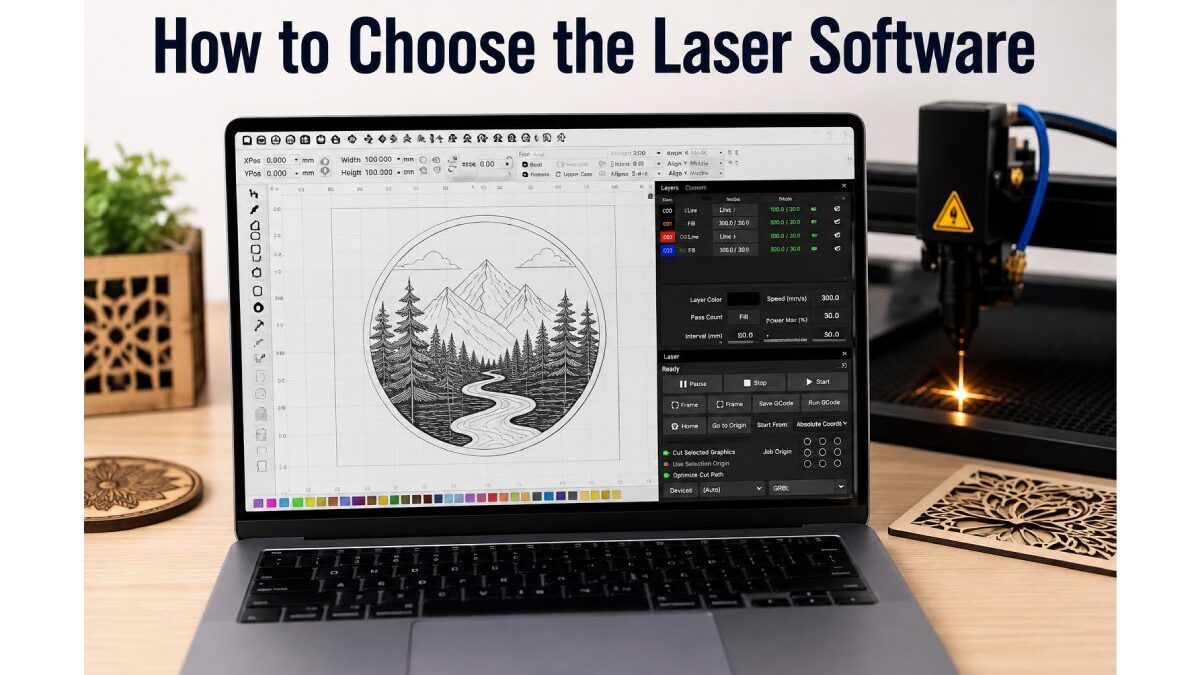

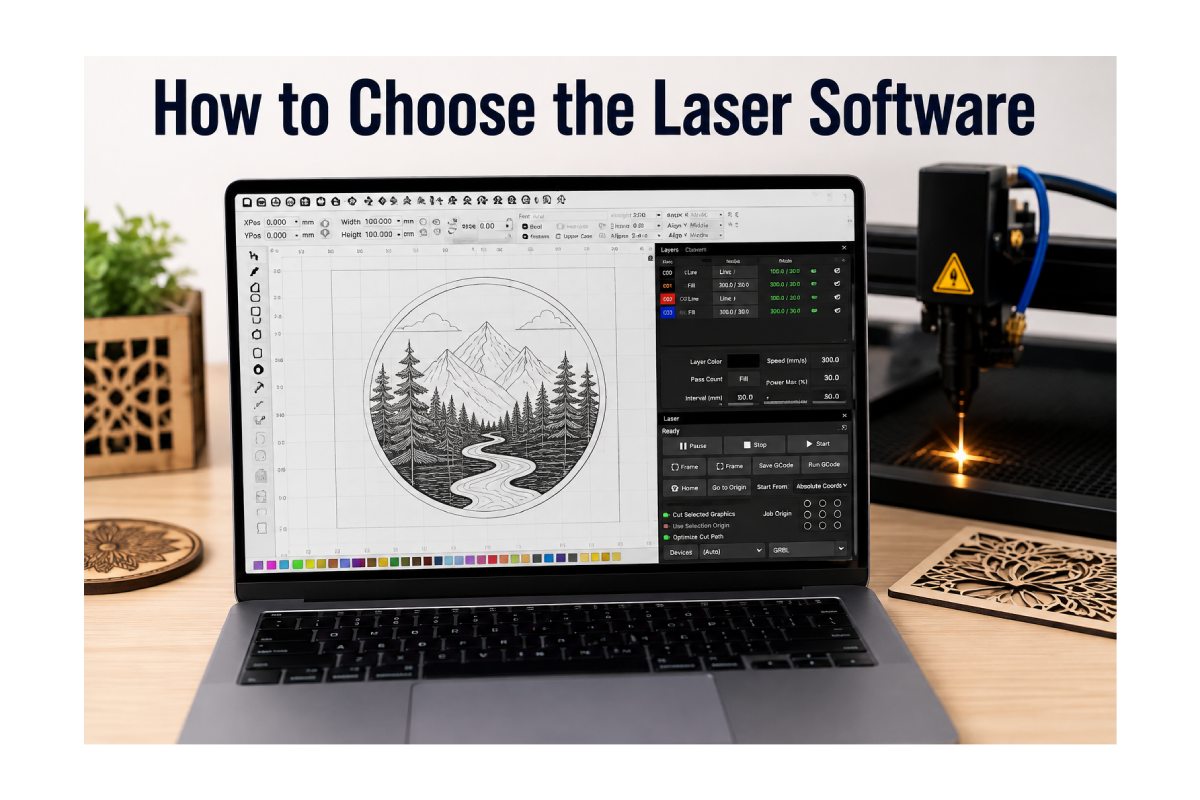
How to choose the Laser Software
The right laser software can greatly impact the performance of a laser cutting or engraving business. The software controls design preparation and sends instructions to the machine. There are various software choices to choose from, so do the research and make a thorough comparison. The decision is down to your machine, projects, experience, budget and long-term plans.
Table of Contents
Familiarise yourself with your laser machine.
Know your laser machine. The first thing you need to do is to make sure you know your laser machine’s software needs. The right laser software can greatly impact the performance of a laser cutting or engraving business. Different machines can use various types of controllers, drivers, communications, and file types. Some programmes can be used on many machines, while others are specific to certain equipment.
Identify your main objective.
Before making comparisons, think about what you plan to use your laser for. The machine in a small engraving shop can differ from the one in a company that produces complex industrial components. Consider the primary industry that you work in, whether you are a woodcutter, acrylic engraver, metal marker, sign maker or customer product.
Check File Format Compatibility
One of the initial technical considerations to make is file compatibility.
The files might be created in your design software in several formats such as SVG, DXF, AI, PDF, and more. It should be easy for the laser programme to accept commonly used files without needing to convert them. Incompatibility may impact the quality of design and slow down your workflow. Check if relevant data, such as paths, dimensions, layers and curves, are retained.
Compare Design Features
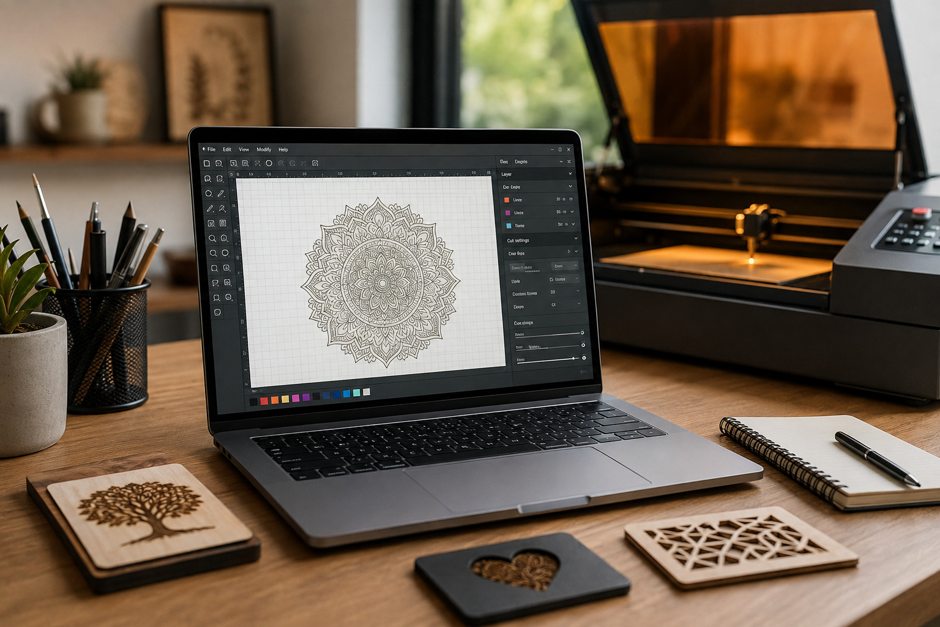
Some laser programmes have a built-in design feature, while others emphasise machine control. Consider using a design program other than the laser program or creating designs in the laser program. Text editing, shapes, alignment, layers, resizing and vector editing are some helpful design tools.
Check Machine Compatibility
Machine compatibility cannot be overlooked, as it could be a factor in whether the software is functional or non-functional. Make sure the programme is suitable for the type of laser controller or machine you are using. Always refer to the official compatibility information if available.
Evaluate Automation Features
Automation can be beneficial if a company has recurring laser jobs. Saved presets, templates, batch processing and reusable settings can cut down on the manual process. For instance, a company that creates custom signs could frequently use a similar layout and machine settings.
Consider Software Stability
Sometimes, stability is more important than getting dozens of advanced features. Crashes can take up precious preparation time and can slow production. Look for software with a stellar reputation for dependable operation on the computer system.
Mistakes to Avoid
- If software is the cheapest, that’s what a firm goes with.
- Forgetting compatibility with the exact laser machine and controller.
- Purchasing unnecessary features that do not fit your regular workflow.
- Forgoing trial or testing where there is an option.
- Not verifying the import and export of files.
- Forgetting to consider future production needs.
Conclusion
The first step in selecting the right laser software is understanding your machine and its daily production use. Assess for compatibility, file support, controls, performance, stability, pricing and technical support. Never choose a programme based solely on the number of features it offers. Rather, try it with your projects and materials. The best software will be easy to use but also provide ample room for expansion. When it comes to the laser, there’s nothing like taking time to compare your options so you can establish a smoother, more reliable laser workflow.
