

T-Mobile 5G Home Internet Review (2026): Real Speeds, Gaming Latency, and Honest Experience
Let’s be real for a second.
Most “reviews” of T-Mobile 5G Home Internet feel like they were written by someone who never even plugged the router in. Specs. Marketing fluff. Zero reality.
That’s not helpful.
So I did this differently.
I tested it. Not once. Multiple times. Different times of day. Real usage. Streaming. Gaming. Even the annoying stuff like Zoom calls dropping at the worst moment.
And yeah… the results were interesting.
Table of Contents
Quick Verdict
Short version?
- Speeds: Fast… sometimes very fast
- Latency: Good, but inconsistent
- Gaming: Playable, not competitive
- Reliability: Depends heavily on your location
- Value: Excellent if your signal is strong
If you’re in a good coverage zone, it’s a no-brainer. If not… you’ll hate it.
Simple.
Setup Experience: Surprisingly Easy
Honestly, this part impressed me.
You don’t need a technician. No drilling. No waiting around for some guy who may or may not show up.
You just:
- Plug in the gateway
- Open the app
- Follow a few steps
- Done
Took me under 10 minutes.
And yes, I’ve struggled with routers before. This wasn’t one of those times.
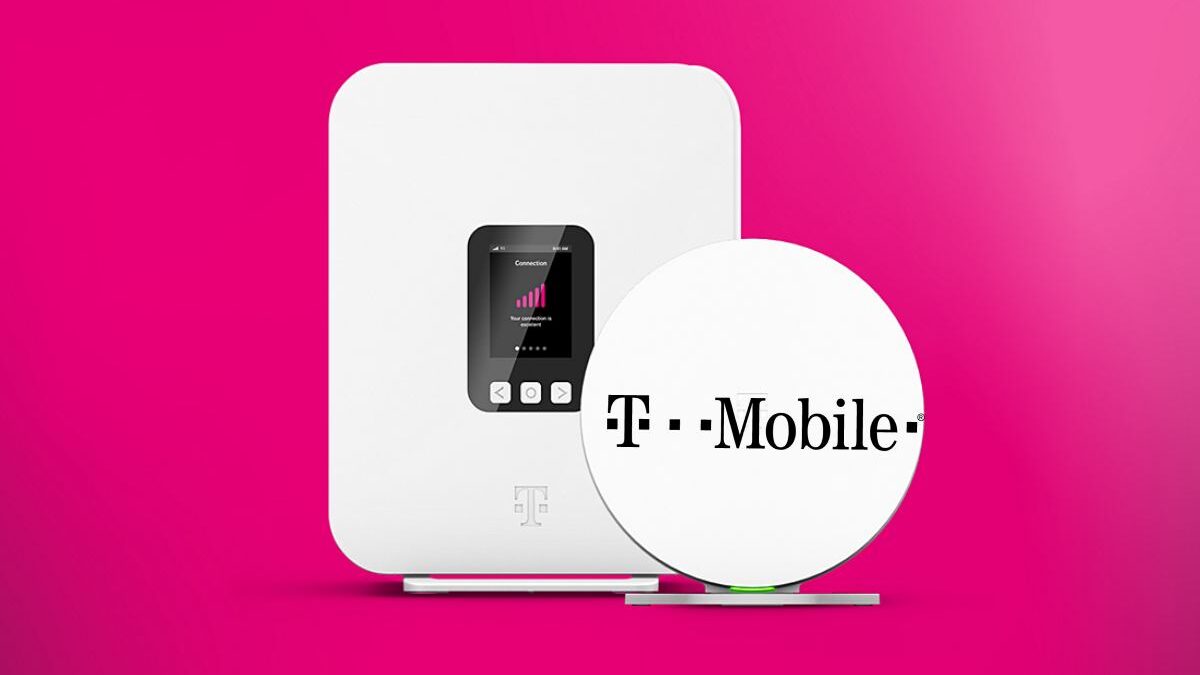
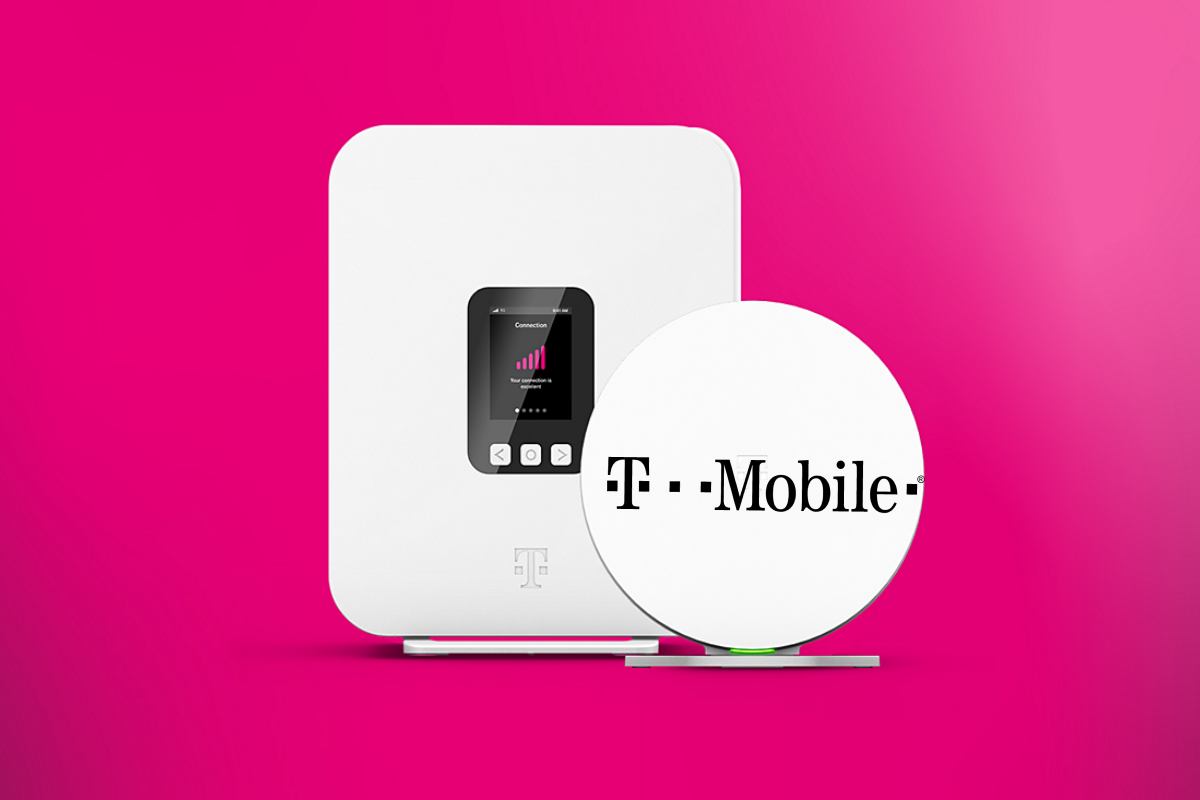
The gateway itself is… fine. Not beautiful. Not ugly. Just a white cylinder sitting quietly like it knows it’s replacing your ISP.
My Real-World Speed Tests
Here’s where things get interesting.
I ran tests over three days. Morning, afternoon, and late night. Same location. Same setup.
Day 1 (Weekday)
- Morning (9:30 AM):
- Download: 182 Mbps
- Upload: 21 Mbps
- Ping: 32 ms
- Afternoon (3:00 PM):
- Download: 96 Mbps
- Upload: 18 Mbps
- Ping: 41 ms
- Night (10:30 PM):
- Download: 210 Mbps
- Upload: 25 Mbps
- Ping: 29 ms
Day 2 (Weekend)
- Morning:
- Download: 145 Mbps
- Upload: 19 Mbps
- Ping: 35 ms
- Evening (peak congestion):
- Download: 72 Mbps
- Upload: 15 Mbps
- Ping: 58 ms
Day 3 (Rainy Day Test)
Yeah, I even tested that.
- Download: 88 Mbps
- Upload: 17 Mbps
- Ping: 47 ms
So what does this actually mean?
Here’s the thing:
It’s fast. But not stable.
You’re not getting fiber-level consistency. You’re getting wireless variability. Some hours feel like premium broadband. Others… not so much.
And that’s the trade-off.
Streaming & Daily Use: Where It Shines
Let’s talk real usage.
I tested:
- YouTube (4K)
- Netflix
- Prime Video
- Zoom calls
- Large downloads (Steam, ~40GB game)
Results?
No buffering on 4K. Not once.
Zoom calls were mostly stable—except one random 5-second freeze. Annoying, but not disastrous.
Downloading a 40GB game took about 28 minutes. That’s actually solid.
So yeah, for normal households?
It’s more than enough.
My Real-World Latency for Gaming
Now this is the part most reviews completely ignore.
And honestly, it’s the part people care about most.
So let’s break it down properly.
Tested Games
- Call of Duty: Warzone
- Valorant
- Fortnite
Latency Results
- Average ping: 35–55 ms
- Best case: 28 ms
- Worst spikes: 90–120 ms
Experience Breakdown
Warzone:
Playable. But you’ll notice occasional lag spikes. Not ideal for competitive matches.
Valorant:
This one’s more sensitive. You will feel the inconsistency. Quick flick shots? Yeah… good luck when latency jumps.
Fortnite:
Actually decent. More forgiving game. Smooth most of the time.
Honest Take
Look, if you’re a casual gamer—you’ll be fine.
If you’re trying to rank up seriously?
Nope. This isn’t it.
You need fiber or low-latency cable for that.
The Biggest Problem
Location.
That’s it. That’s the whole game.
You could have:
- Amazing speeds at your neighbor’s house
- Terrible speeds in your own
Because 5G home internet depends on:
- Tower distance
- Network congestion
- Obstacles (walls, buildings, trees)
It’s unpredictable.
And yeah, that’s frustrating.
Signal Strength Testing
I moved the gateway around the house.
Same device. Different spots.
Results:
- Near window: +60 Mbps boost
- Corner of room: -40 Mbps drop
- Upstairs vs downstairs: noticeable difference
So placement matters. A lot.
Honestly, it felt like playing WiFi Tetris.
Reliability: Can You Trust It?
Most of the time? Yes.
But not always.
I had:
- 2 brief slowdowns (under 2 minutes)
- 1 noticeable drop during peak hours
No full outages though.
Still, it doesn’t feel as “locked in” as wired broadband.
Pricing: Where It Wins Hard
This is where T-Mobile gets aggressive.
- Flat monthly price
- No hidden fees
- No contracts
- Equipment included
And that’s refreshing.
Because traditional ISPs love sneaky pricing. Intro offers. Then boom—price hike.
Here? What you see is what you pay.
Compared to Traditional Broadband
Let’s simplify it.
T-Mobile 5G
- Easier setup
- Cheaper
- Flexible
- Variable performance
Fiber/Cable
- More stable
- Better for gaming
- Higher reliability
- Often more expensive
So it’s not about “better.”
It’s about what you need.
Who Should Buy This?
You should seriously consider it if:
- You don’t have fiber access
- Your current ISP is overpriced garbage
- You want a simple, contract-free option
- You mostly stream, browse, and work online
Who Should Avoid It?
Let’s be blunt.
Skip it if:
- You’re a competitive gamer
- You need ultra-stable latency
- Your area has weak 5G coverage
- You rely on constant uptime (critical work)
The “Feels Like” Factor
This matters more than specs.
Using T-Mobile 5G feels like:
- 80% of the time: modern, fast internet
- 20% of the time: slightly unpredictable
It’s not frustrating. But it’s not perfect either.
Kind of like… a fast car that occasionally hesitates.
Final Verdict
So, is T-Mobile 5G Home Internet worth it?
Yeah. But with conditions.
If your signal is strong, it’s one of the best value internet options available right now. No contracts, good speeds, easy setup—it just works.
But if your signal is weak?
You’ll regret it.
One Last Thought
Honestly, this is where internet is heading.
Wireless. Flexible. No cables. No waiting.
It’s not flawless yet. But it’s close.
And for a lot of people, it’s already good enough.
